
Speak. Your menu board and connected menu channels update.
With Nina GO AI, you can change the design, dishes, images and prices on your animated, video-style digital menu board by speaking. Everyday changes no longer need a newly commissioned video or a wait for your advertising agency.
Your QR menu, website, tablets and self-order kiosk share one management workspace. Update product information once and use it across the relevant connected channels. Bring menu management, ordering and guest communication into a more organised digital workflow.
- Voice-controlled animated digital menu boards
- One workspace for connected menus and ordering
- Everyday updates controlled by the owner
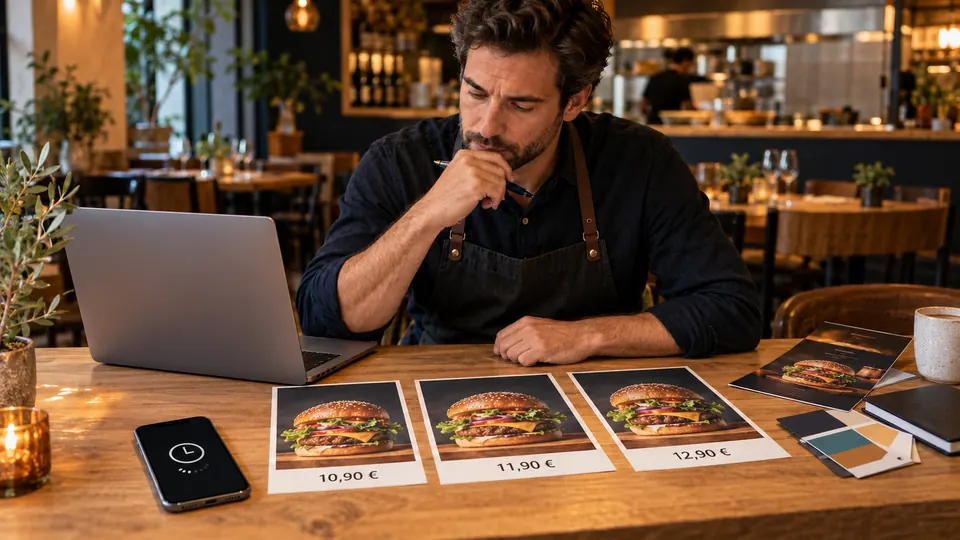
Why should one price change create work across your whole business?
A change in ingredient costs or a new dish may mean more than editing a number. If printed menus, flyers, menu videos, QR menus and your website are prepared separately, the same update has to be commissioned repeatedly.
Imagine changing prices three times in one year. Each round involves preparing, checking and distributing files again, with repeated service costs and waiting time. Nina GO AI brings that preparation into a shared workspace.
- Separate files and design tasks for the same product
- Recurring update and preparation expenses
- Old and new prices becoming mixed across channels
Change your animated digital menu board by speaking.
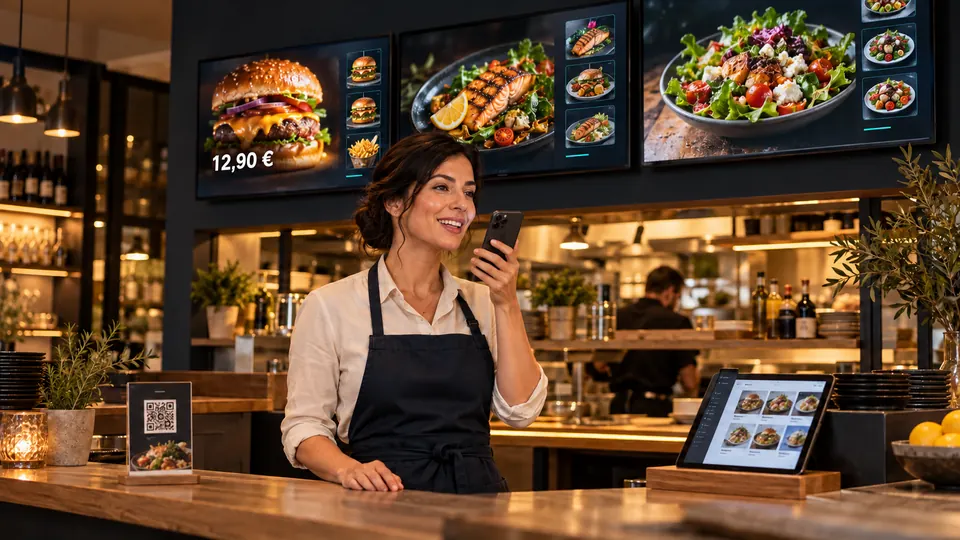
At the heart of Nina GO AI is a digital menu board that the owner can edit with voice instructions. This goes beyond taking spoken orders: the owner can also change the products, prices and visual design shown on screen.
Say the new price, add a dish or change a design’s background. Review the proposed changes in the preview and manage publication. Everyday menu updates do not require you to learn video-editing software or buy outside help each time.
Nina, change the price of the chicken meal to 12.90 euros.
Add lentil soup to the menu.
Change the background of this menu board design.
Menu & menu boards
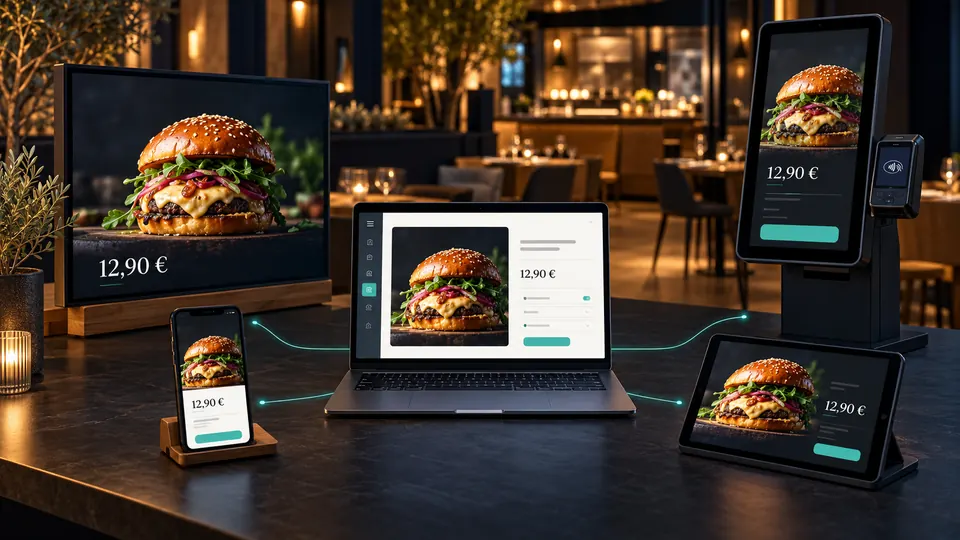
Update once. Keep connected channels in step.
Guests may see the same product on your entrance screen, table QR menu, website and self-order kiosk. When those touchpoints are managed separately, outdated prices or product details can easily remain on one of them.
Nina GO AI manages product and menu information from a shared source. With the relevant modules enabled, current data appears on your connected menu screens and channels. Each screen serves its own purpose; kitchen and pickup displays show their respective stages of the same order flow.
- Digital menu boards and QR menus
- Website, tablets and self-order kiosks
- Order, kitchen, checkout and guest-status screens
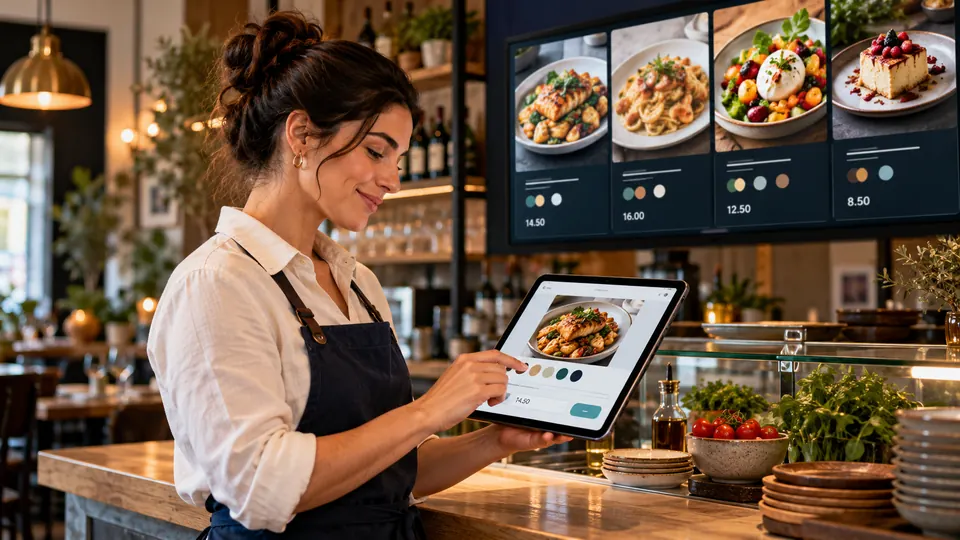
Make everyday changes without waiting for an agency.
Professional design services should be something you choose when you need them. Correcting a price or preparing a daily promotion should not always depend on someone else’s schedule.
Start from a template, arrange your products and adjust colours and images. Work on your menu with voice commands. You decide how your business looks and when its content changes.
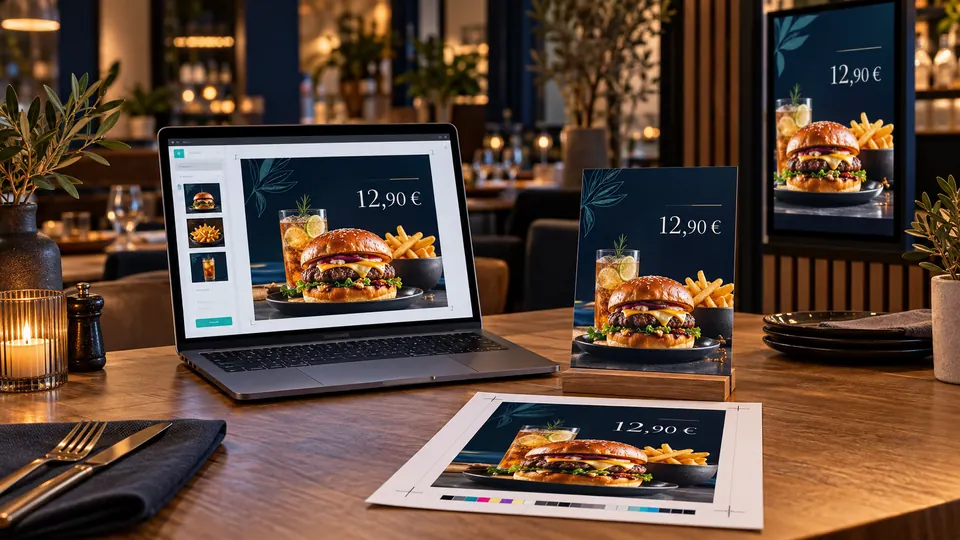
From your menu board to a print-ready flyer in one workspace.
Avoid preparing screen content, printed menus and leaflets as unrelated jobs. Use your products, current prices and images in the same workspace to create promotional materials.
Describe the changes by voice, refine the layout and prepare a file suitable for printing. When a physical print is needed, you have an up-to-date file instead of collecting the same product information again.
- Digital menus and campaign designs
- Flyer and leaflet preparation
- Consistent presentation using current product information
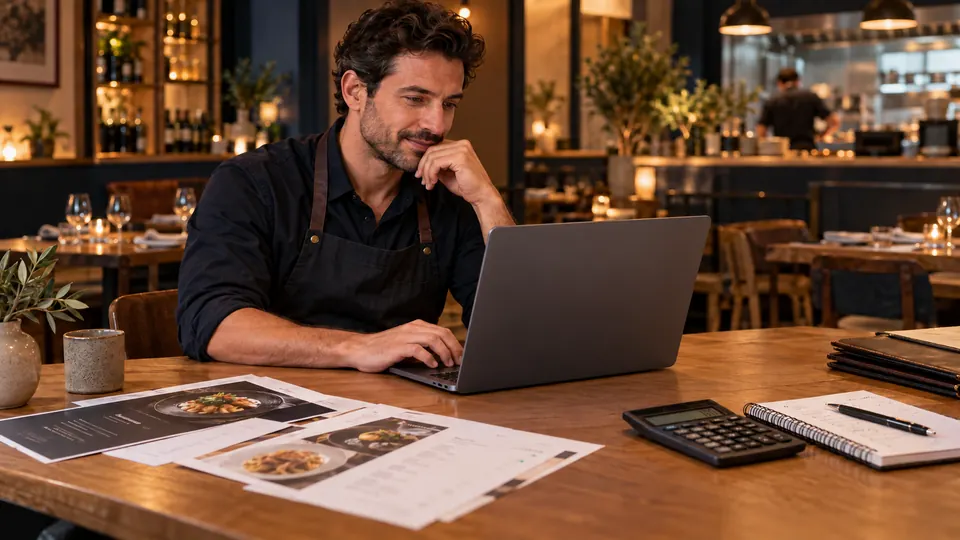
Reduce recurring design and update expenses.
Nina GO AI is designed to make digital content management accessible to small and medium-sized businesses. Start with the yearly QR Menu or the monthly Live Cloud, whichever fits your needs.
Preparing menus, video content and designs in-house can reduce how often you buy the same services again. Depending on your current costs, update frequency and package, you may save up to 70% on this preparation work. There is also less waiting for files and less repetition of instructions to different people.
Potential savings of up to 70% on recurring design and update preparation1
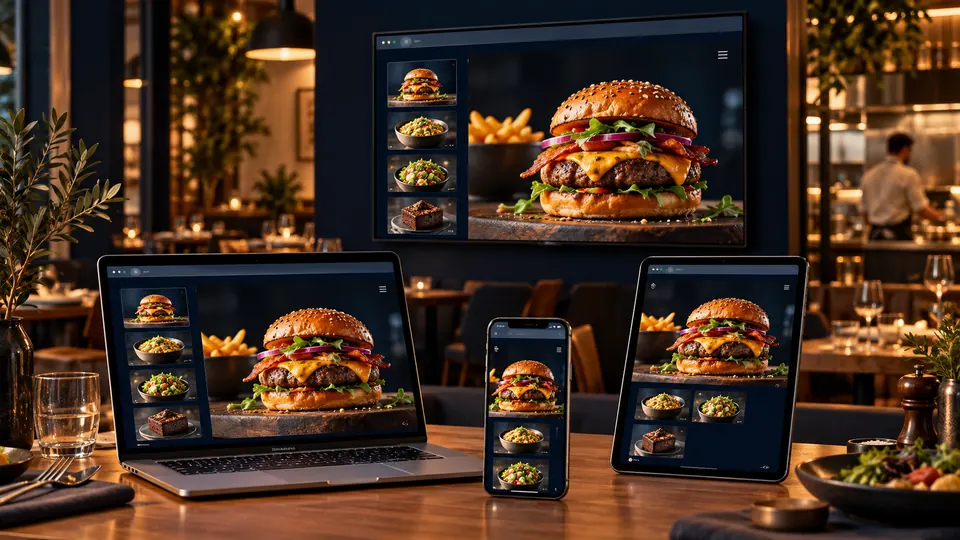
Work on compatible devices without installing an app.
You do not need a separate app installation on every device to manage and present your menu. Nina GO AI works through compatible web browsers on phones, tablets, computers and connected displays.
Guests open the menu by scanning a QR code, without first finding and downloading an app. Your business can use different functions of the same system through a setup that meets the relevant device requirements.
Content & visuals
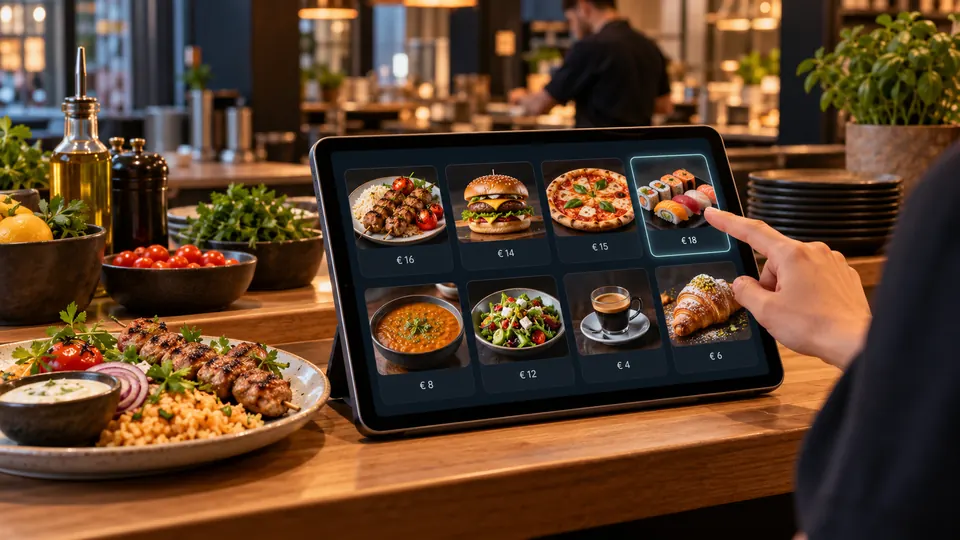
Do not start your menu from a blank screen.
Naming products, finding images and organising prices can take considerable time during initial setup. Nina GO AI offers ready-to-use product content for different countries and cuisines as a starting point.
Use product names, images and indicative average prices, then adapt them to your recipes and business. You determine the final description and selling price using your own costs, portions and customers.
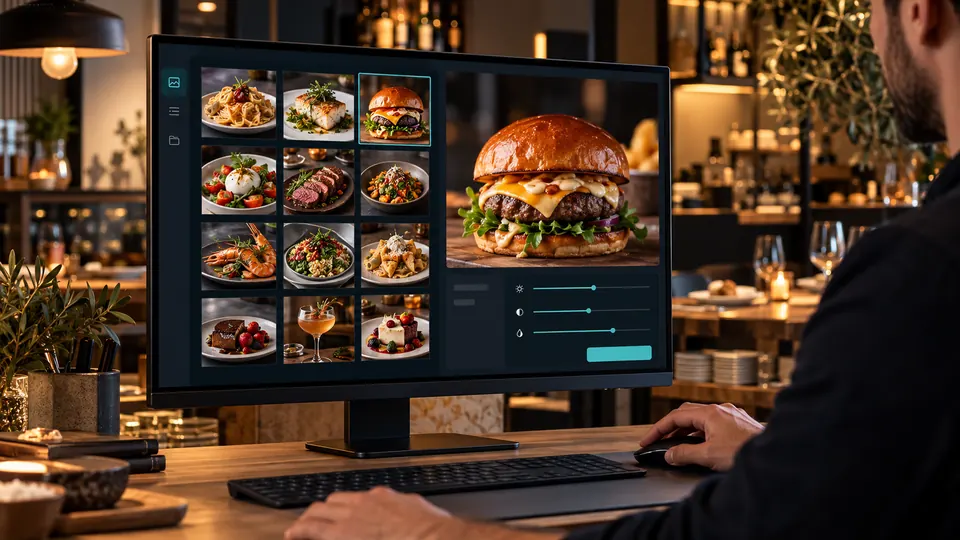
An extensive image library with AI content creation.
Commissioning a shoot or a new image for every promotion can strain a small business. Nina GO AI combines a continually refreshed visual library with AI-assisted creation tools.
Choose existing visuals, describe the presentation you want and create new content for menu boards, menus and promotional designs. Explore different presentations of a product in the same workspace.
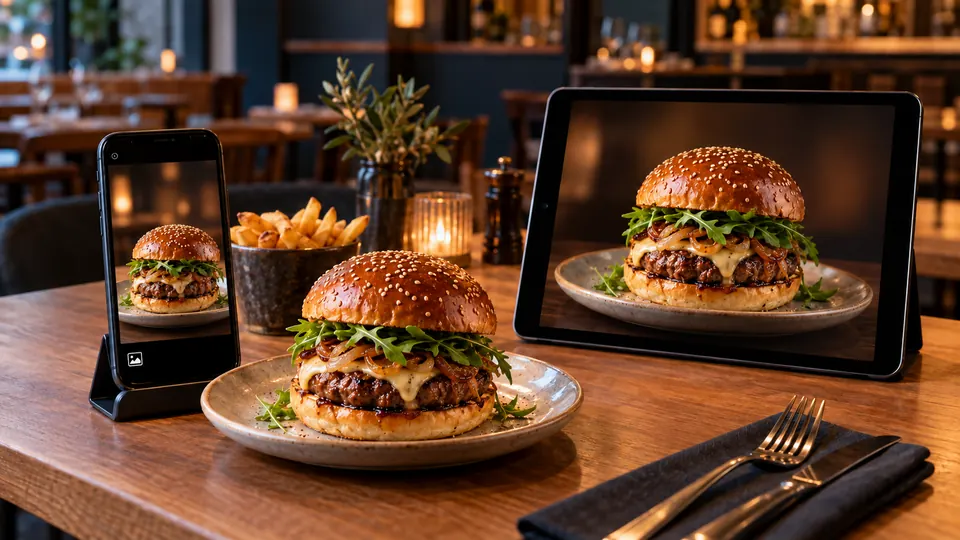
Photograph your own dish. Improve its presentation.
Take a photo of the food you actually prepare and edit it with AI-assisted tools. Work on the background, lighting and presentation to create a more professional image.
The aim is to communicate your real product more clearly. Review the result before adding it to menus, displays and promotional materials.
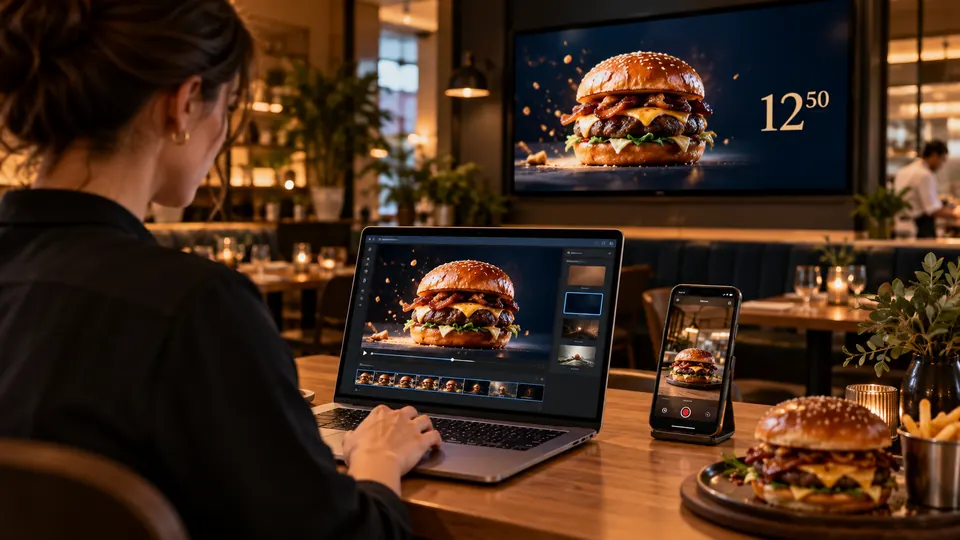
Bring your own videos into animated menus.
Use videos of food preparation, product details or presentation in your digital menu board. Adjust the background and visual treatment to suit your menu design.
Your screens can then show your own products and the character of your business. Combine moving food content with current names and prices to reuse existing material in a new promotion.
Orders & guests
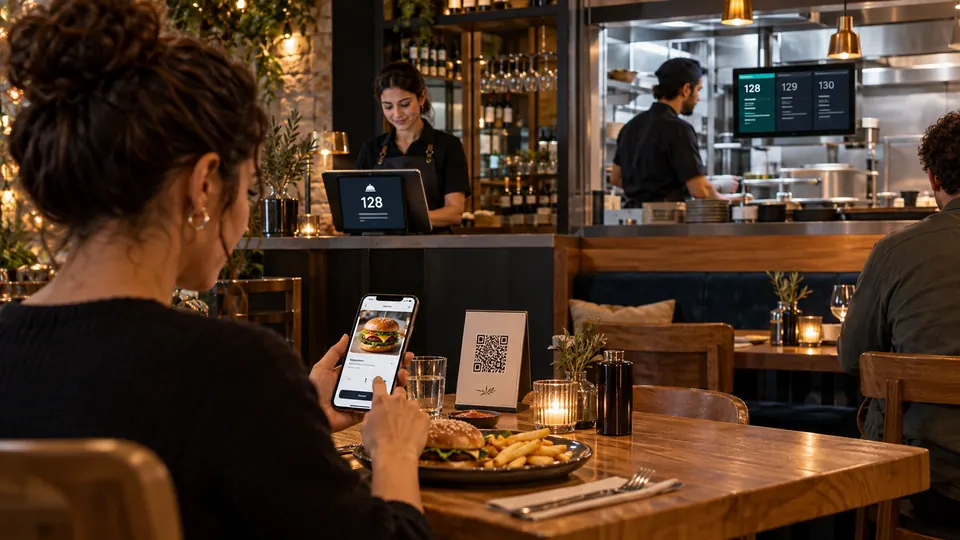
A connected order flow from QR menu to kitchen to guest.
Guests can scan a table QR code, browse products and, with the relevant modules enabled, send an order directly from their phone. Tablets and self-order kiosks can join the same setup.
The order reaches the relevant business screens. Kitchen staff follow preparation, cashiers and service staff see progress, and the guest receives order-status information. Each touchpoint uses the part of the same order that matters to it.
- The guest chooses through a QR menu, tablet or kiosk.
- The order appears on the relevant business and kitchen screens.
- Preparation and collection status are updated throughout the process.
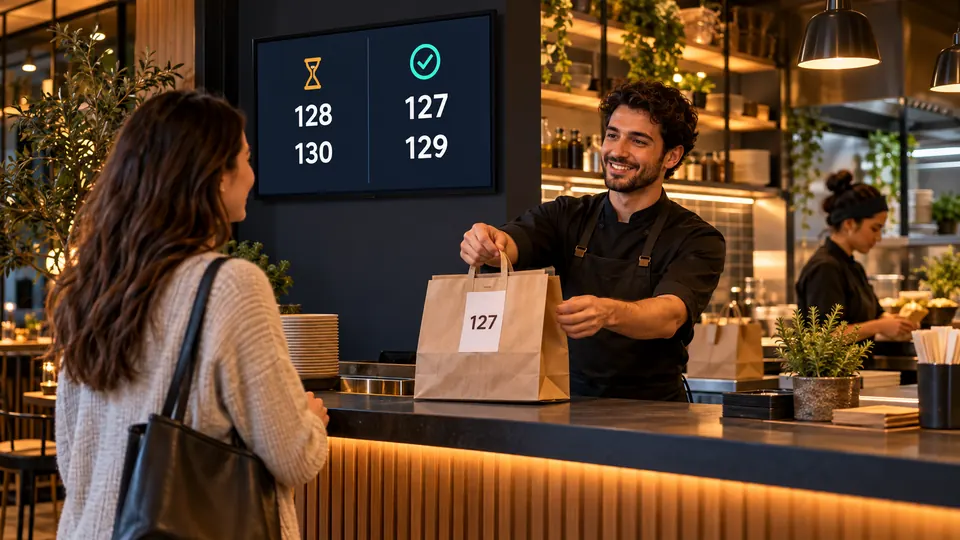
Let guests see how their order is progressing.
Answer the recurring question, “Is my order ready?” with a clear status display. Order numbers can be shown separately for meals being prepared and meals ready for collection.
For quick-service restaurants, cafés and takeaway counters, this supports a more organised handover. The kitchen manages preparation while the guest follows the current status relevant to them.
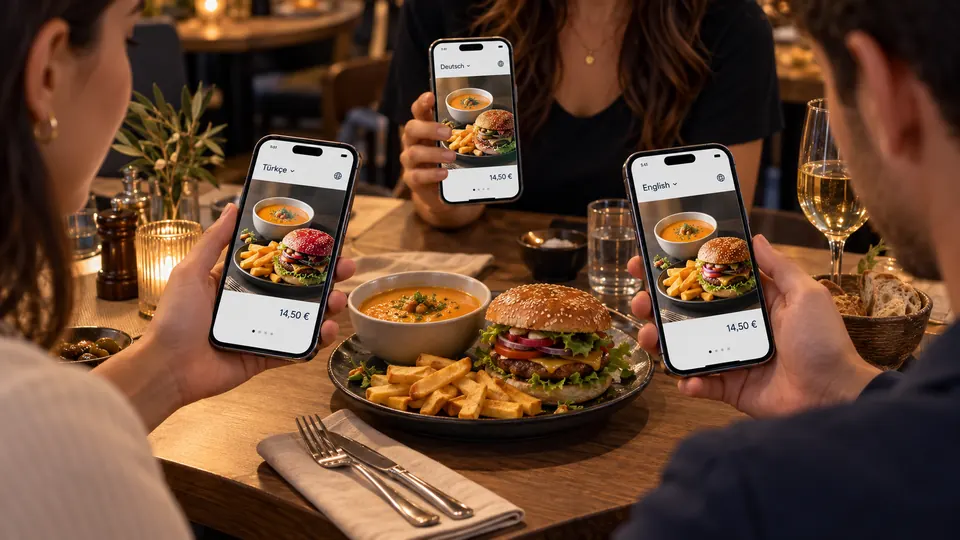
Present your menu automatically in 12 languages.
Understanding a dish is the first step towards choosing it with confidence. Nina GO AI automatically translates menus into 12 languages to make your offering clearer to guests who speak different languages.
Product names and descriptions can appear in a language the guest understands. You reduce the work of preparing separate menus for each language while making your local identity more accessible to international visitors.
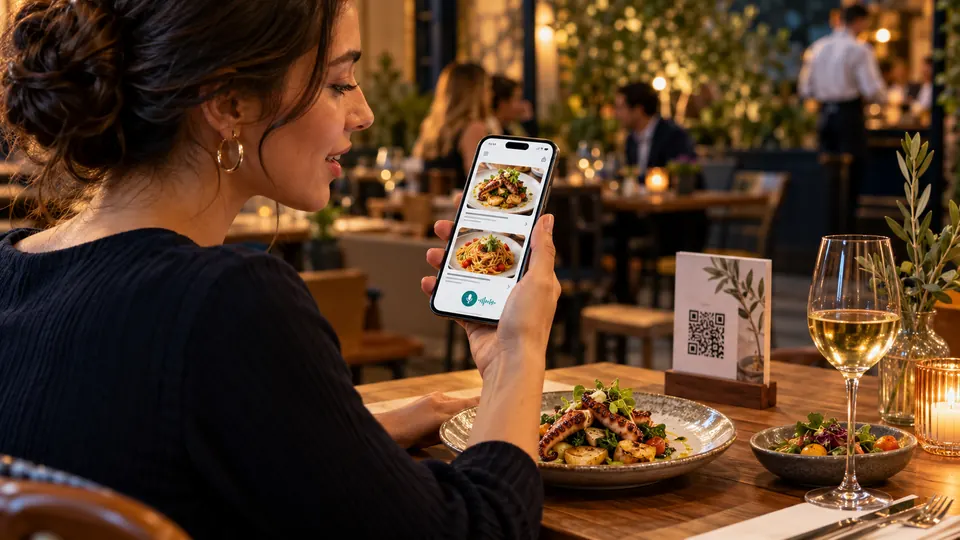
Let guests explore the menu with a voice assistant.
Guests can discover dishes, ask for product information and create an order by speaking to the assistant. It helps explain the options using the information in your restaurant’s menu.
Instead of searching long lists alone, guests can describe what they want. Your team can spend less time repeating basic explanations and more time on other service needs.
Which burgers are on your menu?
What is included in this meal?
Could you tell me about this dish?
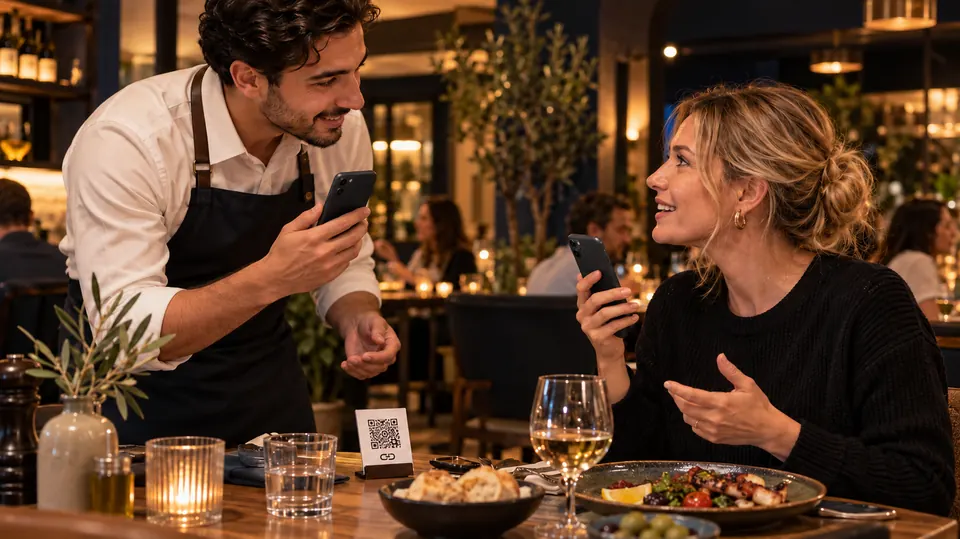
You speak your language. Your guest speaks theirs.
A translated menu helps, but special requests and follow-up questions need a conversation. Nina GO AI’s live interpreter connects staff and guests at that moment.
The waiter and guest pair their phones using a QR code. Each speaks their own language, with two-way interpretation across 33 supported languages. For example, a Turkish-speaking employee and a German-speaking guest can continue the conversation through their own phones.
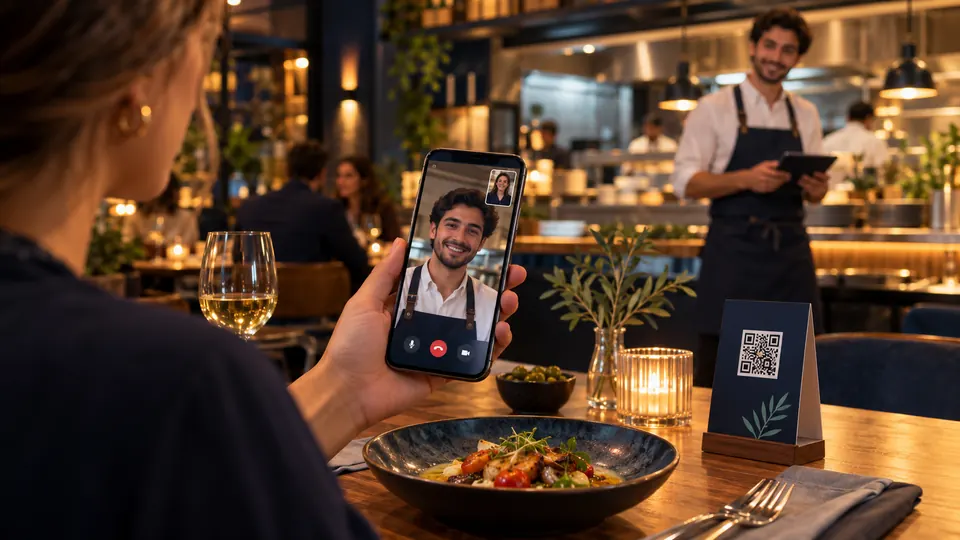
Voice and video contact without sharing phone numbers.
Guests do not need a staff member’s personal phone number to ask for help. Nina GO AI can provide voice or video communication with the business.
A guest can send a question from their own phone and speak directly with a member of staff when needed.
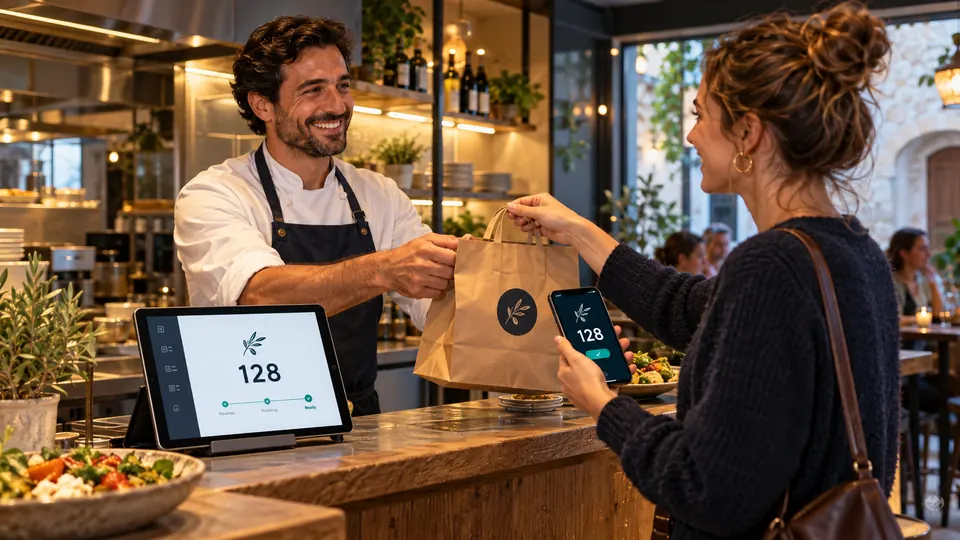
Growing sales should not mean growing software commissions.
Small businesses divide earnings among ingredients, staff, rent and other expenses. An additional platform commission on every order can make that balance harder.
Nina GO AI’s software model is built around taking no commission on sales. You pay for your selected package, without a Nina GO AI percentage commission on orders received through your own digital channels. Strengthen your own ordering channel and direct guest relationships.
Advertising & growth
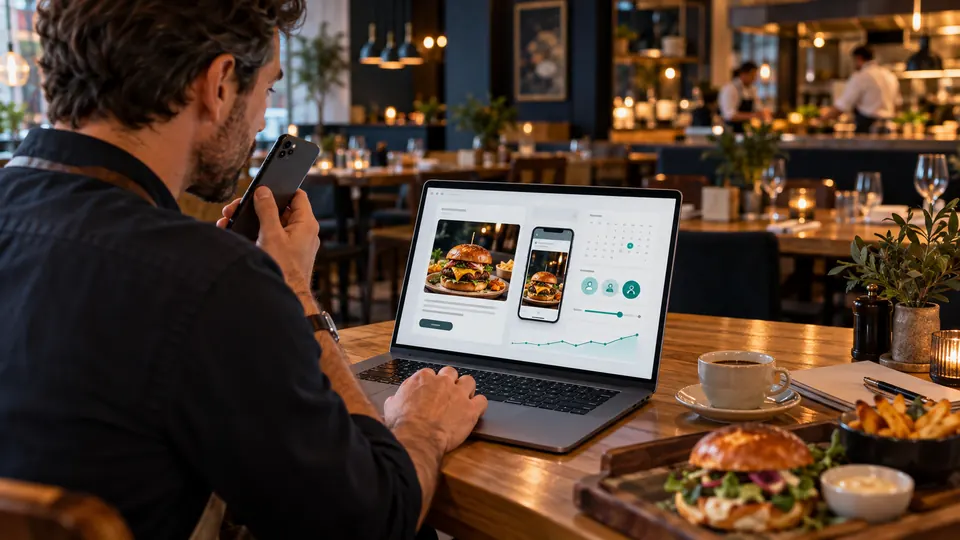


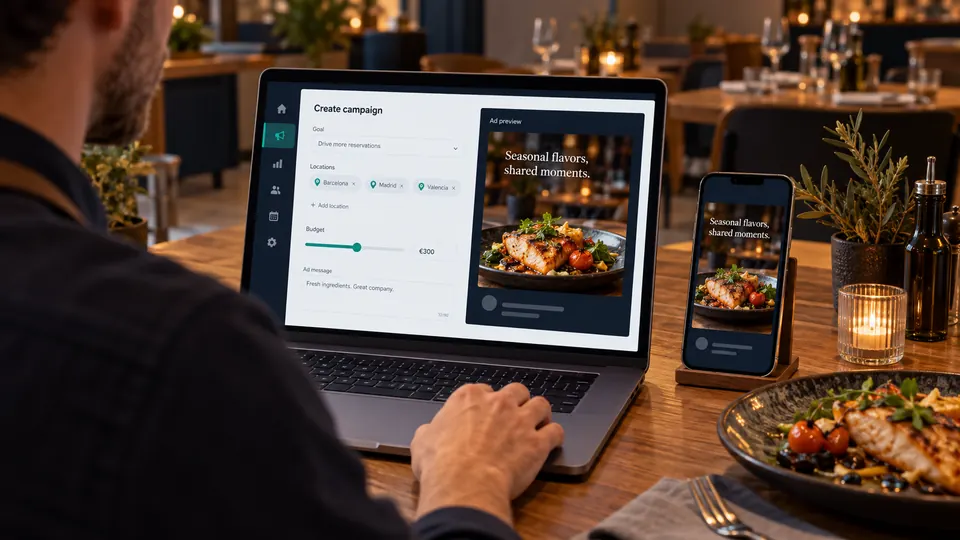
Manage Meta advertising by describing what you want.
Promoting a product should not require learning every advertising-panel term. With Nina GO AI’s Meta integration, describe the product, intended audience, campaign period and budget in natural language to begin preparation.
The assistant helps turn supported targeting and delivery preferences into a campaign draft. Review the creative, targeting and spending plan before approving the publication process. AI-assisted analysis of running campaigns helps inform performance reviews and optimisation decisions.
- Clear instructions for product, audience, timing and budget
- Campaign summary and approval before publication
- Performance assessment using spend, reach and engagement
Prepare a Meta ad for our new lunch menu using my intended audience, campaign period and budget.

Prepare and manage ChatGPT ads in the same workspace.
With Nina GO AI’s ChatGPT Ads connection, prepare campaigns, ad groups and ads within the same management environment. Describe the product, advertising message, destination URL and budget to the assistant to initiate supported actions.
Country, context and targeting choices are evaluated within the provider’s supported options. Review and approve the campaign, then follow creation or publication progress. Account, country, feature availability and ad-review conditions determine delivery eligibility.
- Campaign, ad-group and ad preparation
- Budget and supported country/context preferences
- Preview, approval and operation-status tracking
Improve advertising with AI support.
Preparing an ad is the starting point. Use the AI support in Nina GO AI at any hour to understand campaign results and make informed decisions. Spend, reach, engagement and available audience data are turned into clearer assessments.
Develop campaigns within the management and automation scope you enable. Your goals, budget and permissions define the boundaries; follow recommendations and campaign status in the same workspace. Available analyses and actions vary by advertising provider.
Advertising budgets represent the ad platform’s media spend and are separate from software-package charges. Delivery depends on account eligibility, supported countries and targeting options, and the provider’s review.
Planned development
 Planned development

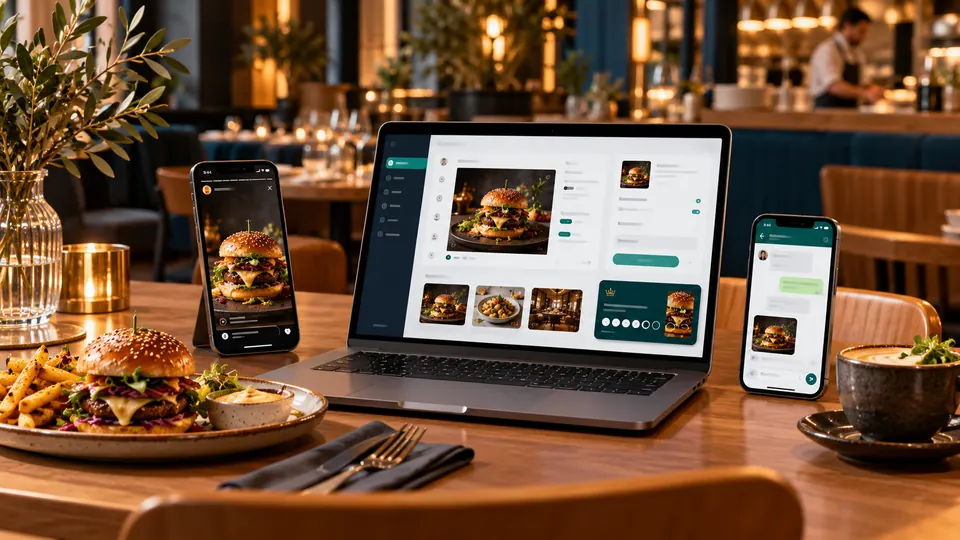
Planned: guest relationships and marketing in one place.
Keeping a menu current is followed by building relationships and earning repeat visits. Planned modules aim to bring communication and marketing into Nina GO AI’s shared management workspace.
The roadmap includes handling WhatsApp messages and reservation requests, managing social-media DMs and comments, and publishing posts and stories automatically or on a schedule. Loyalty programmes and permission-based WhatsApp marketing are intended to strengthen direct relationships.
- WhatsApp communication and reservation requests
- Posts, stories, DMs and comments on supported social channels
- Loyalty programmes and permission-based guest communication
 Planned development
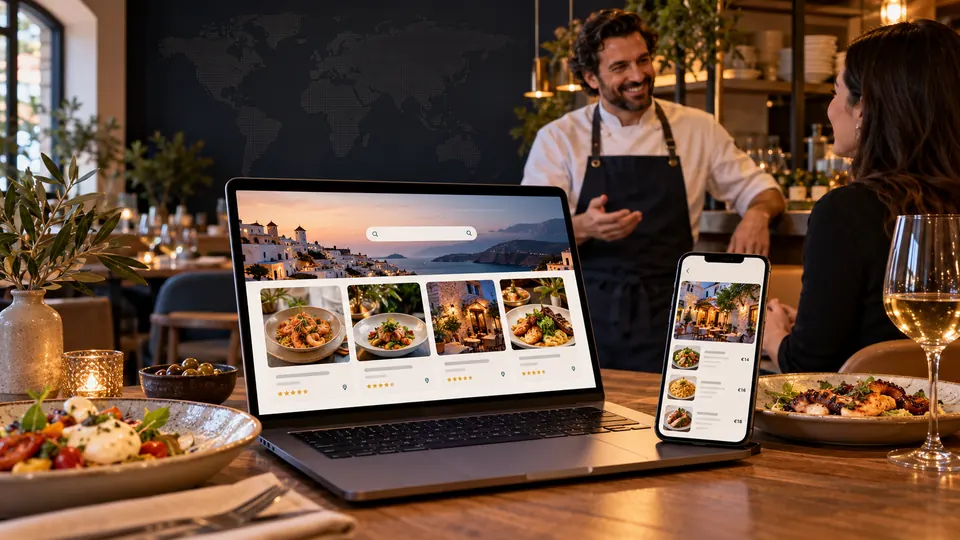
Our future vision: an ordering portal without sales commissions.
As restaurants from different countries join Nina GO AI, a shared food-service network will take shape. Once enough businesses have joined, a discovery and ordering portal is planned within that network.
Restaurants will be able to participate with their own menus and ordering infrastructure, while guests discover different businesses and cuisines. Not charging restaurants a commission on sales will remain the portal’s core business-model principle. The portal is not presented as an open marketplace today.
Help small businesses manage their digital work independently.
Our mission is to give small and medium-sized food-service businesses access to powerful digital tools at affordable prices. Updating a menu, preparing moving screen content, taking orders or speaking with an international guest should not demand advanced technical expertise.
We work to simplify everyday operations through connected tools people can use by speaking. We support a way of working in which a business can build direct guest relationships and make routine changes without waiting for someone else’s schedule.
Connect local food with the world through a shared network.
Our vision is to connect restaurants, chefs, employees and guests across countries in a shared structure that reduces language barriers. A family restaurant or independent café should be visible digitally while retaining its identity.
Starting with voice-controlled menu boards, this structure will develop through connected ordering screens, multilingual service, direct communication, advertising and marketing tools, and a future commission-free ordering network. Each business can participate with its own brand and guest relationships.
When your business changes, your menu should keep up.
Do not put everyday work on hold for a new price, dish or promotion. Update your menu board by voice, prepare products and content, and manage connected channels in one place.
Let us assess what your business needs. Start with suitable modules for menu management, ordering and communication, then develop your digital setup as your business grows.