Skip to content

Know-how for restaurants

Practical articles for restaurants: menu and price management, costs, AI and digital menus.

Know-how3 min read

QR menu at restaurant entrance: help guests choose

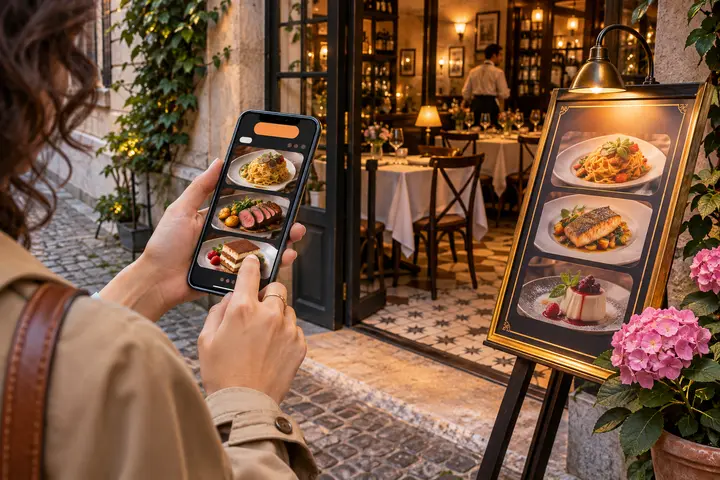
QR menu restaurant entrance planning starts with a simple guest question: can I see what you serve before I walk inside? A restaurant owner can answer that question with a clearly placed menu link and a calm invitation to browse.

Read article
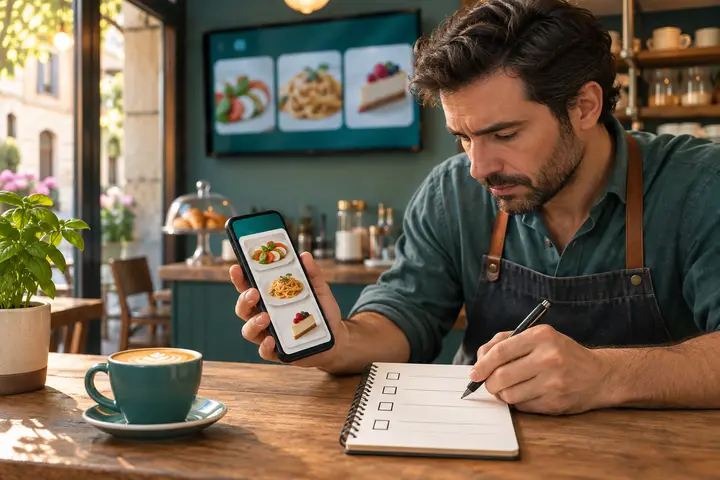
  • A cafe owner compares a phone menu with a checklist at the counter.
    Know-how3 min read

    Digital menu setup help: report the blocked step

    Digital menu setup help becomes easier to request when a cafe owner can point to the exact step that stopped working. “The menu does not work” leaves many possibilities open: perhaps the source file was never sent, perhaps the account details have not arrived, or perhaps the public menu differs…
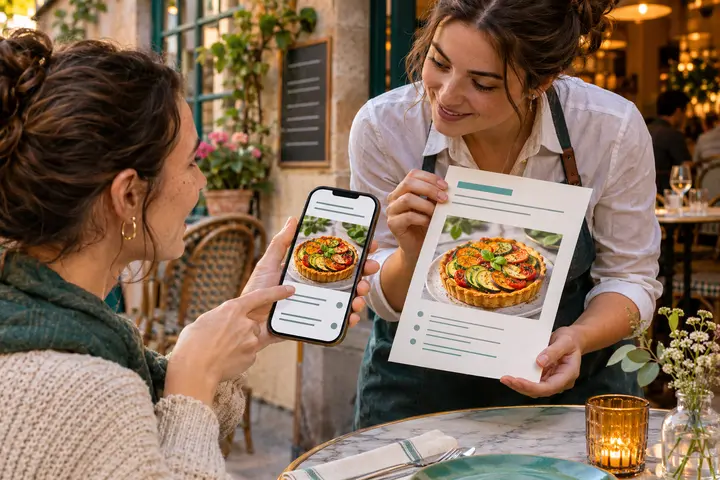
  • A server and guest compare a phone menu with a kitchen reference beside a vegetable tart.
    Know-how3 min read

    Multilingual cafe menu: match dishes at the table

    Multilingual cafe menu searches often begin with translation, but a busy service reveals another question: can a server identify the dish a guest points to in an unfamiliar language? A fluent description does not help if the team associates it with a different plate.

  • Café owner reviewing a spacious menu layout on a phone beside coffee.
    Know-how3 min read

    Long dish names: design a readable café phone menu

    A café phone menu can look tidy on a large preview and become confusing in a guest’s hand. Long dish names wrap, the distinguishing ingredient moves out of view, and neighbouring cards begin to look alike.

  • A cafe owner checks an illustrative food selection screen beside the service counter.
    Know-how3 min read

    Restaurant kiosk checklist before opening service

    A restaurant kiosk checklist should begin before the first guest needs help. For a cafe, takeaway or restaurant owner, the useful question is whether someone can choose the intended dish and whether the business receives the intended order. A bright screen alone cannot answer that.

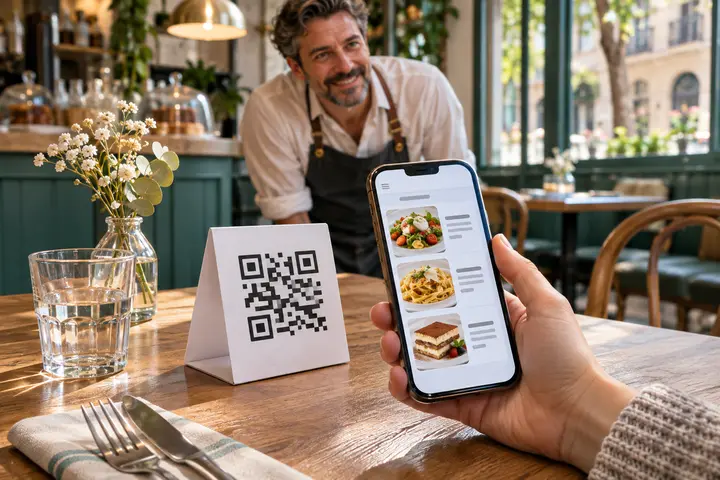
  • A cafe guest opens a phone menu beside a tabletop code card.
    Know-how4 min read

    QR menu not opening? Checks for restaurant tables

    QR menu not opening is a service problem before it is a technical discussion. A restaurant, takeaway or cafe owner needs to identify where the guest gets stuck: the camera does not recognise the code, the link appears but the page does not load, or an unexpected menu opens.

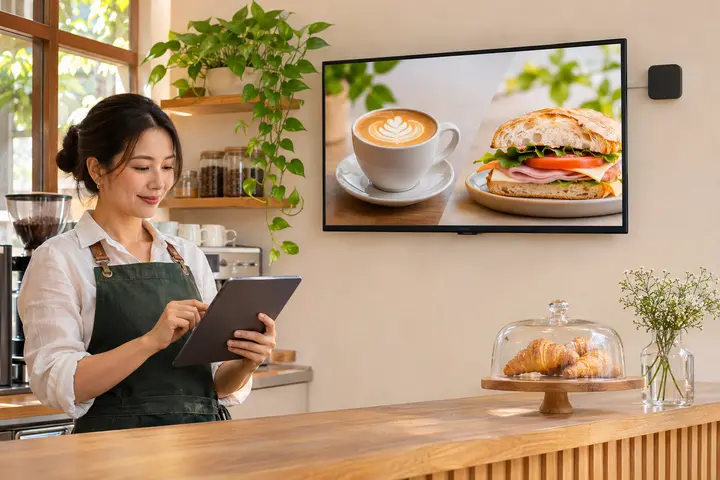
  • A cafe owner reviewing a menu beside a television showing coffee and a sandwich.
    Know-how3 min read

    Turn a restaurant TV into a menu with NinaGO

    A restaurant TV menu can begin with an ordinary television already in your premises. The useful question is how to give that screen a clear purpose and keep the information under control. The NinaGO box runs NinaGO’s own software and turns a normal television into a smart menu screen.

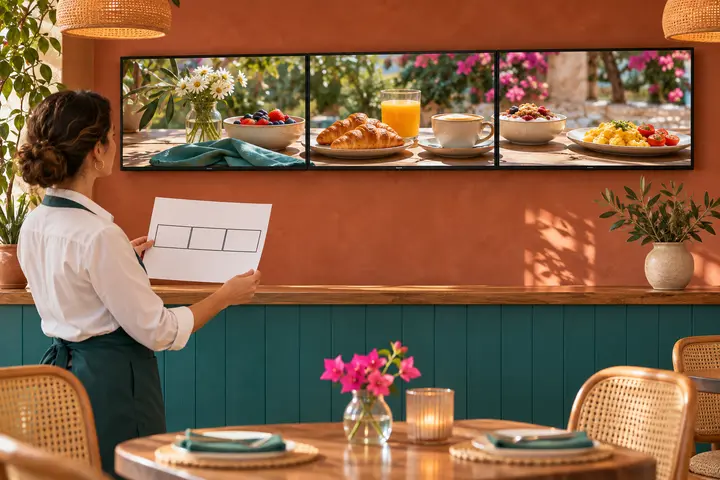
  • A restaurant manager studies a blank screen-layout sketch while three televisions show one panoramic breakfast scene.
    Know-how5 min read

    From separate menu TVs to a wide display: a rollout guide

    Turning existing menu televisions into a wide presentation should not begin by changing every item of content. First decide which surface will carry a common message, which information must remain available and who approves the final view.

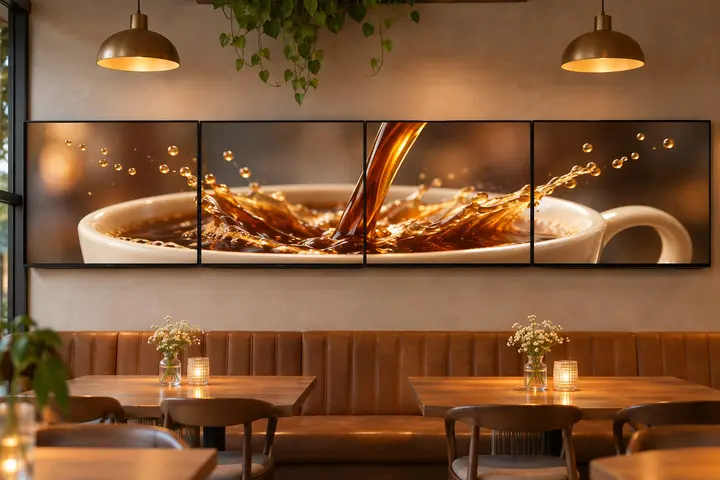
  • Four ordinary televisions show continuous panoramic parts of a coffee-pouring image.
    Know-how5 min read

    Normal TV synchronisation: what the measurement means

    When video spans neighbouring televisions, guests notice more than picture size. The parts of the picture also need to continue the movement together. NinaGO provides a shared wide picture with ordinary televisions and its own software, without special videowall displays or a separate videowall…

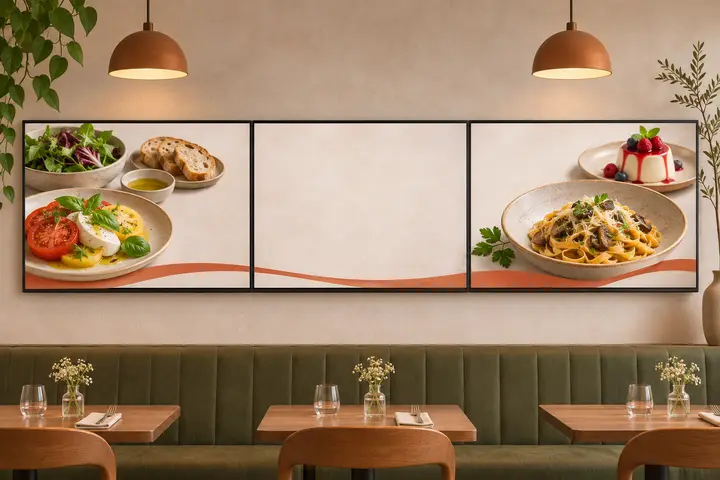
  • Product photographs and a continuous graphic ribbon stretch across three ordinary televisions with calm space in the centre.
    Know-how4 min read

    Wide TV content: headlines, video and ticker text

    Stretching a poster prepared for one television is not the same as composing content for several televisions. As the picture grows, reconsider the headline position, product crop and time a guest needs to understand the message.

  • Three televisions share a wide salad image while a separate neighbouring television shows coffee.
    Know-how4 min read

    TV groups: plan a wide picture and a separate display

    Every television does not need the same job. A restaurant may want a wide product presentation while needing different information at collection. The choice need not be limited to joining every television into one picture or leaving every screen separate.

  • Ordinary televisions above a cafe counter share one panoramic sandwich photograph.
    Know-how4 min read

    Ordinary TVs as one wide menu with AI assistance

    Your televisions sit beside each other above the counter, yet guests see a collection of separate posters. You would like a larger headline, a food video spanning the whole width or a message that continues between screens. NinaGO lets ordinary televisions act as parts of one large picture.

  • A cafe counter with a router, phone, USB stick and paper menu beside a food display.
    Know-how3 min read

    Internet down: prepare a menu continuity routine

    An internet interruption raises a practical restaurant question: what can guests still read, and what can the team still change? A screen that remains lit does not answer either question. The connection used by the guest, the device showing a menu and the route used to publish changes may differ.

  • Separate cables connect a compact computer to screens showing coffee and lunch dishes.
    Know-how4 min read

    Different menus: why an HDMI splitter is not enough

    You want coffee on the screen above the bar and lunch dishes on the screen beside collection. Both televisions work, yet both show the same menu. Before changing the design again, inspect how the pictures reach the displays.

  • A restaurant operator uses a phone at the counter, with device connection symbols on a separate television behind him.
    Know-how4 min read

    Do you need a screen code to start a Nina GO AI trial?

    You are ready to try a digital menu, but a television shows a pairing square and you wonder whether that is the code you need before starting. It helps to separate the actions involved. Beginning a Nina GO AI trial, signing into the management panel and connecting a Live display serve different…

  • A restaurant operator holds a USB drive beside a television showing food images and abstract menu blocks.
    Know-how3 min read

    USB menu video: check before moving to another TV

    A menu video opens on the office computer, so the team carries the USB drive to a television in the dining room. That successful computer preview is useful, but it does not establish that the television can play the same file correctly.

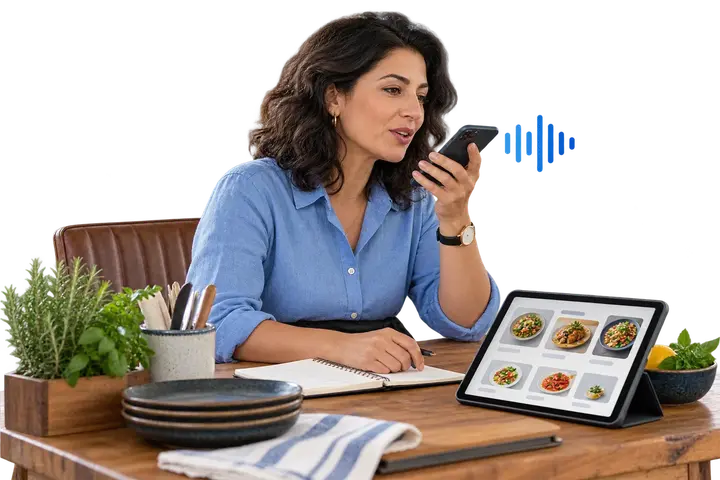
  • A woman speaks into a phone held in her hand; unpacked menu screen and tablet, with a visible voice symbol.
    Know-how4 min read

    AI QR menus: Costs and features explained

    An AI-powered QR menu is easier to compare when the price is tied to a specific job. Showing a menu on a guest's phone, playing an MP4 on a television and managing live screens are different services. Nina GO AI currently offers QR Menü, Static USB Video, Live Cloud and Live Premium.

  • A restaurant notebook, simple chart cards, phone and small plated meal.
    Know-how3 min read

    Did restaurant digitalisation actually help?

    The new menu is live, the team has learned the screens, and a month has passed. Was the change useful? Looking only at revenue cannot answer that question reliably. Weather, local events, opening hours and prices may have changed at the same time.

  • A paper menu transitions toward a smartphone menu and display beside a plated dish.
    Know-how3 min read

    Move your existing menu to Nina GO AI with control

    Moving a restaurant menu into a new platform should begin with what the business actually sells today. An old PDF may be visually complete and still contain discontinued products, ambiguous portions or prices staff no longer use.

  • Abstract review cards and star motifs sit beside a chef’s notebook and coffee.
    Know-how4 min read

    Turn restaurant reviews into operating lessons

    A restaurant review is not only a public rating. It can contain a clue about an unclear menu, a confusing collection point or a promise the service did not fulfil. Reading reviews solely as praise or criticism misses that information. The useful question is what the team can verify and improve.

  • Two menu smartphones share a plated dish with subtle red and charcoal accents.
    Know-how3 min read

    Türkiye and Germany: one restaurant vocabulary

    A restaurant brand working with Turkish and German speakers does not need every sentence to look the same. It needs people to understand the same product. A familiar dish name, an included side and a local portion description can carry different expectations.

  • A wooden produce crate sits beside trimmed vegetables and a kitchen scale.
    Know-how3 min read

    Is local produce cheaper? Follow the plate cost

    A nearby supplier offers a crate at an attractive price. Another delivers cleaned vegetables at a higher purchase price. Which is cheaper for the restaurant? The answer depends on what reaches the plate and how much work gets it there.

  • Cappuccino, croissant, a QR stand and a small tablet on a café counter.
    Know-how3 min read

    Where should a small café start with digital tools?

    A small café does not need every digital function on its first day. It needs the next useful improvement to fit the way people already work. When prices live in a notebook, the printed menu and a staff member's memory, the first task is usually to agree on the offer itself.

  • Sandwich boxes, pastries and a checklist form a small coordinated catering set.
    Know-how3 min read

    Planning group orders in a small café

    A request for an office breakfast can look like easy additional revenue. The difficulty appears when the same team must prepare the boxes, serve regular guests and answer questions about delivery. A small café does not need to become a full catering company to handle group orders well.

  • A burger, fries and drink sit beside clear abstract option cards.
    Know-how4 min read

    Make restaurant extras and meal deals easy to understand

    An extra should make an order more suitable for the guest. If choosing a sauce creates confusion about the final bill, the menu has made a simple decision unnecessarily difficult. A meal deal has the same test: can somebody explain what is included without asking a member of staff?

  • A professional hob, covered pan, timer and energy meter form a compact kitchen scene.
    Know-how3 min read

    Winter kitchen energy: start with the working day

    When winter utility bills rise, buying a new appliance can feel like the only meaningful response. Before committing, examine the working day already taking place in the kitchen. Which equipment starts early, which stays ready without being used, and which tasks force everything to run at once?

  • A central food card connects a phone, menu display and order ticket.
    Know-how3 min read

    Keep one menu across QR, screens and orders

    A restaurant can appear organised while showing guests several versions of its menu. A price changes on the phone, yesterday's offer remains on the wall display, and the kitchen receives an old product name. The problem is not the number of screens.

  • Menu with abstract multilingual lines beside a regional dish and a small ingredient bowl.
    Know-how4 min read

    A tourist menu needs more than translated names

    An international guest may be able to read a dish's name and still hesitate to order. The portion might be unclear, the sauce unfamiliar or the relationship between the name and its ingredients uncertain. A tourist menu becomes useful when it answers those practical questions.

  • Abstract social content cards on a phone with a small calendar and pizza slice.
    Know-how4 min read

    A social publishing routine for restaurants in Europe

    Restaurant content often begins at the last moment: what are we posting today, who has the picture and is that price still correct? The same questions arise in Türkiye, Germany and elsewhere in Europe.

  • An appetising chickpea and grain main with roasted vegetables and a separate sauce.
    Know-how4 min read

    A plant-based main is more than a side dish

    Offering a guest who avoids meat a salad or a main course with something removed does not automatically create a satisfying choice. A plant-based main needs its own idea, texture and serving logic. For the kitchen, development means more than adding another product name.

  • A phone with an abstract play symbol and speech wave beside a burger presentation.
    Know-how4 min read

    Create a restaurant video request by speaking

    A restaurant owner does not always need to write a long technical specification to begin a product video. The idea can start in ordinary speech: which dish, what movement and where it will be used. Nina GO AI's voice and text assistants use the same capabilities to request appropriately enabled AI…

  • Three elegant alcohol-free drinks with citrus, berries and herbs.
    Know-how4 min read

    An alcohol-free drinks menu beyond water

    Offering only water or a ready-made soft drink to a guest who does not want alcohol can leave that choice outside the care given to the rest of the menu. The answer does not have to be a long, complicated cocktail list.

  • Message cards converging on a restaurant tablet beside a coffee cup.
    Know-how4 min read

    Restaurant messages in one inbox in Germany

    One guest asks about a group dinner on Instagram, another checks a collection order through WhatsApp, and a Messenger conversation is waiting for opening hours. For a small restaurant in Germany, message volume is only part of the problem.

  • Open takeaway container with crisp food, separate sauce and vented paper packaging.
    Know-how4 min read

    Why does takeaway food lose its crispness?

    A dish can leave the kitchen crisp and reach the customer soft without the recipe being the only problem. Once the lid closes, the food travels in a different environment. Steam, sauce, stacking and waiting all affect the result.

  • A phone showing order cards beside a paper takeaway bag and a bowl of fresh food.
    Know-how4 min read

    An own ordering channel for restaurants in Türkiye

    A customer sees a dish on a restaurant's social profile, searches for the current menu and sends a message to order. Staff then piece together the item, price, address and handover method from different parts of the conversation.

  • A balanced breakfast arrangement with eggs, bread, olives, cheese and tea.
    Know-how4 min read

    Breakfast and brunch: do full tables mean profit?

    A full café on a weekend morning can look like a successful breakfast business. Behind the busy tables, however, refilled tea, returned cheese and a growing queue of egg orders may absorb more resources than expected. Occupancy and earnings tell different stories.

  • Two smartphones with voice and camera symbols beside a small service bell.
    Know-how3 min read

    Talk to restaurant staff without swapping numbers

    A guest on the terrace wants to change a side dish. The waiter is working inside, and the guest does not want to share a personal phone number or shout across the room. A simple service bell may not answer the whole problem: staff also need to understand the request.

  • A menu card, calculator, receipt and plated meal.
    Know-how4 min read

    How to explain a menu price change

    A price change may be decided behind the scenes, but guests experience it on the menu and on the bill. The business knows its cost pressure; the customer wants to understand the offer they are choosing.

  • Two smartphones linked by gentle speech waves beside a plated meal.
    Know-how4 min read

    Live translation between staff and guests

    A guest asks about a dish, and the waiter knows the answer, but their shared language is limited. A printed menu cannot cover every question at that moment. For a restaurant welcoming international visitors in Türkiye or a multilingual team in Germany, a supported conversation can be useful.

  • Pumpkin wedges, soup, herbs and roasted seasonal vegetables.
    Know-how4 min read

    An autumn menu without pumpkin repetition

    Putting pumpkin on an autumn menu is easy. Using it without making every plate feel alike requires more thought. A soup, main course and sauce may share an ingredient while offering different experiences. For a small restaurant, the objective is not simply a seasonal photograph.

  • Café worker using a phone beside a tablet showing food choices at the counter.
    Know-how4 min read

    Who changed the menu? A small-team handover routine

    One colleague corrects a price, another improves the description and a third downloads a new screen video. By the next shift, nobody is sure which version was approved. Small restaurants often rely on quick conversations, which can work until several surfaces and languages need to stay aligned.

  • Illustration of a takeaway box with fried snacks and a sauce container.
    Know-how4 min read

    Seasonal menu launch: check the return path

    A seasonal menu is usually planned around its launch: new dishes, appealing images and a promotional board. Its closing date receives less attention. Weeks later, an old offer can still appear in a phone category, a translated description or a video loop.

  • Restaurant worker serving a food plate beneath digital menu boards.
    Know-how4 min read

    A clearer hotel late menu for guests and reception

    A hotel guest arrives late and asks what is still available to eat. Reception has a printed sheet, the kitchen has a different closing time and the guest's phone opens a general restaurant menu. Each source may be understandable on its own, yet the combined experience leaves basic questions…

  • Restaurant owner standing beneath digital menu screens during a setup demonstration.
    Know-how4 min read

    A three-day restaurant menu demo test plan

    A demo is most useful when it answers questions about the restaurant's own work. Attractive sample dishes and a polished first screen are a beginning, but they do not show whether a colleague can correct a price during service or whether guests can understand a product with options.

  • Woman using a phone beside a tablet with food images at a restaurant table.
    Know-how4 min read

    AI dish descriptions: keep flavour, check the facts

    An AI-generated dish description can sound appetising before anyone notices that it mentions a preparation method the kitchen does not use. “Slow-cooked”, “homemade” and “freshly baked” are meaningful claims, not decorative words.

  • QR menu card on a restaurant table with a food plate and a digital screen in the background.
    Know-how4 min read

    Must you reprint the QR code after a price change?

    A restaurant changes a price and wonders whether every table card now needs reprinting. The answer depends on what the QR code contains and whether its destination has changed. A code that opens a stable menu address can continue pointing to that address while the page content changes.

  • Woman photographing a printed food menu with a phone at a restaurant table.
    Know-how4 min read

    Menu changed, TV unchanged: MP4 or live screen?

    The price is correct in the panel, yet the television above the counter still shows yesterday's offer. Before editing the product again, establish how the display receives its content. A downloaded video and a live screen link are different delivery methods.

  • Illustration of a customer viewing several digital menu boards above a counter.
    Know-how4 min read

    Is your menu board readable from the queue?

    A menu board can look excellent on the owner's laptop and still fail above the counter. Guests read it from a different distance, at an angle, with other people moving in front of them. They may have only a short moment to decide before reaching the till.

  • Woman using a phone beside a pizza and a tablet in a pizzeria.
    Know-how4 min read

    Six quiet menu translation errors to catch

    A translated menu can read smoothly while still telling a guest the wrong thing. The most difficult errors are often small: a portion disappears, a sauce becomes a different ingredient, or the name of an optional extra sounds included.

  • Customers queue at a restaurant counter beneath digital menu boards.
    Know-how4 min read

    Sold out during service: a menu update checklist

    The lunch special sells out while a queue is still forming. A colleague tells the next customer, but the television still promotes it and a guest at a table has already chosen it on a phone. The problem is not simply a missing dish.

  • Woman speaking into a phone beside a tablet displaying dishes in a restaurant.
    Know-how4 min read

    Seven precise prompts for a restaurant menu assistant

    “Change the menu” sounds like a straightforward request until several people try to explain what it means. Which product should change? Is the new wording for a guest, a colleague or a screen? Should the assistant prepare a suggestion or carry out an available action?

  • Restaurant owner standing at a counter beneath digital food menu screens.
    Know-how4 min read

    From menu photo to QR menu: catch import errors

    A photographed menu can be a useful starting point for a digital version, but the photograph is evidence to inspect rather than a complete product database. A folded corner, a reflection over a decimal separator or a handwritten correction can change what software reads.

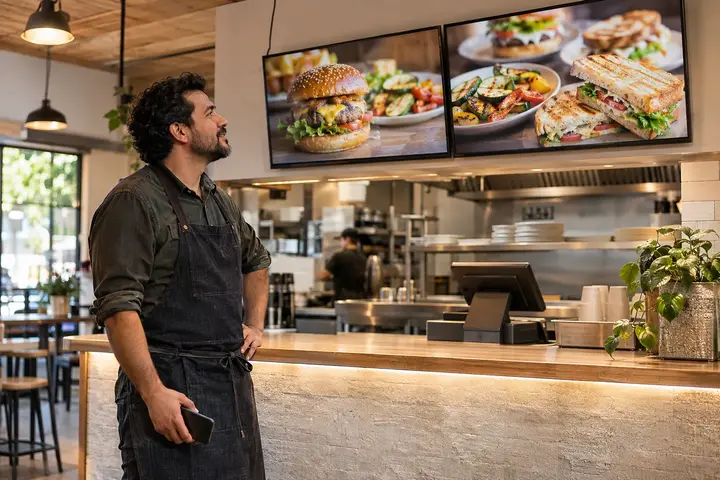
  • A restaurant owner looks at digital menu boards above the counter.
    Know-how5 min read

    Nina GO AI plans: 12 questions on prices and setup

    In brief. All four Nina GO AI plans are available now. QR Menu puts your menu on guests’ phones, while Static USB Video plays it from a USB drive. The recommended Live Cloud plan keeps connected boards up to date, and Live Premium adds WhatsApp ordering and tools for your Meta channels.

  • A takeaway owner checks a tablet beneath menu screens showing food photos.
    Know-how5 min read

    Nina GO AI plans: Which one fits your restaurant?

    In brief. All four Nina GO AI plans are available now. QR Menu puts the menu on guests’ phones, and the recommended Live Cloud plan adds live TV menu boards and kiosk ordering. Static USB Video plays a fixed menu from a USB drive, while Live Premium adds WhatsApp ordering and Meta tools to Live…

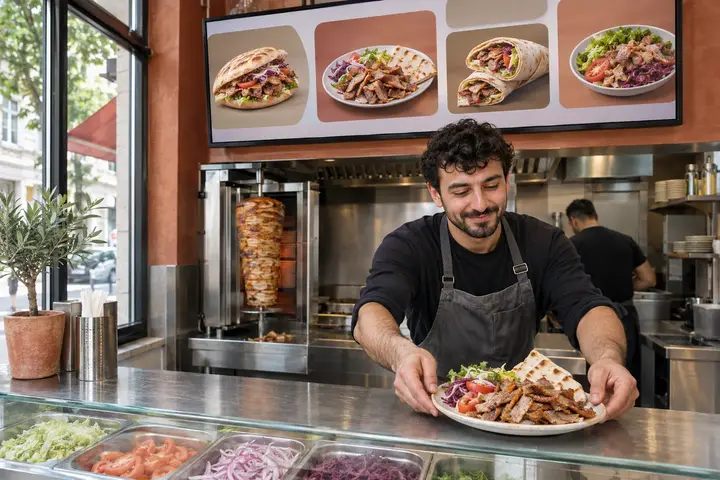
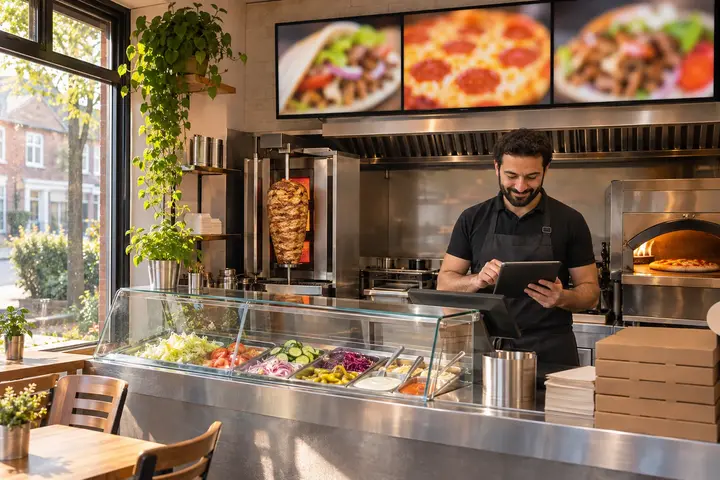
  • A döner shop worker sets a plate on the counter beneath a digital menu board showing food photos.
    Know-how6 min read

    A day with digital menus in four restaurants

    In brief. A digital menu from Nina GO AI can start with a photo of the menu you already have. All four plans are available. Follow a day in which a döner shop uses QR Menu, a pizzeria plays Static USB Video, a café takes orders with Live Cloud and a restaurant group adds social tools with Live…

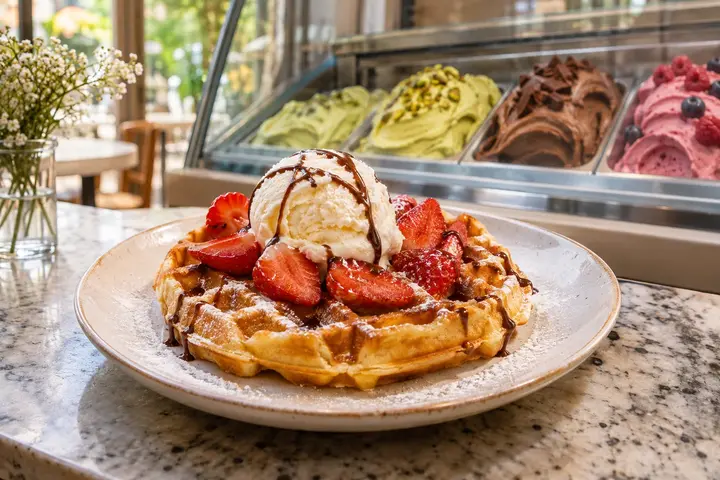
  • A waffle with strawberries, vanilla ice cream and chocolate sauce in front of a gelato display.
    Know-how6 min read

    Digital menus for waffle and ice cream shops

    A digital menu board shows customers what a finished waffle, sundae or cone looks like while they wait at your ice cream counter. A QR menu gives them room to browse sauces, flavours, toppings and extra charges on their phones.

  • A QR card beside grilled food and starters, with a digital menu board above the counter.
    Know-how6 min read

    QR menus and digital boards for family restaurants

    In brief. A QR menu lets guests browse the full menu at the table in a family restaurant. A digital menu board gives them a quick look at today’s special on their way in. Nina GO AI can turn a photo of your existing menu into a digital version, with live screens and ordering available in the…

  • Margherita pizza on a pizzeria counter with an oven and a digital menu board behind it.
    Know-how6 min read

    Digital menus for pizzerias with pickup specials

    A digital menu for a pizzeria puts the day’s special on the menu board and gives customers the full choice of sizes and toppings on their phones. Nina GO AI can keep connected screens up to date with Live Cloud, the recommended plan for a pizzeria that needs a display and ordering.

  • A barista serves coffee and toast at a café counter beneath a digital menu board.
    Know-how5 min read

    Café digital menu board: from breakfast to lunch

    A café digital menu board shows what customers can order right now. A QR menu gives them room to look up what comes with a dish and read allergen information checked by the café. When breakfast gives way to lunch, tie the change on both displays to what your kitchen is ready to serve.

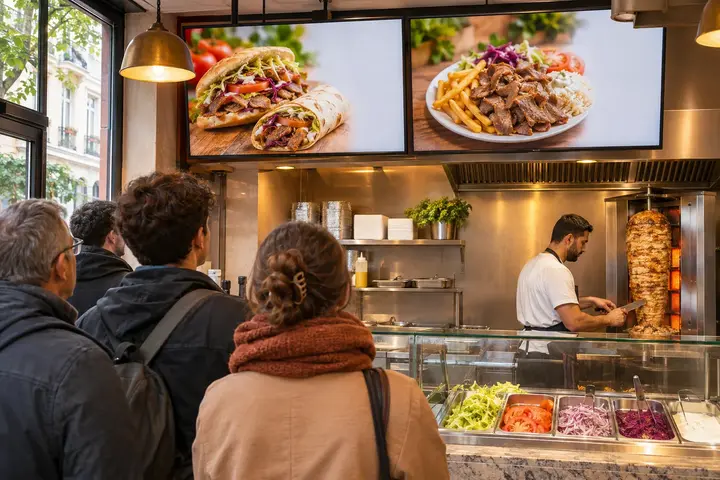
  • Customers queue at a döner counter beneath TV boards showing food photographs.
    Know-how5 min read

    Kebab shop lunch queues: QR menus and TV boards

    In brief. A digital menu board helps people choose a kebab and see the meal price while they wait in the queue. A QR menu lets them check what's included and read the details in another language. With Nina GO AI, the shop can review a price change before it goes live on connected screens.

  • A woman speaks into a phone held in her hand; paper-cut collage of a bistro kitchen, with a visible voice symbol.
    Know-how4 min read

    Bistro AI menus: Daily dishes and special offers

    A bistro often earns its character through an offer that changes with the kitchen's day. A soup, a seasonal main course or a small lunch combination can make a familiar room feel fresh. The menu has to keep pace with that rhythm while still giving regular guests a clear point of reference.

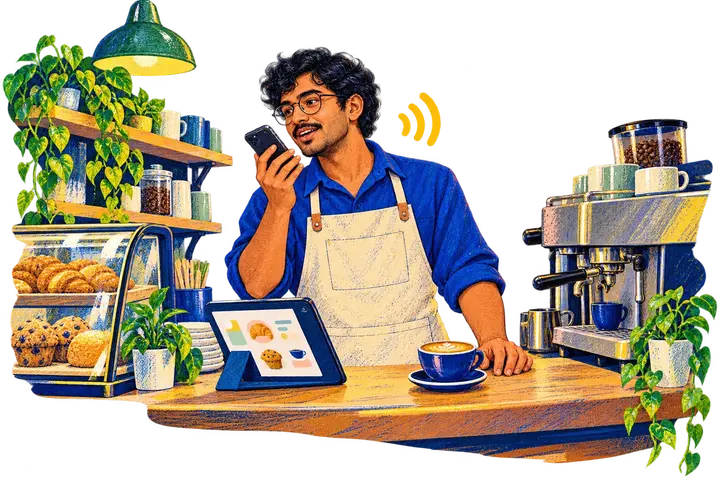
  • A man speaks into a phone held in his hand; colourful café-bar illustration, with a visible voice symbol.
    Know-how4 min read

    Café AI menus: Coffee, breakfast and snacks

    A café's menu changes character during the day. Early guests want coffee and something quick, breakfast visitors compare plates and later customers look for a snack or a sweet finish. The menu should make those choices feel inviting without becoming a wall of information.

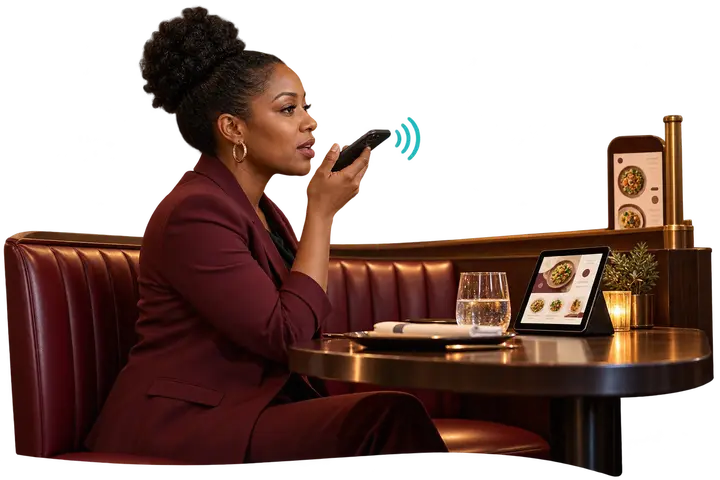
  • A woman speaks into a phone held in her hand; restaurant seating booth with a tablet, with a visible voice symbol.
    Know-how4 min read

    Restaurant digital menus with an AI menu bot

    A restaurant's menu is a promise made jointly by the kitchen and the service team. It tells guests what they can order and gives staff a common explanation of the offer. When a dish changes, the description, price and presentation need to remain understandable to everybody involved.

  • A man speaks into a phone held in his hand; pizza preparation bench viewed from above, with a visible voice symbol.
    Know-how4 min read

    Pizzeria AI menus: Sizes, toppings and extras

    A pizzeria's menu can become complicated long before the kitchen runs out of ideas. The same pizza appears in different sizes, guests want additional toppings and a meal offer combines products in another way. An AI-powered digital menu is useful when it helps the team express those choices clearly.

  • A man speaks into a phone held in his hand; graphic scene at a takeaway window, with a visible voice symbol.
    Know-how4 min read

    Döner and takeaway: Digital menus with AI

    At a döner shop or a takeaway, the menu has to work as quickly as the service. A guest needs to recognise the difference between a sandwich, a wrap, a plate and a combination while the team is preparing the next order.

  • A man speaks into a phone held in his hand; isometric workspace with three displays, with a visible voice symbol.
    Know-how4 min read

    Digital TV menu boards: Design your menu with AI

    A television above the counter can be a restaurant's most visible menu. Guests look up before ordering, compare dishes and decide whether a special offer interests them. The challenge is keeping that presentation attractive and current when the kitchen and service team already have a full day.

  • A woman speaks into a phone held in her hand; watercolor scene beside a pizza oven, with a visible voice symbol.
    Know-how4 min read

    Pizzerias: Manage multilingual menus with AI

    A guest opens a pizzeria's menu in another language and understands the pizza name but not the explanation underneath. Is the topping included, is the size the same and does the translated description still describe the actual dish?

  • A man speaks into a phone held in his hand; menu boards behind a döner counter, with a visible voice symbol.
    Know-how4 min read

    Döner menus: Change prices with voice control

    A new purchase price reaches the owner just before the döner shop opens. The menu needs attention, but the counter is already being prepared and nobody wants to hunt for an old design file just to change one item. This is a recognisable reason to look for an AI menu with voice control.

  • A woman speaks into a phone held in her hand; tablet on a restaurant planning table, with a visible voice symbol.
    Know-how4 min read

    AI menu: How the Nina GO AI menu bot works

    A restaurant owner sees a speaking person and an audio waveform on a phone screen in an advertisement and searches for an AI menu bot. What does that actually mean? With Nina GO AI, the useful starting point is the work behind the menu: finding a dish, changing information, preparing translations…

  • An ordered library of product cards connects a dish, ingredients and image with light.
    Know-how3 min read

    Invest in the future with AI-ready product information

    The next useful AI tool will still need to understand what a restaurant actually offers. A fashionable interface cannot supply the knowledge that only the business has: what belongs to a dish, how it is served and what the guest is being promised.

  • A human hand guides a luminous dial above a restaurant counter and plated dish.
    Know-how3 min read

    The future restaurant: where should automation stop?

    The most appealing future restaurant is not necessarily the one with the fewest people. It may be the one where people have more attention for the moments that deserve it. Automation can make repetitive work easier, but hospitality also includes interpreting an uncertain question, noticing…

  • A distinctive small bistro with coordinated menu card, takeaway sleeve and signature dish.
    Know-how3 min read

    Small restaurant, strong brand: the digital window

    A small restaurant does not need to look like a large chain to look convincing. It needs its own offer to feel deliberate. When the dish name, image and menu presentation tell the same story, guests can understand what makes the place worth choosing.

  • A tablet, starter and clear prism beside a considered software selection board.
    Know-how3 min read

    How to choose an AI assistant for a restaurant

    A fluent answer can make an AI demonstration impressive without making it useful to a restaurant. The real test begins when the owner asks about an actual product, wants a concrete result and needs the team to understand what happens next.

  • A guest stands at the centre of a curved path linking menu, dish and conversation.
    Know-how4 min read

    The future guest journey: choice to conversation

    A guest should be thinking about a good meal, not about which part of the restaurant's technology to use next. Yet a simple visit can involve one menu for choosing, another explanation for options and a separate search for somebody who can help.

  • A sculptural conversation ribbon becoming an order card beside a takeaway meal and kitchen bell.
    Know-how3 min read

    From message to order: clarify demand with AI

    A message about dinner rarely arrives like a perfect order form. The guest names a pizza, adds a drink and mentions collecting it after work. Someone has to connect those words to the real menu, resolve choices and explain what happens next.

  • Burger plate linked to a visual card, small calendar and digital screen in an editorial arc.
    Know-how4 min read

    From one product to an AI-assisted campaign

    The hardest part of a restaurant campaign is often keeping a simple promise consistent. The picture shows one meal, the caption describes another and the screen repeats a price from an older note. Starting with a known product changes the work.

  • Menu layout frames on an easel around a signature dish with colour cards and a stylus.
    Know-how4 min read

    Menu design studio: from template to brand

    A restaurant can serve distinctive food and still look generic on its menu. The problem is often not a missing logo but an arrangement that gives every item the same emphasis and hides the business's character.

  • A small restaurant storefront inside an abstract magnifying glass with a menu and location marker.
    Know-how3 min read

    How restaurants get found in an AI search world

    A guest searching for lunch does not want a page that sounds like every restaurant in the city. They want to understand what is served, whether collection fits their day and what makes this place worth choosing. Search is changing, but that practical need remains a strong starting point.

  • Two restaurant colleagues working together at a counter with a tablet, chef hat and plated dish.
    Know-how3 min read

    A stronger restaurant team with AI

    When every product question leads back to the manager, a restaurant loses momentum precisely when service needs it most. A new colleague hesitates over a side dish, an evening employee cannot explain the lunch offer and somebody rewrites the same description again.

  • Branded software cards around an unmarked stamp and small restaurant facade.
    Know-how4 min read

    AI-powered restaurant management under your own brand

    An agency may create a restaurant’s logo, website and promotional material, then leave the daily software experience to another brand. White-label software opens a different relationship: the agency can bring its identity and service into the tools the restaurant actually uses.

  • Manager notebook, a dish and connected cards with simple charts.
    Know-how4 min read

    From restaurant reports to useful AI hints

    The restaurant has reports, but the manager still needs to decide where to look first. A list of totals does not automatically explain which question deserves tomorrow’s attention. Nina GO AI’s AI report hints address this gap: short observations and suggestions based on the selected period’s…

  • A restaurant kiosk with food tiles, a pickup shelf and a guest.
    Know-how3 min read

    Self-service kiosks: a new ordering experience

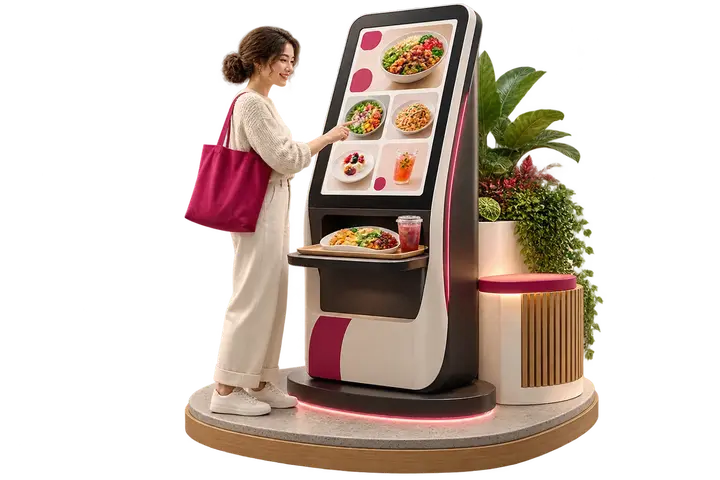
    A guest reaches the counter while still deciding between dishes. Behind them, another visitor already knows exactly what to order. The team must balance explanation with the pace of service. A self-service kiosk offers another way to organise that moment: a place where people can examine an offer…

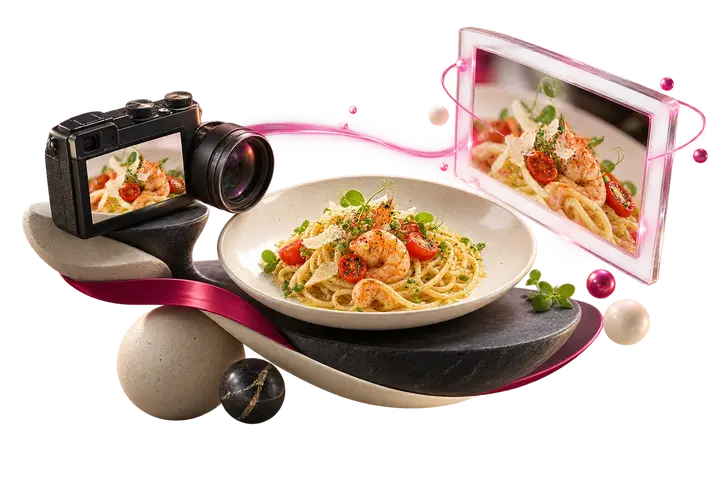
  • A pasta dish between a camera and a floating creative picture frame.
    Know-how3 min read

    Menu photography or AI imagery? Choose the purpose

    A dish can look wonderful in the kitchen and disappear in a crowded menu. Restaurants need images that give the food a clear place and express their character. AI expands the creative possibilities, but the strongest question is not whether a photograph or a generated image is universally better.

  • Restaurant service counter, lunch dish and connected product cards.
    Know-how4 min read

    Restaurant AI: from conversation to workflow

    The manager has a good lunch idea. The chef has the dish, the designer has a picture, and the team has several places where the offer must be explained. A general chatbot can write an enthusiastic paragraph, but someone still has to connect that paragraph to the actual product and the restaurant’s…

  • A plated dish with smartphone menu and abstract language speech bubbles.
    Know-how4 min read

    Multilingual menus: more than translation

    Translating the name of a dish does not prove that a guest understands it. The same word can suggest a different portion, preparation or expectation in another country. For a restaurant serving international visitors, a multilingual menu is therefore more than text generation.

  • Vegetable preparation board, clear storage container and compact scale.
    Know-how4 min read

    Restaurant food waste: what should you measure?

    A full waste bin is an outcome, not an explanation. In the same restaurant, excess production, unfinished portions and vegetable trimmings may all end up together. Weighing them as one total gives an initial picture but does not show which behaviour needs changing.

  • Two displays showing abstract food cards beside a burger plate.
    Know-how3 min read

    Planning a digital menu board in Germany

    Installing a display behind the counter can seem like a straightforward decision. The real work is deciding what information appears, when it appears and how it helps someone order. For a takeaway, bistro or restaurant in Germany, a menu board should support the decision at the counter.

  • An orderly lunch tray with soup, main dish and a small menu stand.
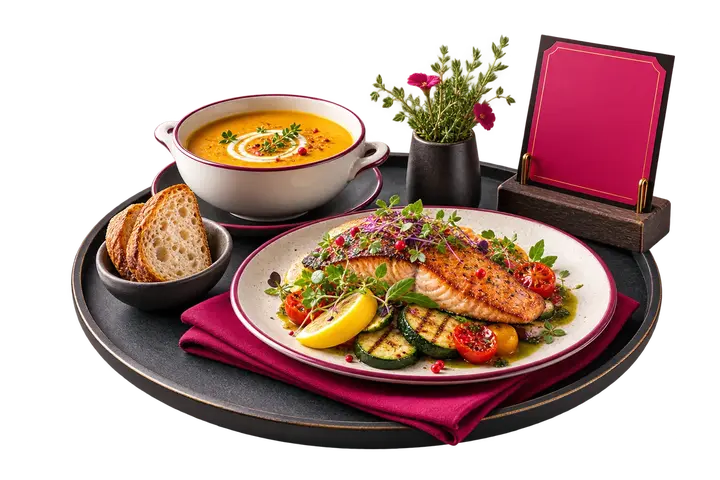
    Know-how3 min read

    Could a shorter lunch menu work better?

    A difficult lunch service is not always caused by too many customers. Sometimes too many different preparations arrive at the same limited kitchen station at once. Each additional dish looks attractive in isolation; together, those dishes create a different workload.

  • A smartphone speech wave beside abstract restaurant menu cards.
    Know-how3 min read

    Managing menu prices by voice in Germany

    A price needs changing just before service. The manager knows the new amount, but the dish appears on several displays and in an ordering view. Speaking the request is convenient. Reliable voice management, however, involves more than recognising words.

  • Espresso cup, coffee beans, milk jug and a compact scale.
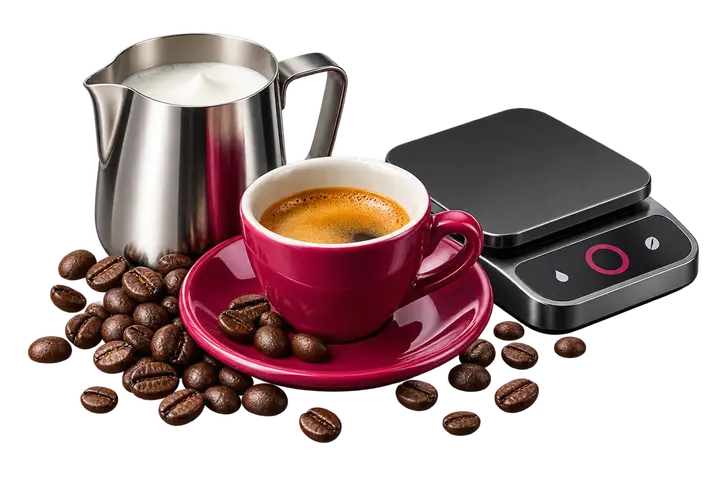
    Know-how3 min read

    The real cost of a cup of coffee

    When the next coffee delivery costs more, raising every drink by the same proportion can seem like the obvious response. Yet espresso, milk-based coffee and a cold mixed drink do not share one cost structure.

  • A smartphone menu, QR table stand and a plated lunch.
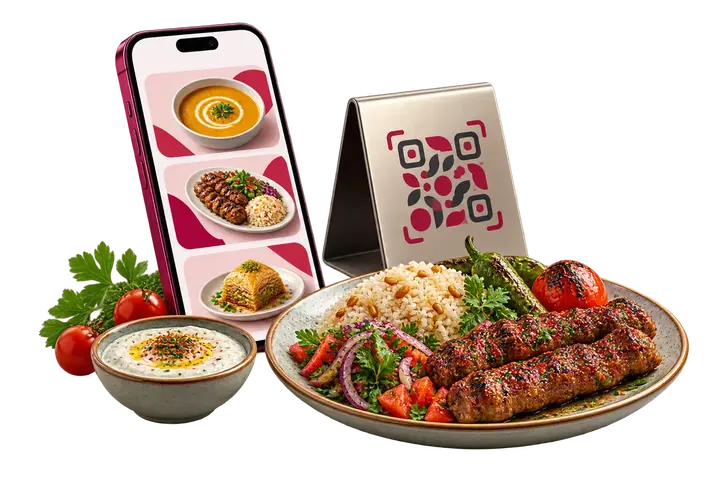
    Know-how4 min read

    QR menus in Türkiye: beyond a PDF

    A square code on a restaurant table does not make the operation digital by itself. If scanning it opens a shrunken print file, the business has mainly changed where the document lives. A different ingredient, a new price or an unavailable dish still requires someone to revise that file.