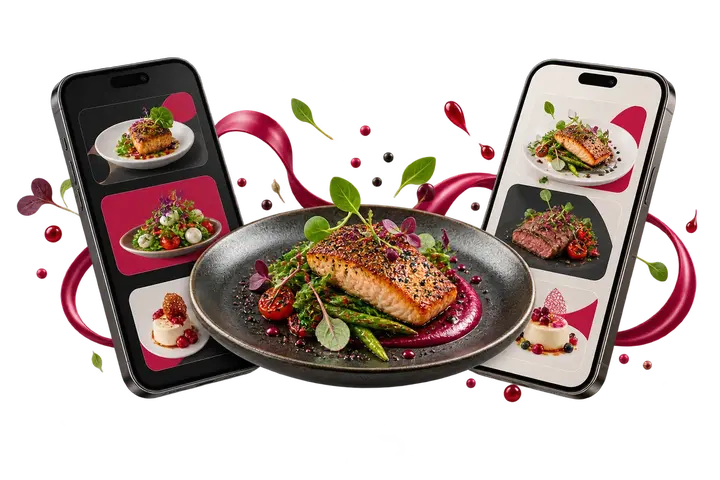
Moving a restaurant menu into a new platform should begin with what the business actually sells today. An old PDF may be visually complete and still contain discontinued products, ambiguous portions or prices staff no longer use. Nina GO AI's menu, order and screen environment provides several possible destinations for that information. A controlled move treats the existing material as a starting source, rather than assuming that everything printed in it is ready to publish again.
Assemble a usable source set
Gather the current menu, recent corrections and the approved information for products missing from the printed version. If the source is photographed, keep names, descriptions and prices readable, with no page edge cut off. Include all relevant pages and identify which version should be followed when materials disagree. More files do not automatically mean a better source if nobody knows which one is current.
In a family restaurant, the laminated card still lists a dessert that the kitchen stopped making. The manager marks that item as discontinued before the material is used. This small decision avoids transferring an old error into a polished new display. It also gives the person preparing the digital menu a clear answer instead of requiring them to guess.
Review products before refining their appearance
Check names, category placement, portions, base prices and available choices. A product should be understandable without relying on where it appeared on the paper page. A heading such as house special may be suitable as a category but insufficient as the name of an orderable dish. Clarify the difference before the menu becomes the basis for kitchen requests.
Photos and descriptive text need the same care. An attractive image should not imply components absent from the real portion. A translated or rewritten description must preserve the product meaning. Important ingredient and allergen information requires confirmation from the business; a tool's successful reading or a fluent sentence is not evidence that the recipe itself has been verified.
Use the demo as a trial, not an instant promise
A menu studio or assisted preparation process can help turn supplied material into a candidate result. The restaurant should still review that result against its approved source. Processing steps, access requirements and timing depend on the current service arrangement. Do not plan an opening around the assumption that every source becomes a complete, accurate live menu immediately.
The Nina GO AI presentation moves through template choice, product selection, customisation and screen use. Follow that sequence as a decision process: first agree what to show, then choose how it should look. A striking template cannot correct missing prices or decide which of two inconsistent product descriptions the owner intended.
Pilot a representative guest journey
Choose a familiar main item, an offer with a choice and a product whose explanation often needs care. Review their intended languages and the relevant phone or screen view. Where ordering is part of the configured setup, create a sample journey and check the kitchen's understanding. The pilot should represent the difficult details, not only the easiest item to display.
Keep a short correction list with product, issue and agreed answer. Correct the source of the problem rather than maintaining separate explanations on every screen. Ask a colleague who did not prepare the menu to try it. Their first reading can reveal a gap that the editor no longer notices after repeatedly working on the same card.
Plan publication and everyday ownership
Agree who approves the result, who performs the intended publication and who checks the real guest view afterwards. Nina GO AI distinguishes preview and approval from actual publication conditions. An edit may remain in draft where a blocker or another pending change exists. The handover should therefore describe what is live and what still awaits action, without treating a saved screen as final proof.
Review the chosen plan and maintenance arrangement before the move is complete. Available functions, screens, devices and update terms should fit the intended service. Current package information is the reference, rather than an assumption that all capabilities are included everywhere.
Finally, identify the old copies that need retirement or correction: table cards, saved images and external listings. Staff should know where the current menu lives and how to report a discrepancy. A successful move is not simply a new design. It is a reliable offer that the business can keep accurate after the first publication and explain consistently through the next busy service.