An AI-powered QR menu is easier to compare when the price is tied to a specific job. Showing a menu on a guest's phone, playing an MP4 on a television and managing live screens are different services. Nina GO AI currently offers QR Menü, Static USB Video, Live Cloud and Live Premium. The comparison below follows the published package overview checked on 12 November 2026. The linked pricing page remains the place to confirm the offer before ordering.
QR Menü: a menu on the phone and your own website
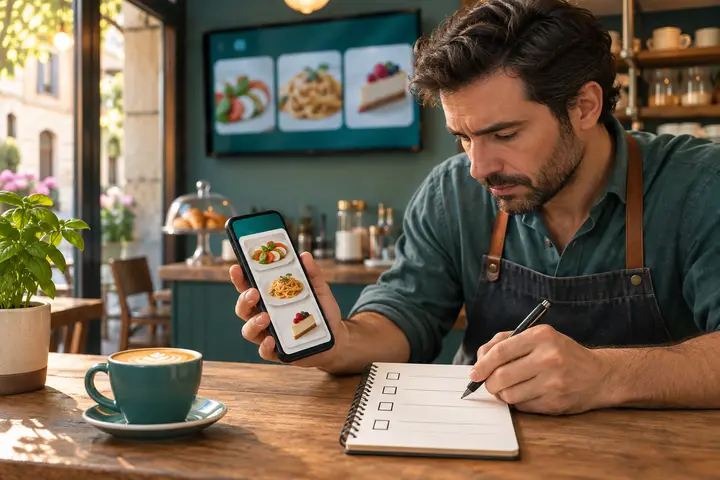
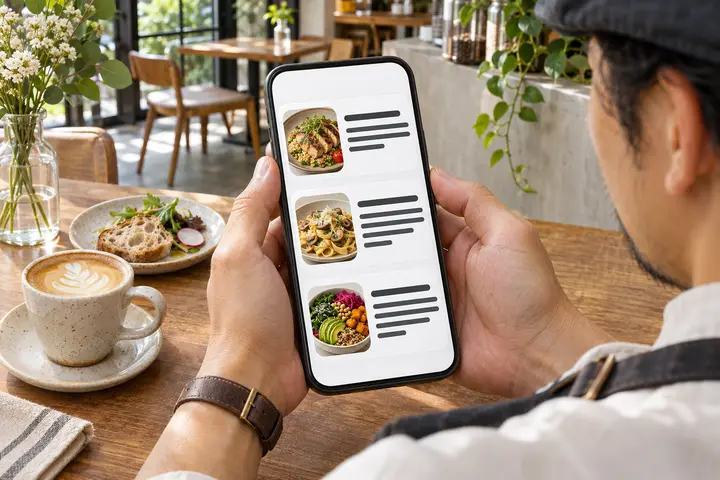
For current prices, please see our pricing page. It includes the QR menu and an internet site with a shareable menu address. You upload a photograph of your menu card, review the extracted products and prices, and correct the result during the three-day demo. Guests can then open the menu on their own phones. The package is valid for one year, and product and price updates through the management panel are free.
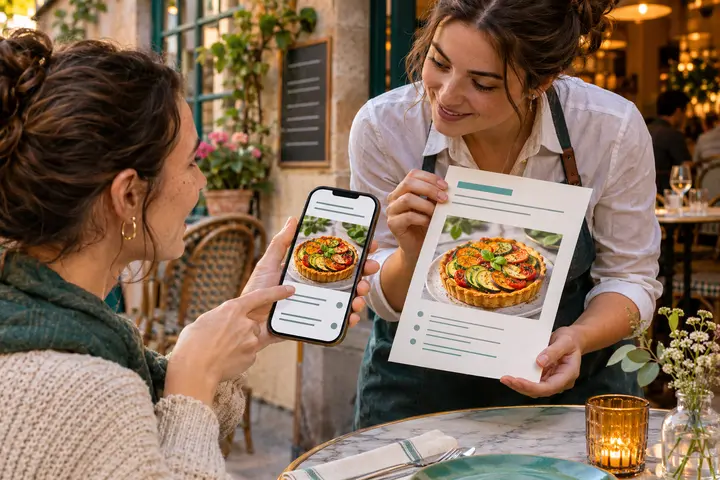
This option suits a restaurant that wants guests to read its menu online and at the table. A guest reading a QR menu is different from a guest sending an order to the kitchen. The ordering system belongs to the live packages described below. Choose the service according to the workflow you need, and check the guest view after making a change so the displayed price matches the restaurant's intended offer.
Static USB Video: an MP4 for each display
For current prices, please see our pricing page. After preparing the menu board, the restaurant downloads a high-quality HD MP4 for each purchased screen and plays it using USB on a compatible television. One year is included. Product or price changes can be made in the panel, followed by a free download of the updated video during the included period. The number of screens is flexible, with a separate charge for each screen.
The practical difference is the delivery method. A USB file does not receive a live software update while it plays. When the menu changes, someone must put the new file on the relevant USB device and check the television. This can work well for a stable menu. A restaurant changing its offer several times during service should consider whether a connected display would better fit the team's routine.
Live Cloud: connected screens, ordering and AI tools
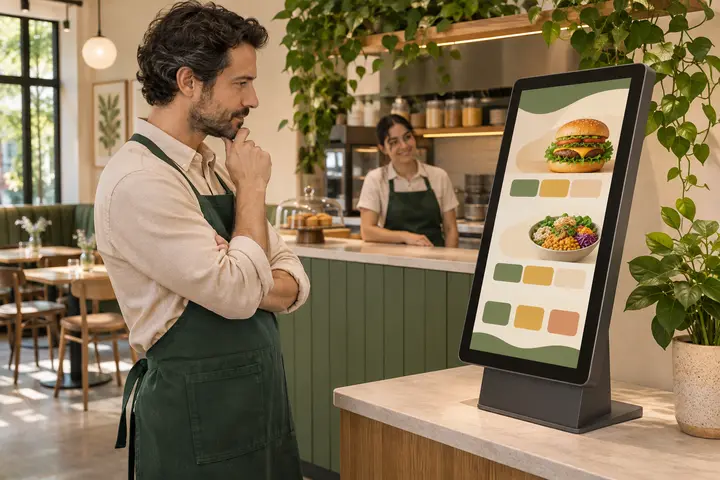
For current prices, please see our pricing page. Four screens are included, together with the QR menu, internet site and ordering system, including kiosk ordering. The screen address opens on a compatible television browser or a connected device. Published changes are delivered to the connected screens, rather than requiring a new USB file at each location.
The package also includes AI tools such as supported voice commands, the menu wizard, menu creation, statistics and competitor analysis. Access to an AI tool does not mean unlimited generation. AI use is subject to the platform's applicable usage limits and available functions. During the demo, test the tasks that matter to your team: correcting an item, checking the guest menu and following an order into the intended workflow.
Live Premium: the live package with Meta integration
For current prices, please see our pricing page. It includes the Live Cloud scope and adds Meta integration. The published examples cover WhatsApp ordering, Facebook and Instagram activity, messages and comments, advertising management and reporting. Four screens are included here as well. The social and advertising workflow is the reason to compare this package with Live Cloud; the base display and ordering features are already in both.
Both live packages have no minimum contractual commitment and can be cancelled with effect at the end of the billing period. Discuss which accounts and supported integrations your business will connect before choosing the premium scope. Advertising spend and media production should not be assumed to be unlimited merely because the package includes management tools. Confirm the applicable conditions in the current offer.
Equipment, promotion and billing conditions
Consider the monthly subscription and the mandatory device including setup together. For current prices, please see our pricing page. The device charge does not include four supplied televisions. Check compatibility, network access and the location of each screen before buying additional hardware. A small practical check with the actual television can prevent choosing a service that does not fit the premises.
Confirm the price and conditions presented at the time of purchase. All displayed prices are net euro amounts; the published offer is for businesses, and German VAT is added for sales in Germany.
Compare the whole restaurant workflow
Only one package is active at a time: buying another package replaces the previous package. Start with whether the guest needs a readable menu, whether the television should play a downloaded file, or whether ordering and live management belong in the same workflow. Then consider the additional Meta scope. This sequence connects the cost with the job instead of choosing a package solely because its name sounds more advanced.
Use the three-day demo to inspect your own menu, correct the products and prices, and view the intended presentation. Give the person who will maintain the menu a chance to try the process. Before purchasing, check the current package comparison, setup charge, included period and any applicable usage conditions together. A clear decision leaves the restaurant knowing what it will receive and what daily work it will still need to organise.
Compare packages and prices · See how it works · Contact Nina GO AI