Multilingual cafe menu searches often begin with translation, but a busy service reveals another question: can a server identify the dish a guest points to in an unfamiliar language? A fluent description does not help if the team associates it with a different plate. Before adding more languages, rehearse the moment between a guest choosing and the kitchen receiving a clear request. This is a practical editorial routine for cafe, restaurant and takeaway owners, rather than a promise that software will resolve every conversation.
How does the team recognise the same dish?
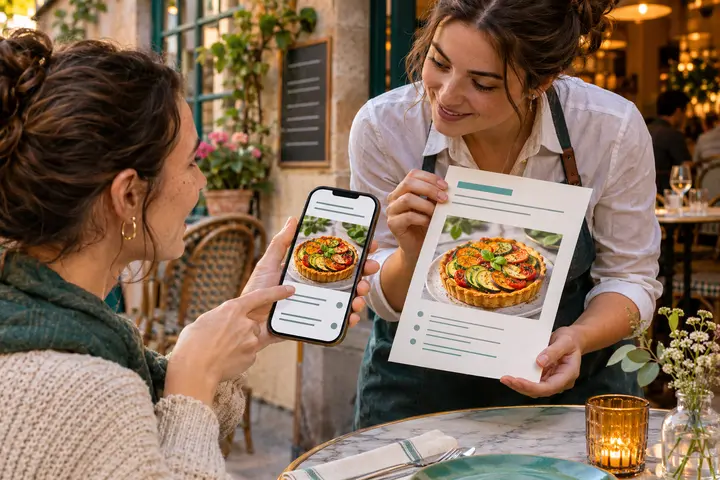
Choose dishes that are easily confused, such as similar tarts with different fillings. Ask the kitchen to confirm the actual preparation and the details that distinguish each item. Keep a working reference that pairs the approved guest wording with the name staff use. This can be a simple internal document; it is a recommended business practice, not a claim that the product automatically creates a cross-language kitchen register.
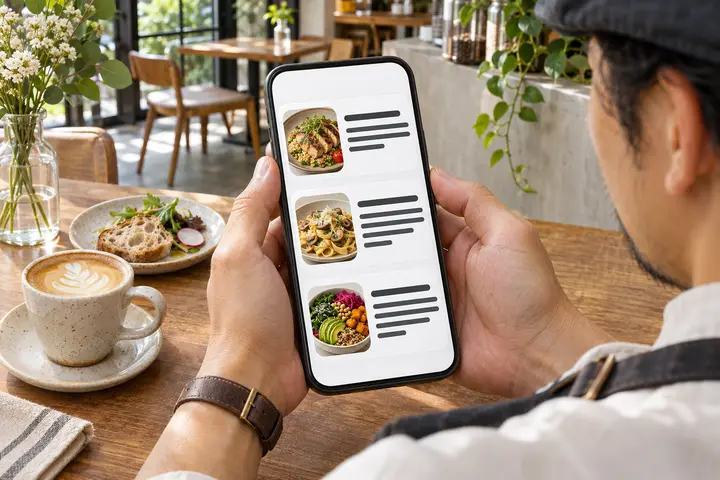
Let someone who did not prepare the wording read the guest version. Ask that person to indicate the intended dish without relying on its position in a list. Categories and sorting can change, so “the item below the soup” is a fragile instruction. Photographs can support recognition when they represent the actual offering, but a generic image should never become the deciding evidence. Keep the confirmed identifying ingredient visible in the wording.
Rehearse the handover from phone to kitchen
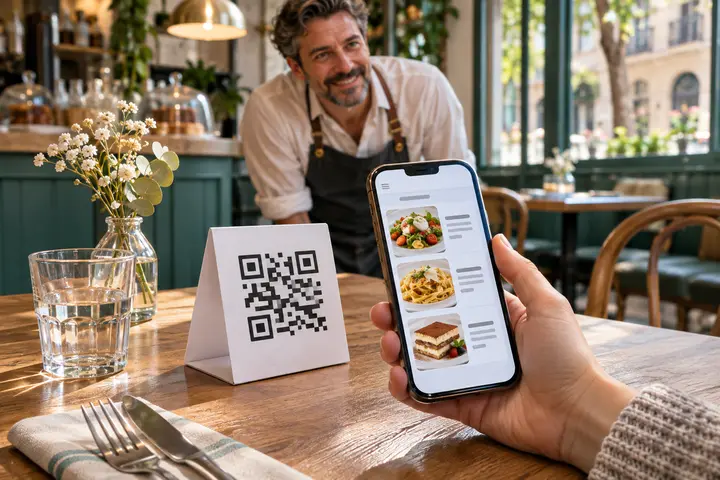
Open the public menu from the guest seat. Have a colleague point to an item in another language while a server finds the equivalent approved entry. Then repeat with a closely related dish. Listen to the words staff use when they confirm the choice aloud. If the explanation introduces a different filling, portion or preparation, pause and correct the reference before service begins.
Do not turn this rehearsal into a memory test for multilingual staff. The aim is a usable route back to reliable information. An employee who does not speak the guest's language should know where to ask for help. A verbal confirmation remains useful when the screen is hard to read or the guest is unsure. Avoid assuming that a phone gesture alone specifies modifications, dietary needs or an order accepted by the kitchen.
Keep questions separate from confirmed information
A request to remove an ingredient is different from choosing another listed dish. Record the guest's question clearly and seek the kitchen's response. Never infer an allergen statement from a translated name, a photograph or a generated description. Preparation and suitability information needs business verification. Keep uncertain wording out of the public version until someone responsible has checked it against what is actually served.
For wider editorial preparation, read the multilingual menu guide. For the staff terminology behind a shared reference, see a common restaurant vocabulary. Use these together: readable guest content and familiar staff names serve different jobs, and the handover needs both. Neither replaces asking the guest to clarify an ambiguous selection.
Try the routine with your own menu
Nina GO AI accepts menu photos, a PDF or an existing QR menu link through the same WhatsApp conversation; uploading through the registration route is also possible. The business checks the information read from the source. The QR menu option provides a phone menu and a link to the business website. These verified features provide a practical starting point for reviewing your own content, without implying automatic kitchen translation or an unsupported ordering integration.
Follow how Nina GO AI works and test it for free. Bring the complete current menu, then review the dishes that staff most often need to clarify. Reopen the published guest version after approved changes and rehearse the same handover again. Keep a short shift note about confusing wording and who will correct it. A successful review means the team can trace a guest's choice back to the confirmed dish; it does not establish a guaranteed sales result or search ranking.