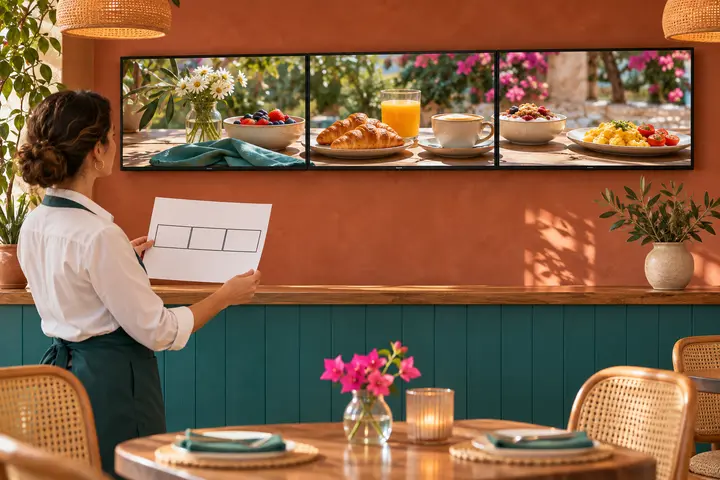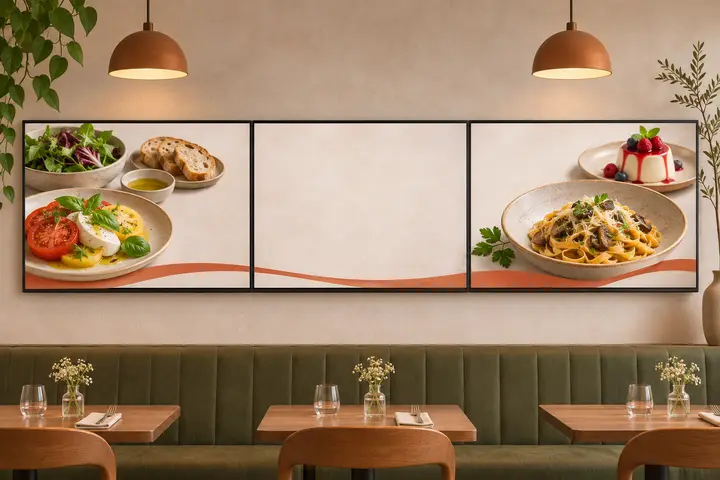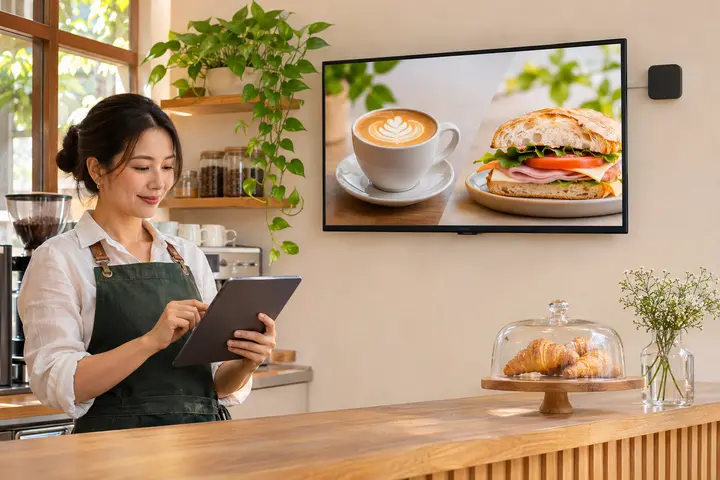
A restaurant TV menu can begin with an ordinary television already in your premises. The useful question is how to give that screen a clear purpose and keep the information under control. The NinaGO box runs NinaGO’s own software and turns a normal television into a smart menu screen. It offers practical setup and central management through a single device. For a restaurant, takeaway or cafe owner, the starting point is therefore the menu guests need to read, rather than a complicated technical shopping list.
Can an ordinary television become a menu screen?
Yes: this is the purpose of the NinaGO box. Think of the television as the place where your menu becomes visible and of the software as the way you manage that content. Before deciding on the layout, stand where a guest normally chooses food. Check whether the screen is visible from the entrance, the waiting area or the counter. A screen that looks impressive from the manager’s desk can still be hard to read from the queue. Make that practical observation part of your preparation.
Choose a focused task for the display. A cafe might want to show drinks and a small food selection; a takeaway might need a clear overview of its main dishes. These are planning examples, not automatic product settings. Write down what a guest should understand at a glance. Keep longer explanations available through the appropriate menu channel or a conversation with staff. The box gives an ordinary television a menu role; the business still chooses useful, accurate content.
What does central management change?
Central management means you have a defined place to manage the menu instead of treating the television as a forgotten decoration. In Nina GO AI Live use, supported changes are sent to the relevant screens through the screen connection. A useful operating routine is to name the person who approves a change and the person who looks at the physical display afterwards. Entering information and confirming what a guest can actually see are different steps in that routine.
Keep the first screen simple enough to inspect. Compare product names, descriptions and images with the menu your team uses during service. If you change an item, check the surrounding information too: an old description next to a new picture can confuse a guest even when each element looks polished on its own. For the product workflow, read how Nina GO AI works. For the distinction between content paths, see menu changes and the TV display.
Where does AI assistance fit?
The NinaGO software provides AI assistance within the verified scope of supported menu tools. Live use includes supported voice instructions and tools for products, images and design. Treat an instruction as a request that needs checking, especially when a dish description could imply an ingredient that the kitchen does not use. AI assistance is useful for preparing and editing content; it does not replace the owner’s responsibility to approve the menu information presented to guests.
Do a rehearsal with a familiar dish. Describe the change you want in plain language, inspect the resulting content and compare the screen with the kitchen’s actual offer. This is a suggested review method, not a claim that every spoken request is supported. Keep factual questions separate from stylistic preferences. A clearer headline is a design choice; a claim about ingredients or dietary suitability needs confirmation from the business. Staff should know whom to ask when something is uncertain.
Start with a screen you can review
Before the first busy service, read the display from the guest’s position and ask a colleague to explain what they think is being offered. Correct ambiguity before adding more material. Read checking menu readability from the queue for a complementary content review. Plan a regular visual check after edits and keep responsibility clear across shifts. These are practical working habits, rather than promises of automatic commercial results.
To begin, test Nina GO AI for free and use your own menu as the review material. The NinaGO box is a practical route from a normal television to a centrally managed smart menu screen. Evaluate it through the everyday question that matters at your counter: can a guest understand the current offer, and can your team confidently stand behind what is displayed?