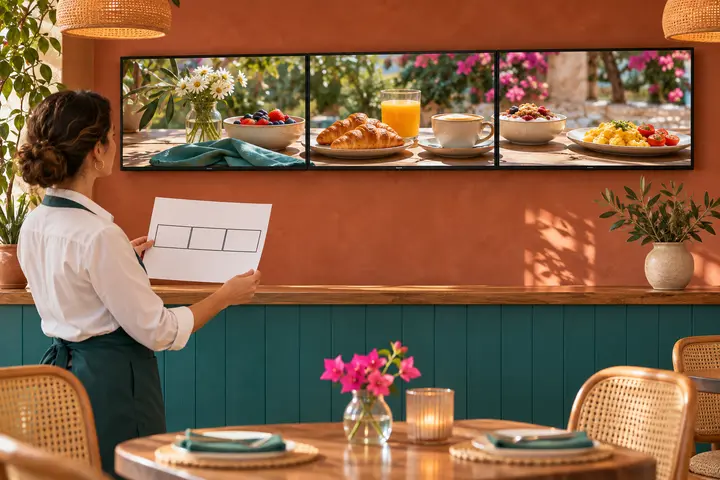
Turning existing menu televisions into a wide presentation should not begin by changing every item of content. First decide which surface will carry a common message, which information must remain available and who approves the final view. NinaGO offers one wide picture with ordinary televisions and its own software. AI-assisted content and design tools support preparation. This guide explains the restaurant's operational steps when moving from separate menu presentations to a shared wide surface. Because the drag-and-drop grouping interface is being developed, it does not invent an installation procedure based on panel or phone controls that do not exist today.
The industry calls digital information and promotional display Digital Signage. A digital menuboard presents the digital menu within that use; a Video Wall or Videowall describes a shared picture across several displays. Digital Signage Player, Signage Player and Media Player name the playback role in this category. Here they refer to software and playback functions rather than a particular hardware box. NinaGO's shared use of ordinary televisions does not imply that these terms guarantee identical capabilities in every product or installation. What matters is the functionality actually offered and verification for the intended restaurant use.
Record placement and existing information
Start with a simple sketch of television positions, guest viewing points and the information role of each display. Which product facts appear where? Which screen do staff consult when explaining the menu? If a surface becomes a wide campaign, will an important menu detail disappear? Answer before preparing content. The sketch is an operating worksheet, without claiming automatic detection or automatic application of a plan. Keep a checked reference of the existing content. The team should understand where information will remain during the change and be able to distinguish an older file from the new presentation.
Confirm suitability for your ordinary televisions and intended use. This NinaGO use does not require special videowall displays or a separate videowall controller. Do not expand that distinction into a claim that there are no equipment, connection or suitability conditions. Three televisions sharing a picture alongside a separate television were demonstrated in the product owner's own setup. That does not mean every grouping option can be installed with one gesture today. Make the requirement concrete and confirm feasibility. A discussion of needs differs from an operation that can actually be carried out through the current interface.
Assess readability at the real viewing distance
Before choosing a headline, walk through the real viewing positions. A guest in the queue, a person entering and someone seated to the side see different angles. Write which message each should understand. A larger picture alone does not provide readability everywhere. Physical television bezels also remain. Consider keeping critical product names and important words from splitting at joins. Television bezel adjustment is being developed; do not make today's placement decision as though the feature were already present. Pass observations from the person checking the room to the person preparing content so the design responds to an actual viewing problem.
Then inspect draft content from the same position. Ask someone what they understood and compare the answer with the target message. If an offer is unclear, simplify priorities rather than adding more text automatically. This is a suggested operating check, without an automatic readability certificate or a sales guarantee. Recording misunderstandings explains the purpose of the next design change. Note the conditions if the viewing position changes. The following shift can then understand which decision came from which observation rather than attempting to solve the same issue again without context. Keep the record concise enough to use during service preparation.
Prepare a limited campaign scene
For the first change, select a limited content goal instead of rebuilding the entire menu. A single product or a clear meal message can provide a useful beginning for assessing the wide presentation. This is a design suggestion. Prepare the product name, image and description using facts confirmed by the kitchen. Within Nina GO AI's Live scope, supported voice instructions and AI tools help with products, prices, visuals and design. For an AI-planned scene, describe the main message and visual priority clearly. Do not assume that every request in natural language will be executed automatically as an available command.
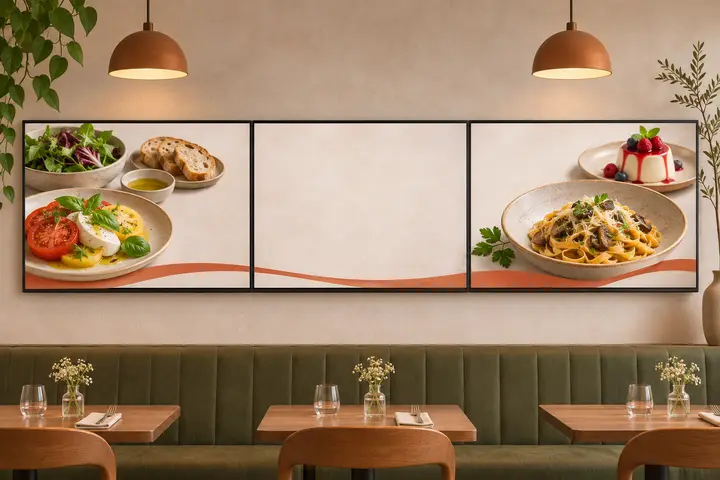
The Design Studio's Wide · 2 screens and Wide · 3 screens canvases measure 3840×1080 and 5760×1080. Choose the target canvas and check the material's format. Unsuitable content triggers an explicit warning; correct the selection instead of bypassing it. Video can span the full width and ticker text runs continuously across the wide canvas. Use these options to support the message rather than adding unnecessary movement and explanations at once. Ready-made three-screen templates are being developed. Having an available canvas does not mean those future templates are already ready for use in the current design process.
Define acceptance and the daily handover
Review the first presentation together on the real televisions. Is the correct product shown? Is the headline understandable? Are movement and ticker suitable? Has the format warning been resolved? Name the person responsible for acceptance. In AI-assisted management, the business checks read or generated menu information; ingredient suitability and allergens are not approved by guesswork. Content help also does not establish that AI supplies technical synchronisation. Assess content accuracy and the working view separately. Supported changes reaching relevant Live displays does not remove the need for staff to check the actual final presentation before relying on it in service.
During daily handover, record the last accepted message, responsible person and areas that need another check when something changes. Keep the record understandable so an old presentation is not confused with new product information. This operating routine is not presented as a separate product feature. Read how NinaGO works and review scope on the plans page. To explore an AI-assisted wide presentation with your menu and ordinary televisions, try it free. The aim is a transition that both guests and the team can understand and manage with clear responsibilities.