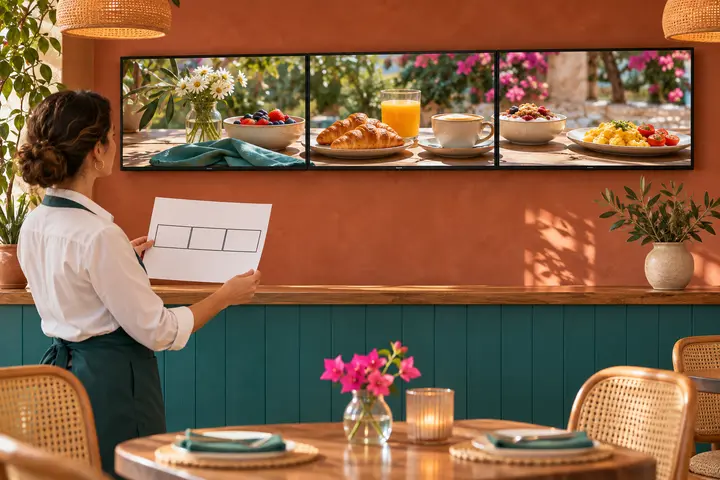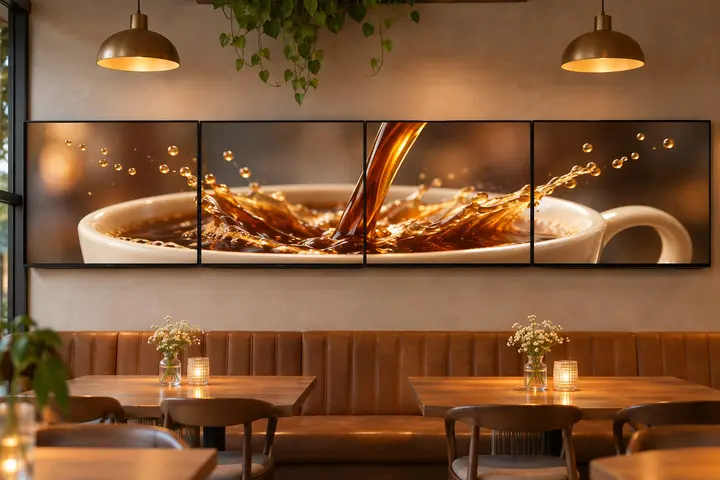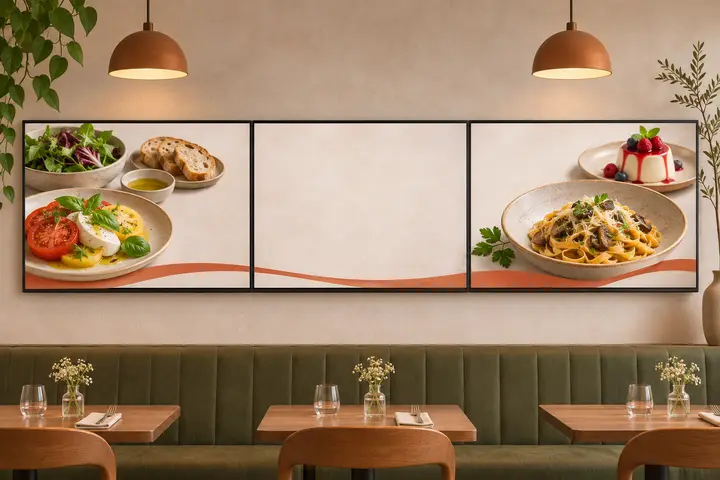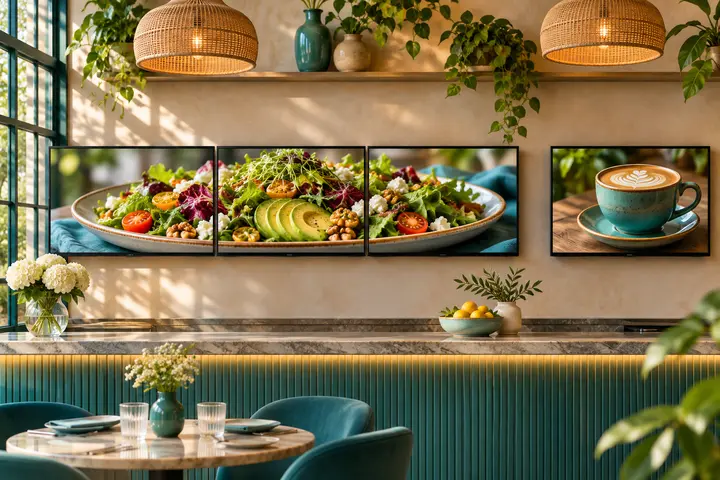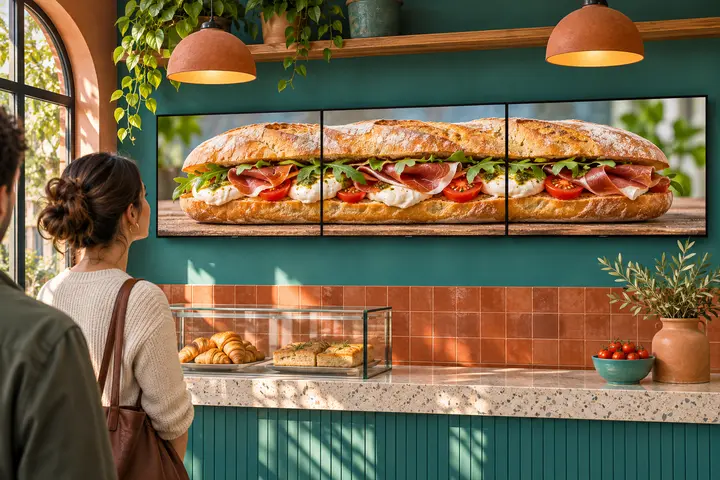
Your televisions sit beside each other above the counter, yet guests see a collection of separate posters. You would like a larger headline, a food video spanning the whole width or a message that continues between screens. NinaGO lets ordinary televisions act as parts of one large picture. Instead of fitting every design inside a single television, you can consider the whole horizontal surface. AI-assisted menu and design tools can support content preparation. The first decision is the message a guest should understand at a glance, before deciding how many screens should carry it.
The industry calls digital information and promotional display Digital Signage. A digital menuboard presents the digital menu within that use; a Video Wall or Videowall describes a shared picture across several displays. Digital Signage Player, Signage Player and Media Player name the playback role in this category. Here they refer to software and playback functions rather than a particular hardware box. NinaGO's shared use of ordinary televisions does not imply that these terms guarantee identical capabilities in every product or installation. What matters is the functionality actually offered and verification for the intended restaurant use.
Understand what a shared picture changes
Repeating the same poster on every television differs from spreading one picture across them. With repetition, each screen contains the complete same image. With a wide presentation, neighbouring screens show different parts of a common picture. A product photograph can stretch across the surface, while a large heading or ticker belongs to the shared composition. The guest sees a visual whole rather than isolated cards. Physical television bezels remain. Keep the joins in mind and check the visibility of important words and product details on the actual arrangement.
This NinaGO use does not require special videowall displays or a separate videowall controller. Think in terms of your ordinary televisions and NinaGO software. That does not establish that every television suits every condition or that there are no equipment and connection requirements. Confirm suitability for your televisions and intended use. The purpose is to use ordinary screens as a shared storytelling surface. Adding more screens alone does not produce a clearer message. Choosing the offer, reviewing its information and deciding where it should appear remain responsibilities of the business.
Give the counter, window and room different purposes
Above the counter, plan the wide surface around what a guest in the queue should notice. For example, keep the product image strong and the heading short. This is a design suggestion, without a promised sales result. Look from the actual waiting position. Can the heading be read? Does it compete with other information? Does the product shown match what the kitchen serves? Note unclear expressions that staff repeatedly need to explain. Make the design decision after observing the real service setting, rather than judging only a close-up preview.
At the window, viewing time may be shorter. Choose a scene with one clear message instead of assuming passers-by will study the entire menu. Inside the dining room, seats have different angles and distances. Check the difficult positions as well as the best table. The same content need not serve every position equally. You might want a wide campaign surface alongside a separate information screen. Confirm that particular arrangement for your setup. Keep a planning choice separate from the controls that are currently available in the product interface.
Plan content with AI assistance
Within Nina GO AI's verified Live scope, supported voice instructions and AI tools assist work on products, prices, visuals and design. For an AI-planned wide presentation, describe the product, the intended message and the design direction clearly. Then review the read or generated information as the business. AI support does not validate ingredients or allergen claims that the kitchen has not confirmed. Nor should you assume every package includes these tools with the same scope. Tie the workflow to the option you actually intend to use.
A request such as helping prepare a calm, product-led wide presentation for the daily meal illustrates an editorial goal. It is not a guarantee that any sentence becomes an automatically executed command. The team still reviews AI-assisted management. There is no verified claim here that AI provides the synchronisation between screens. Consider content assistance separately from technical frame alignment. That distinction keeps both the restaurant's expectations and the information given to guests clear. It also gives staff a concrete basis for checking the finished presentation before service.
Start with an available wide canvas
The Design Studio currently offers Wide · 2 screens and Wide · 3 screens canvases. Their dimensions are 3840×1080 and 5760×1080 respectively. An explicit warning appears when the chosen content format does not match; use it to select appropriate content. Ticker text runs continuously across the wide canvas. Drag-and-drop arrangement and grouping on panel and phone, television bezel adjustment and ready-made three-screen templates are being developed. Describe them as coming soon, rather than as controls already available or prerequisites for today's wide presentation.
Evaluate the first presentation with a narrow content goal: one message, checked product facts and observation from the real viewing position. Read how NinaGO works and examine the relevant scope on the plans page. To explore an AI-assisted wide display with your own menu and ordinary televisions, try it free. Use the trial to clarify questions about your room, intended arrangement and content. A trial invitation does not describe the entire service as free or guarantee the same outcome in every restaurant.