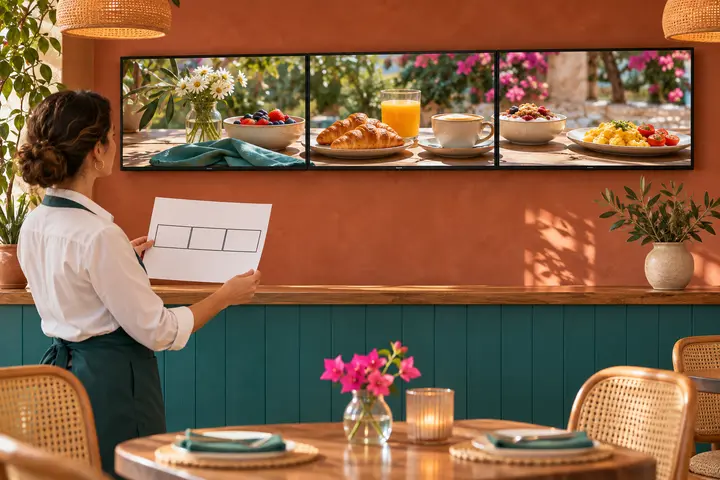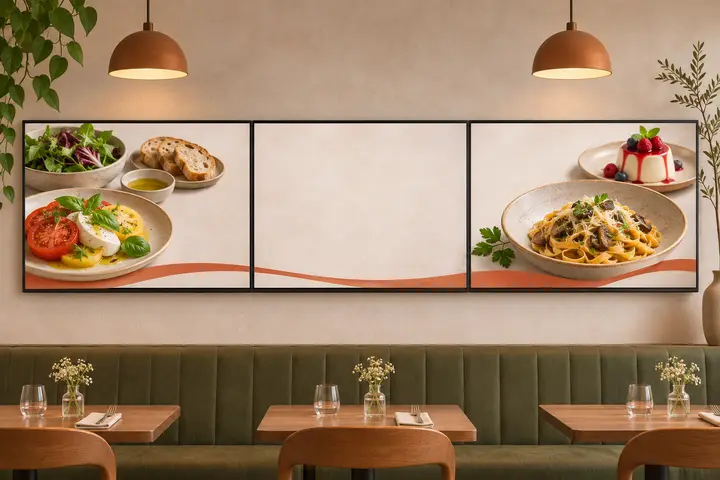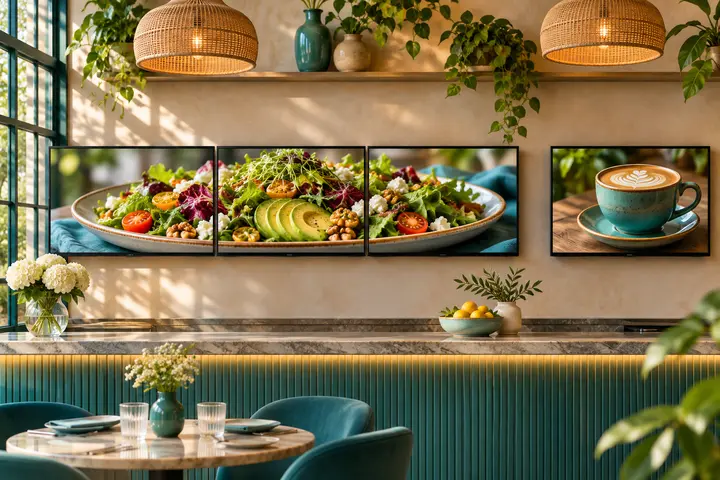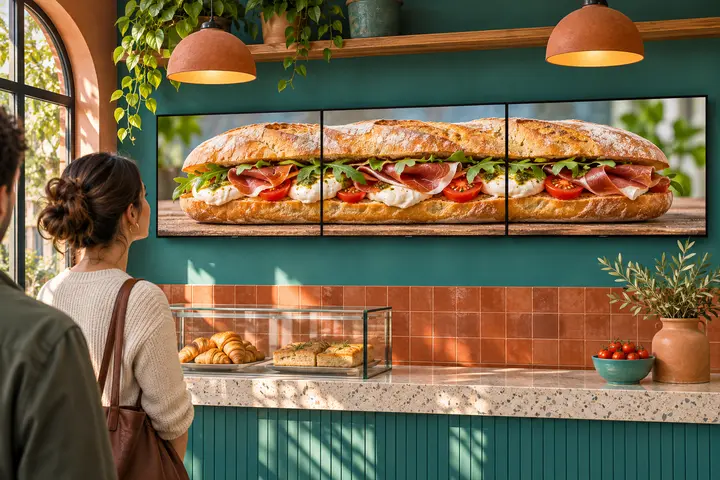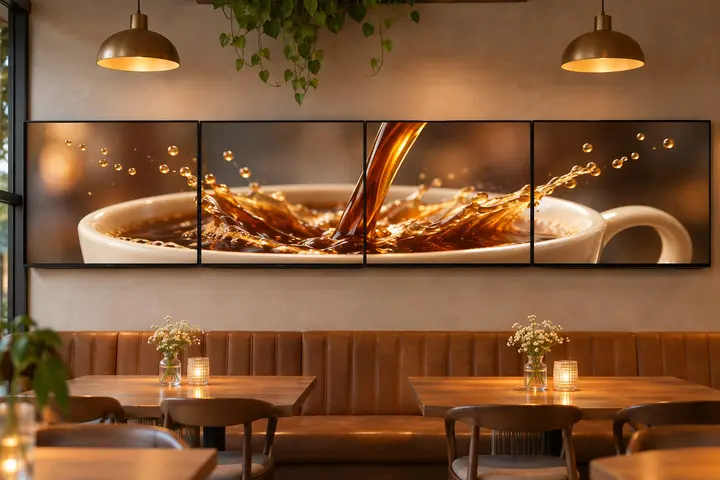
When video spans neighbouring televisions, guests notice more than picture size. The parts of the picture also need to continue the movement together. NinaGO provides a shared wide picture with ordinary televisions and its own software, without special videowall displays or a separate videowall controller. What does the reported synchronisation measurement mean? This guide explains observations reported by the product owner for their own four-TV setup. AI-assisted content and design management is a separate benefit. No claim is made that AI supplies technical synchronisation. Understanding the measurement means interpreting the result without turning it into a guarantee for every installation.
The industry calls digital information and promotional display Digital Signage. A digital menuboard presents the digital menu within that use; a Video Wall or Videowall describes a shared picture across several displays. Digital Signage Player, Signage Player and Media Player name the playback role in this category. Here they refer to software and playback functions rather than a particular hardware box. NinaGO's shared use of ordinary televisions does not imply that these terms guarantee identical capabilities in every product or installation. What matters is the functionality actually offered and verification for the intended restaurant use.
Frame rate and difference between displays are distinct
The product owner reported 59.94 frames per second in that setup. This describes the frame rate of the picture flow. It does not by itself prove that every television shows the same frame at the same time. Difference between displays asks another question: how far apart does the same picture frame arrive at different televisions? Keep those concepts separate. A high-looking frame rate does not remove the need to examine the difference between displays. For the restaurant, it is also useful to inspect how movement looks at the joins in the actual wide content.
In the same setup, the same frame was reported to reach the televisions less than one refresh interval apart; the stated interval is 16.7 ms. This does not mean no difference exists. The measurement says the difference in that reported setup was shorter than the stated interval. It therefore does not justify phrases such as absolute zero delay or identical results on every ordinary television. The data here is the product owner's measurement information for their own arrangement, rather than independent laboratory certification. Confirm suitability for your use and check the visible result with concrete content on the televisions you intend to use.
Understand what drift describes over time
The owner also reported drift below 0.1 ms per minute in the same arrangement. Drift concerns how the time relationship between displays changes over time. It differs from the initial frame-arrival difference. A picture appearing aligned at the beginning does not by itself prove that the relationship will never change during longer playback. Treat frame rate, display-to-display difference and drift as separate observations. Understanding what each describes is more useful than combining the numbers into a single phrase promising perfect synchronisation. Keep the stated setup attached to the observation when discussing it with the team.
These observations do not automatically apply to every television model, connection condition or content type. A result from one particular arrangement supplies information about that arrangement. The restaurant's decision should include seeing the current wide capability and assessing its own intended content. Do not assume a measurement from one setup will certainly repeat in another. This guide also makes no promise of uninterrupted operation during an internet failure. A synchronisation observation does not establish connection continuity or the scope of every usage mode. Stating those limits clearly helps the actual capability remain understandable rather than expanding it into unsupported promises.
Inspect the joins that guests actually see
A slowly moving product detail or a graphic travelling between televisions can be useful for a visual check. This is an inspection suggestion, without claiming a precise measurement method or certification procedure. Note what you see from the real viewing position. Does the product look divided? Is the movement distracting? Does the message remain understandable? Physical television bezels remain in place. Technical frame alignment does not make those bezels invisible. Keeping important words away from the physical boundaries is a separate composition decision. Assess both the movement and the layout before approving the presentation for guests.
Not needing a dedicated videowall controller also needs its proper scope. It describes a NinaGO shared picture using ordinary televisions. It does not mean there are no equipment, connection or suitability conditions. Identifying a special equipment category that is unnecessary differs from promising unconditional operation in every installation. Confirm suitability for your own televisions and intended wide surface. The same owner's demonstration of three televisions sharing a picture alongside a separate fourth does not mean every group arrangement can already be selected by dragging televisions in the panel. That interface is being developed, so distinguish the demonstration from future controls.
Put AI assistance in its verified role
Nina GO AI's verified Live tools and supported voice instructions help work on products, prices, visuals and design. In an AI-planned wide presentation, use that assistance to prepare the content goal. In AI-assisted management, the team checks read or generated menu information. Ingredients and allergen claims unconfirmed by the kitchen are not approved by guesswork. Do not describe this assistance as the source of technical synchronisation. Product content capabilities and the synchronisation measurements explained here are separate areas of verified information. Keep tools tied to supported scope rather than assuming every package includes the same functions.
The Studio's Wide · 2 screens and Wide · 3 screens canvases measure 3840×1080 and 5760×1080. An explicit warning appears for unsuitable content formats. Ready-made three-screen templates and television bezel adjustment are being developed. Read how NinaGO works and examine relevant scope on the plans page. To explore an AI-assisted wide presentation for your ordinary televisions, try it free. During the trial, look beyond impressive numbers to the result you see with real content and the conditions of your intended use. A useful decision combines the demonstrated capability with checks relevant to your restaurant.