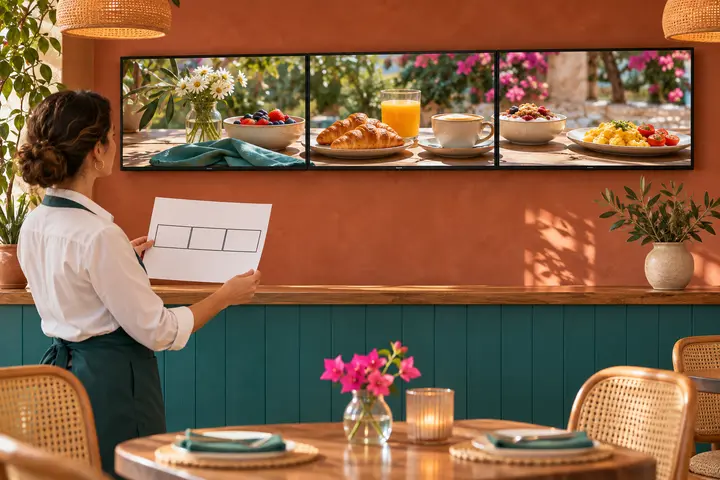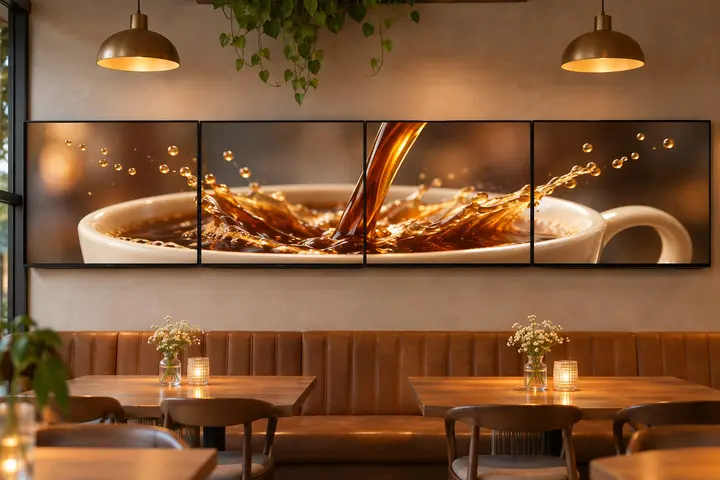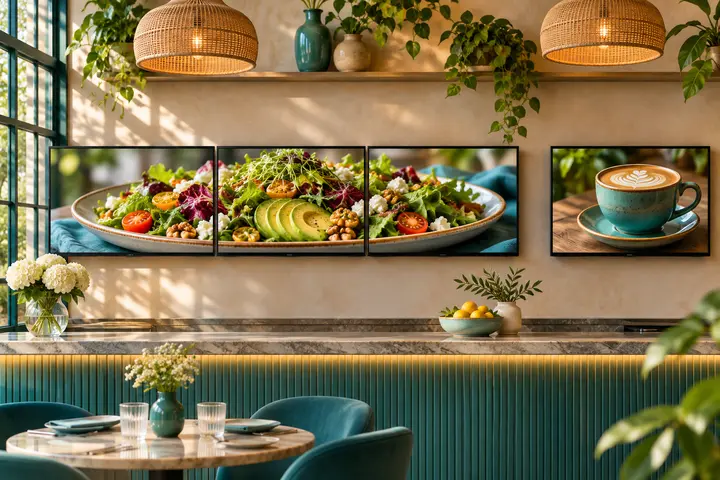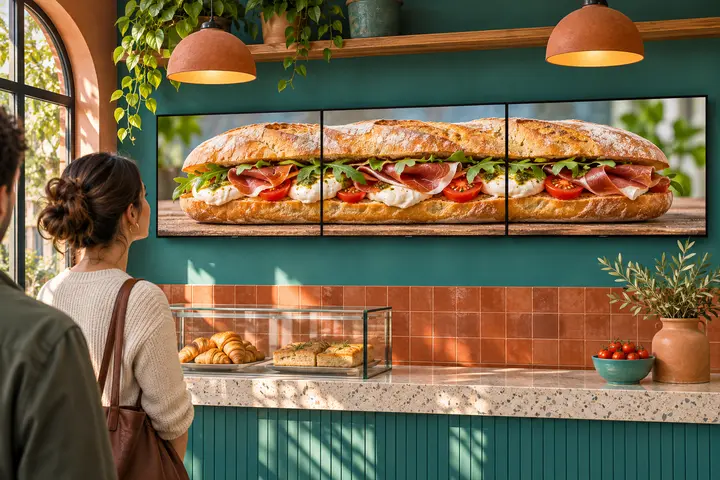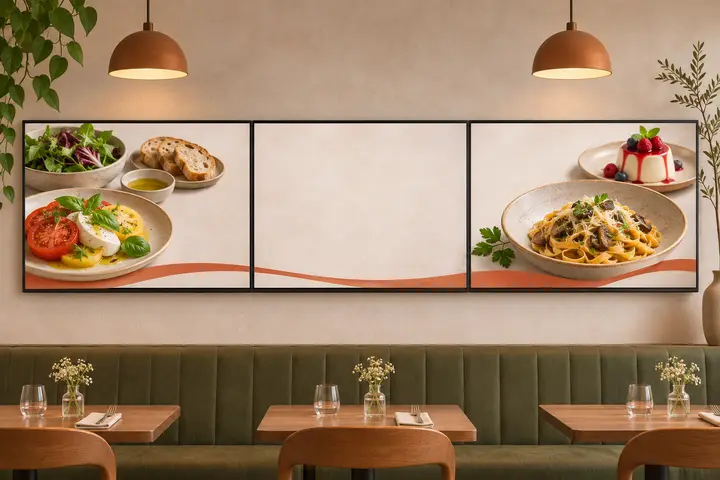
Stretching a poster prepared for one television is not the same as composing content for several televisions. As the picture grows, reconsider the headline position, product crop and time a guest needs to understand the message. NinaGO helps use ordinary televisions as one wide surface, and its Design Studio offers suitable wide canvases. AI-assisted menu and design tools let you describe the content goal. You still need to check where physical television bezels cross the image and where the guest stands. This guide addresses what to place on a wide surface and how to assess its composition.
The industry calls digital information and promotional display Digital Signage. A digital menuboard presents the digital menu within that use; a Video Wall or Videowall describes a shared picture across several displays. Digital Signage Player, Signage Player and Media Player name the playback role in this category. Here they refer to software and playback functions rather than a particular hardware box. NinaGO's shared use of ordinary televisions does not imply that these terms guarantee identical capabilities in every product or installation. What matters is the functionality actually offered and verification for the intended restaurant use.
Choose the destination canvas first
The Studio's Wide · 2 screens canvas measures 3840×1080; Wide · 3 screens measures 5760×1080. Describe the target canvas as well as the product when specifying the intended surface. Your content choice can then consider the whole width rather than the boundaries of a single-screen card. The screen card's “3 TVs · one screen” information also helps identify the wide destination. It does not establish that a new interface for dragging and grouping televisions is already available. Drag-and-drop grouping is being developed. Preparing a design and using future arrangement controls are separate questions.
NinaGO displays an explicit warning when selected content has an unsuitable format. Treat this warning as part of content acceptance. A beautiful image alone does not show that it suits the destination. A cropped plate, unexpected empty area or distorted proportion can weaken the message. When warned, check both the selected material and the intended canvas again. This guide does not promise that every file will be converted automatically. Choosing suitable material and approving the final view remain business responsibilities within an AI-assisted design process. Keep the first content test focused on a limited message.
Keep important words clear of physical joins
A wide surface does not require more words. Choose a short main message first, then compare its word positions with the joins between televisions. A bezel crossing the middle of an important word can create a reading problem that a close-up software preview hides. You may need to reposition the headline or choose a shorter phrase. This is design advice, without claiming an available feature that automatically compensates for television bezels. Bezel adjustment is being developed. Make today's composition decision using the tools that are actually available, rather than assuming a future control is already present.
The product name, offer explanation and directional text may have different importance. Decide what guests should notice first. Show the result to someone at the real viewing distance and ask which message they understood. Compare their answer with your intended message. If it differs, review the composition's priorities instead of only enlarging the text. Essential information appearing during a brief animation moment can be missed. Consider keeping basic product information in a calm area. This is an approach to design assessment, without an automatic readability score or a promised sales outcome for the restaurant.
Give video and ticker text different jobs
When a shared picture spans ordinary televisions, a video can occupy the whole width. Its purpose need not be movement in every corner. Inspect where the product picture begins and ends and which details sit at the joins. An important detail landing behind a bezel may require another crop. A wide video is different from repeating the same complete picture on each television. This NinaGO use does not require special videowall displays or a separate videowall controller. Confirm the suitability of your own ordinary televisions and intended use rather than generalising that distinction into a claim about every possible setup.
Ticker text runs continuously across the wide canvas. Avoid turning it into a second wall of text that repeats every detail in the video. Choose a short checked message and watch it on the real displays. Check the transition between televisions and how the text reads. Too many simultaneous messages can make a presentation difficult even when each individual statement is correct. Consider keeping essential staff explanations available outside a temporary ticker moment. Ready-made three-screen templates are being developed. Do not assume those templates are available when assessing today's composition. A current canvas and a future template are different things.
Complete AI assistance with human review
Nina GO AI's verified Live tools and supported voice instructions help work on products, prices, visuals and design. For AI-planned content, describe the main message, visual priority and target canvas clearly. In AI-assisted management the business checks generated or read product information. Ingredient suitability and allergen statements are not approved by guesswork. Content assistance does not establish that AI supplies technical synchronisation between televisions. Nor should you assume that every package includes the same scope of tools. Connect the creative request with functions that are supported for your intended use and review what actually appears.
Before accepting the first presentation, examine headline, product image, ticker and format warnings together on the real televisions. Read how NinaGO works and check scope on the plans page. To explore AI-assisted wide design with your own menu and ordinary televisions, try it free. Filling the canvas is only part of the task. The practical question is whether a guest understands the intended message accurately from the position where the content is meant to be seen.