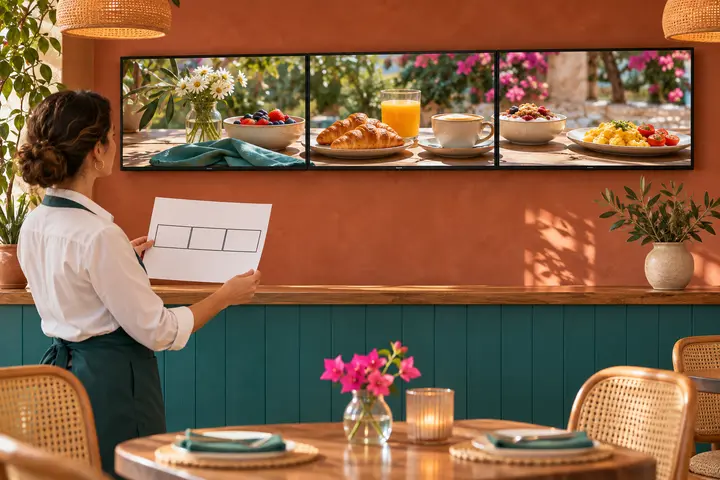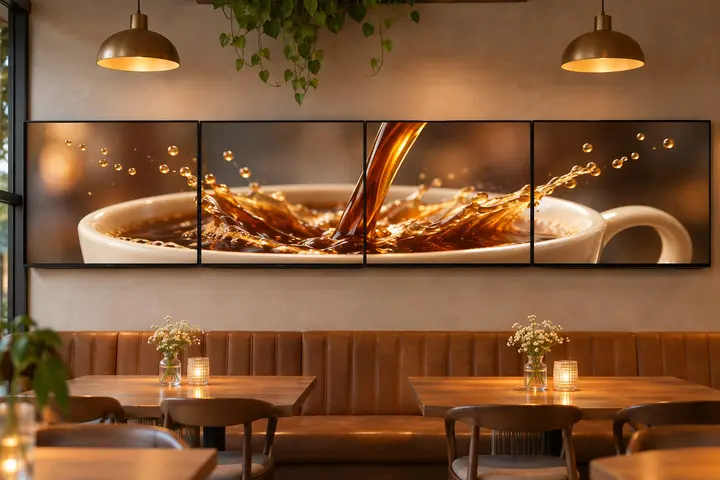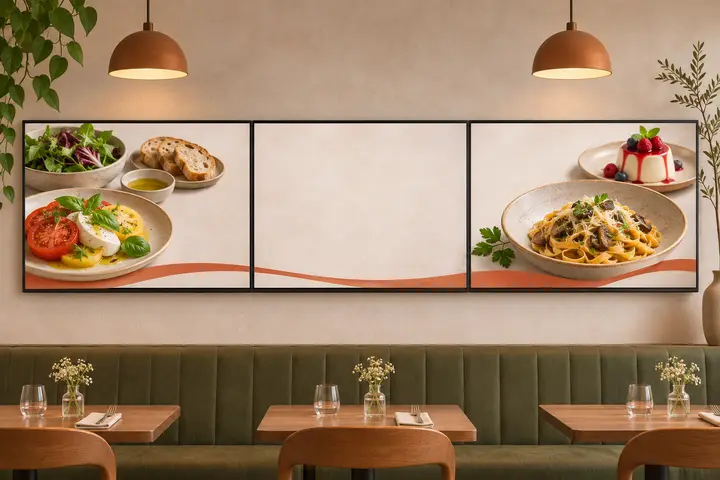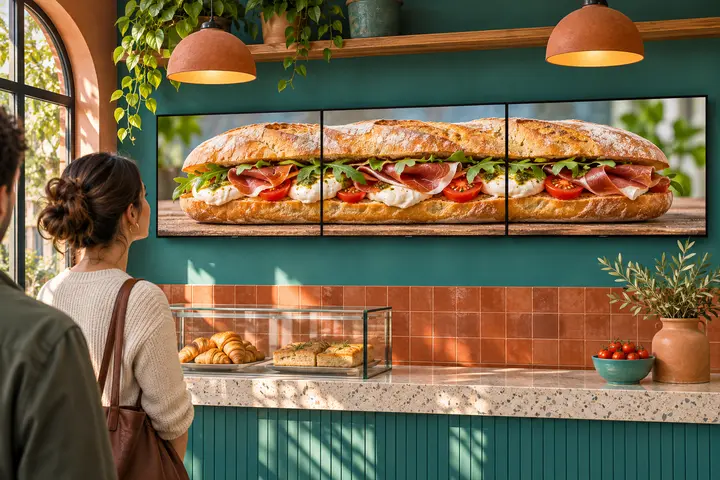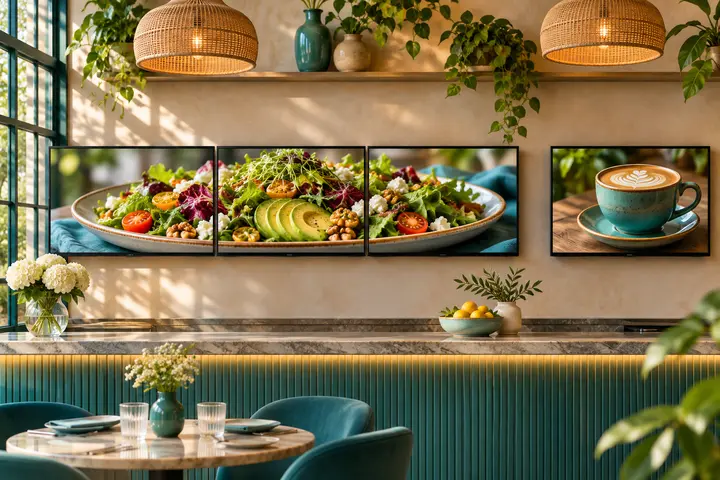
Every television does not need the same job. A restaurant may want a wide product presentation while needing different information at collection. The choice need not be limited to joining every television into one picture or leaving every screen separate. In NinaGO's own four-TV setup, three televisions sharing a picture were demonstrated alongside a fourth showing separate content. This mixed use helps you consider displays by information role before physical count. AI-assisted content management can support the preparation of messages for those roles. Keep the available result separate from the grouping interface that is still being developed.
The industry calls digital information and promotional display Digital Signage. A digital menuboard presents the digital menu within that use; a Video Wall or Videowall describes a shared picture across several displays. Digital Signage Player, Signage Player and Media Player name the playback role in this category. Here they refer to software and playback functions rather than a particular hardware box. NinaGO's shared use of ordinary televisions does not imply that these terms guarantee identical capabilities in every product or installation. What matters is the functionality actually offered and verification for the intended restaurant use.
Write the information roles first
Give each display location a short job description. The shared surface above the counter could introduce the main product; a separate surface could explain drinks or other checked menu information. These are operating examples. Describe the role before choosing a product list. Repeating the same products everywhere does not explain why another display should remain separate. Observe the questions staff answer and select which question each surface should address. Assign a visible purpose rather than filling an unused display simply because it is there. Keep the description understandable to the next shift.
Then consider whether a guest sees the surfaces together. If the same person views all the televisions from the same position, messages should complement each other. If people in different positions need different information, separate presentations may make sense. This assessment does not require an invented sales result. Standing in the real position, observing the displays and listening to everyday staff explanations provides a useful starting point. Record the plan in short sentences so colleagues understand why a surface belongs to a shared picture and do not inadvertently give every display the same content goal.
Separate a demonstration from a planning example
The product owner's four-TV setup demonstrated three televisions as one picture with the fourth showing separate content. Four televisions showing one shared picture were also demonstrated in that setup. Those observations do not establish that all arrangements can already be selected by dragging televisions in the panel. The phone and panel interface for arranging and grouping televisions is being developed. When describing current capability, distinguish the demonstrated result from future ease of control. Sketching a proposed group for the team does not mean the product automatically applies that sketch under every condition today.
Pairs of screens or keeping every television separate can also be discussed as requirements. This article does not establish paired groups as an available option in every installation. State the arrangement you want and confirm its feasibility for your use. An all-wide choice can be considered for a common message; separate surfaces can be considered for different information roles. The useful question is which guest need each choice serves, rather than how many arrangement names can be listed. Do not invent automatic grouping steps without seeing the controls actually available for the intended setup.
Use AI to prepare a content role for each surface
Nina GO AI's verified Live tools and supported voice instructions help with products, prices, visuals and design. In AI-planned content, describe the shared wide surface's main message separately from the information role of another screen. For example, you might request a calm product presentation for one area and explanatory menu information for another. These sentences illustrate content goals; they do not guarantee automatic execution of every natural-language request. Use supported functions and review the real result with the team. The editorial decision about what guests need to know still belongs to the restaurant.
AI-assisted management does not mean AI supplies the technical synchronisation of display groups. Content assistance and screen arrangement are separate matters. The business also verifies read or generated product information. An ingredient or allergen statement unconfirmed by the kitchen does not become correct when placed on a separate television. Assign responsibility for the information on each surface. When a product explanation changes, staff should know which presentations need another check. This routine connects AI assistance with human review without inventing a new automated group-management feature or a guaranteed business outcome.
Select suitable content for the shared surface
The Design Studio offers Wide · 2 screens and Wide · 3 screens canvases, at 3840×1080 and 5760×1080. An explicit warning appears when the selected content format does not match. Check the intended format of the common surface instead of dismissing the warning. The screen card's “3 TVs · one screen” information helps identify the wide destination shown. Do not read it as evidence that the future grouping interface is already available. Television bezel adjustment and ready-made three-screen templates are also being developed. Plan today's workflow using what is actually available.
Before accepting the plan, check both the shared picture and the separate display from real service positions. Does the visible content match the role written for each surface? Read how NinaGO works and review the relevant scope on the plans page. To explore AI-assisted content with your ordinary televisions, try it free. Ask specifically about your grouping requirement during the trial. Do not assume that every arrangement or every AI tool is included in every package, or that a demonstration promises identical behaviour in every restaurant.