
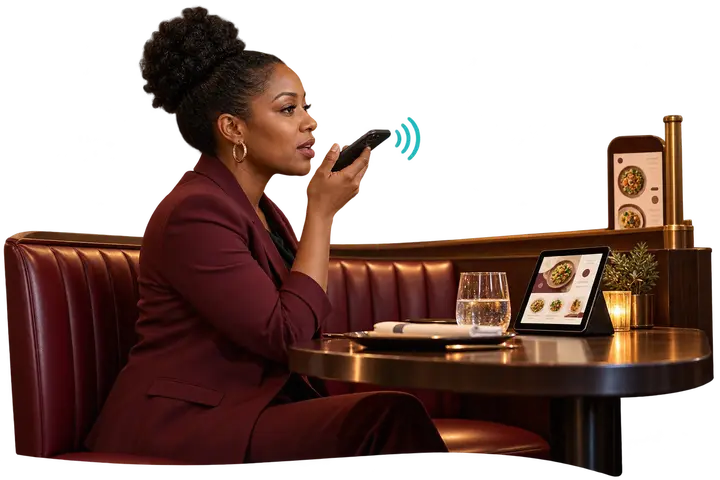
A restaurant's menu is a promise made jointly by the kitchen and the service team. It tells guests what they can order and gives staff a common explanation of the offer. When a dish changes, the description, price and presentation need to remain understandable to everybody involved. A digital menu with an AI menu bot becomes valuable when it helps the team maintain that shared understanding. The technology supports the work behind good hospitality, while the restaurant keeps its own culinary voice.
Give the kitchen's knowledge a clear home
The kitchen knows how a dish is prepared, what comes with it and which details make it distinctive. Turn that knowledge into a concise product description that the team can recognise. A guest should learn something useful from the wording, not simply encounter a series of enthusiastic adjectives. The same information gives the assistant a reliable starting point when the operator asks for a supported content task.
Nina GO AI combines restaurant menu work with related presentation tools in one software environment. Begin with the actual dishes and organise them according to the offer the restaurant wants guests to understand. A coherent category structure and accurate names help a new colleague find the same product the chef is discussing. This foundation is particularly useful when several people contribute to the menu during a normal week.
Let the restaurant's style guide the wording
A neighbourhood restaurant may speak warmly and directly, while a more formal dining room may prefer a quieter explanation of ingredients and preparation. Both can use a digital menu without sounding like the same generic software template. Decide which tone belongs to the business, then ask the assistant for supported wording that remains close to the actual product. The restaurant's identity should be recognisable in the result.
Imagine a chef introducing a seasonal main course. A helpful description explains the central ingredient, preparation and accompanying elements. The team can decide how much detail belongs on the guest menu and how much is better explained in conversation. AI can help prepare language, but the kitchen supplies the meaning. This makes the technology a useful creative support while preserving the character guests came to experience.
Use the menu bot for a recognisable service task
A manager may want to locate a dish, revise a description or prepare another language version before the next service. These are clear starting points for a conversational assistant. Nina GO AI's supported text and available voice functions can connect such requests with the relevant tools. The most useful request names the product and explains what the operator wants to achieve, rather than asking the system to improve everything at once.
The team should be able to inspect the selected entry and understand the proposed operation. Supported changes follow the relevant preview, permission and publication mechanisms. A short demonstration with a familiar dish makes this process concrete. It shows how a spoken observation can become a manageable task and how the person responsible for the menu remains able to assess the result.
Keep guest reading and screen presentation connected
A guest looking at a phone may want the fuller description of a dish. A screen near the entrance may need only a carefully chosen highlight. The two presentations can share the same product identity while having different visual jobs. Nina GO AI includes menu and screen content workflows, allowing the restaurant to prepare suitable presentations around its real products within the connected environment.
Choose what deserves emphasis in each setting. A display can introduce a seasonal dish through a strong image and a short name, while the detailed menu explains the preparation. Check the chosen layout, published content and screen assignment in the actual setup. This is more useful than assuming that copying the longest description everywhere will create a coherent guest experience.
Make multilingual information part of ordinary upkeep
Restaurants serving guests with different languages benefit from descriptions that carry the same offer across versions. Start with a source text the kitchen has checked, then prepare the relevant translations through the supported workflow. Preserve the actual portion, ingredients and product identity. An established dish name may remain unchanged while the explanation around it helps a guest understand what makes it appealing.
When the recipe changes, revisit the affected language versions as part of that update. This keeps translation connected with the restaurant's normal product work. Also distinguish the languages available for stored menu texts from the interface and voice capabilities of the chosen configuration. A useful demonstration lets the team inspect the relevant versions and try the specific operational language it intends to use.
Build a handover the whole team can follow
Before service, the manager and kitchen can agree which entries changed and which presentation is active. A colleague arriving later should be able to recognise the current offer without reconstructing the conversation that created it. Decide who maintains product information, who reviews important wording and how the team checks the relevant guest view. These ordinary responsibilities make the software easier to use consistently.
The result to look for is a restaurant menu that feels like part of the service, with information the team trusts and a presentation that reflects the kitchen. An AI menu bot supports that aim when it connects everyday language with useful, understandable work. Explore the Nina GO AI restaurant solutions and arrange a discussion through the contact page. Bring a dish your team cares about and let the demonstration begin with its story.



