In brief. All four Nina GO AI plans are available now. QR Menu puts your menu on guests’ phones, while Static USB Video plays it from a USB drive. The recommended Live Cloud plan keeps connected boards up to date, and Live Premium adds WhatsApp ordering and tools for your Meta channels.
How much do the Nina GO AI plans cost?
VAT is added on sales in Germany. The monthly Live plans also list a one-time fee for remote setup. See the plan overview for the available packages.
| Plan | Price | Availability |
|---|---|---|
| QR Menu | For current prices, please see our pricing page. | Available |
| Static USB Video | For current prices, please see our pricing page. | Available |
| Live Cloud | For current prices, please see our pricing page. | Available |
| Live Premium | For current prices, please see our pricing page. | Available |
When is QR Menu enough?
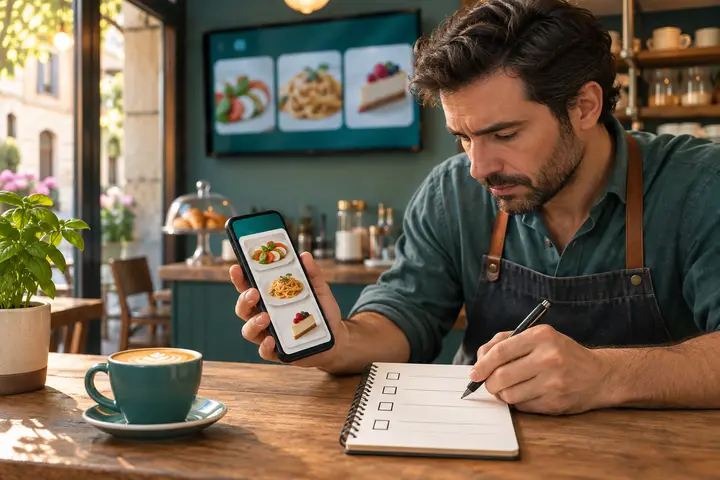
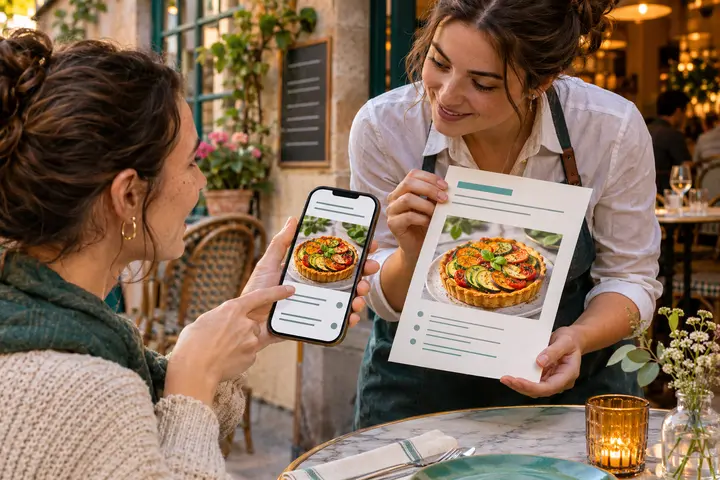
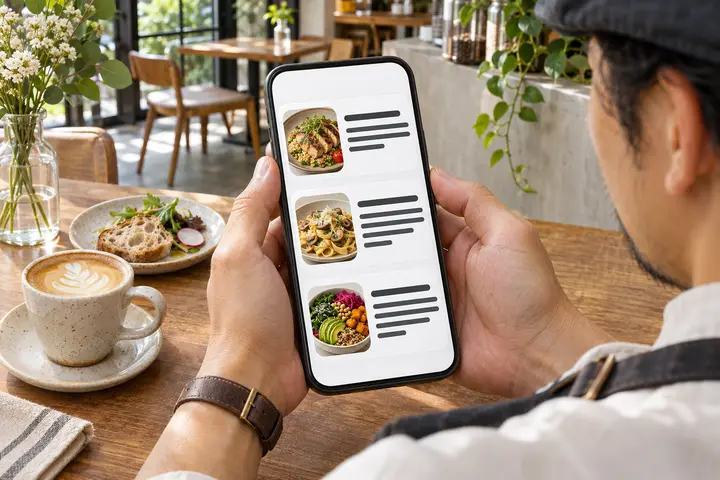
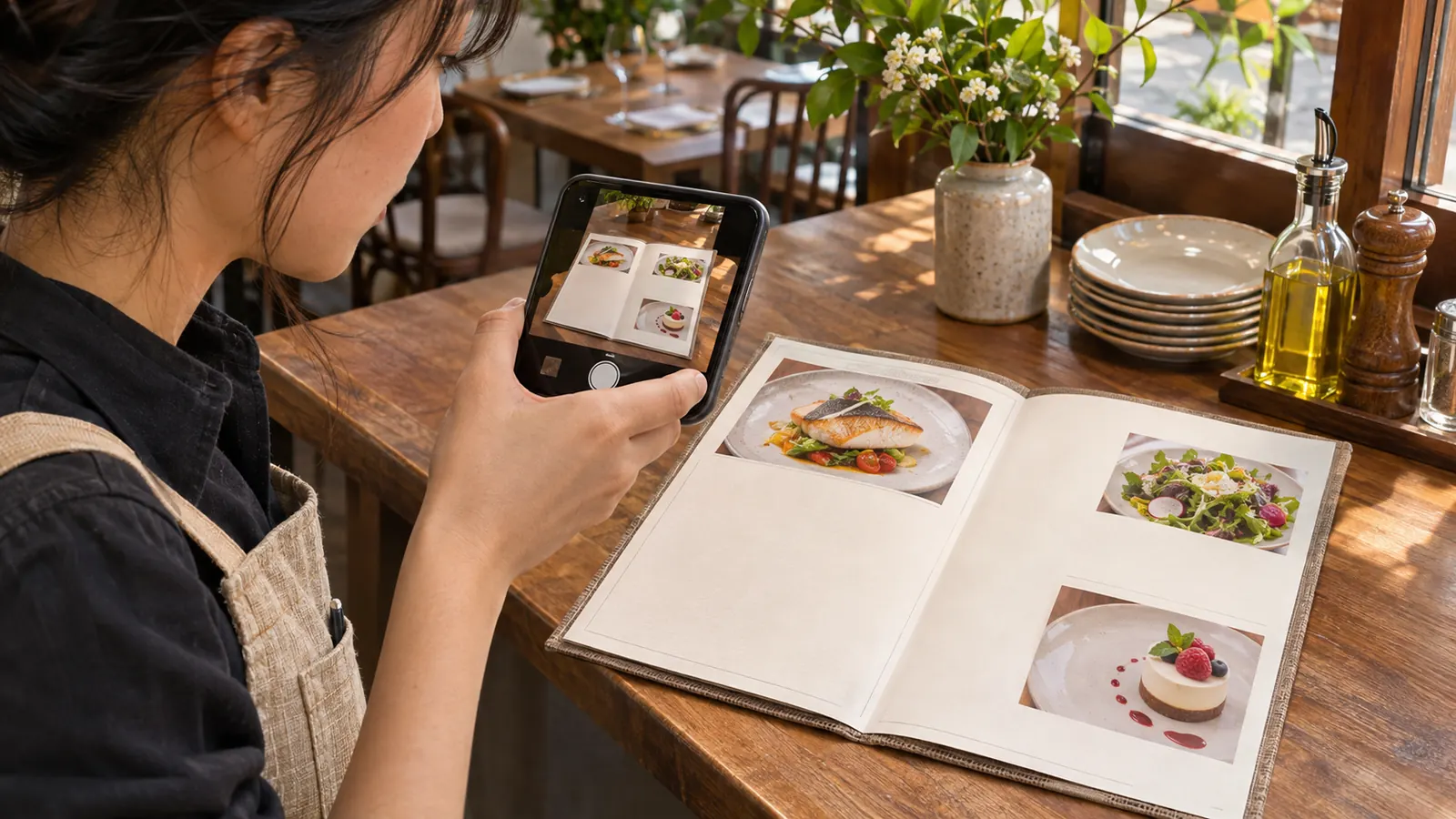
Choose QR Menu if you want guests to read your menu on their own phones. A photo of your printed menu provides the starting point for a web page with your dishes and prices. Check the result, put the QR code on the tables and share the website link wherever guests need it. For a café, that could mean keeping the same menu on a table sign and in a message to someone planning a visit. TV display and ordering are outside the scope of the plan.
When would you use Static USB Video?
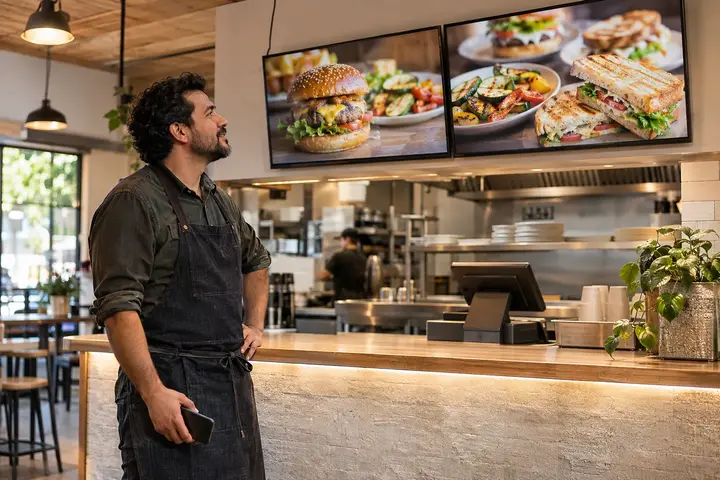
Static USB Video is designed for a counter-service restaurant or takeaway that already has a screen and keeps the same menu for long stretches. You can download an HD MP4 video for each screen, copy it onto a USB drive and play it on a compatible TV or media player. Before relying on a TV in service, check that the device can play the delivered format. A USB port by itself tells you where the drive goes. Playback depends on the device. For current prices, please see our pricing page. The price covers one year. When you change a price or dish, you can download the new video for free from the admin panel.
What can Live Cloud do during service?
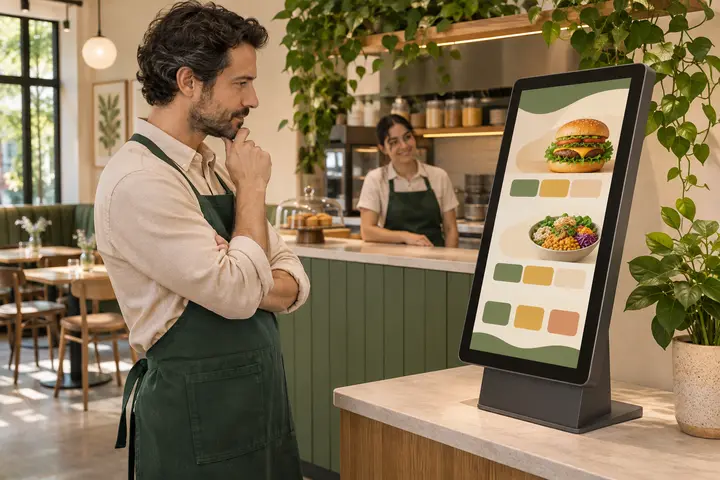
Live Cloud brings the digital menu boards, restaurant website, QR menu and self-service ordering terminal together. When you publish a menu change, the connected screens update. If a lunch special sells out, you can prepare the change by voice and review it before you publish. The plan also includes a menu assistant, tools for creating images and video, and statistics. Try the change on your own menu during the demo so you know what your team will see before and after publishing.
What does Live Premium add?
Live Premium builds on Live Cloud with Meta integration. It adds WhatsApp ordering, Facebook and Instagram management, plus advertising and reporting. It is aimed at restaurants that also handle guest messages, posts and campaigns through those channels. For example, your team can update the lunch board as usual while handling pickup orders that come in through WhatsApp. Meta advertising and reports are included alongside the tools for Facebook and Instagram.
How do you start the demo with WhatsApp?
The first steps are the same for all plans. Have a sharp photo or PDF of your current menu ready. A legible photo of a handwritten menu also works. Check that you can read the dish names and prices before you upload it.
- Go to demo.ninago.ai. Request a WhatsApp code and enter the 6-digit code in the demo studio. You do not need an account or credit card.
- Upload up to 10 files and choose 1 to 8 screens for your preview. If your paper menu has several pages, upload the current versions in order. That makes it easier to check the preview against what you serve.
- Review the dishes, categories and prices. Correct any missing or misread entries. Open the preview on the device you expect to use. The demo is available for 3 days.
How do you set up Live Cloud screens?
Live Cloud requires the device including setup. For current prices, please see our pricing page.
Open the screen link in a compatible Chrome environment. That could be on the display or on a computer connected to the TV. Use the pairing code or QR code shown on the screen to connect it and assign a role, such as displaying the counter menu. The WhatsApp code gets you into the demo. The pairing code connects a device.
How many screens are included?
Live Cloud and Live Premium each include 4 screens. Static USB Video is priced per screen. QR Menu is designed for guests' phones and has no TV display. If you want the drinks menu by the till and the lunch menu by the door, use independent video outputs. A standard HDMI splitter sends the same picture to every connected display.
Does the menu need an internet connection?
Live Cloud and Live Premium need internet for setup, updates and sending orders. QR Menu opens a web page, so the guest’s phone needs a connection too. After download, a compatible device can play the Static USB Video file offline.
A quick walkthrough can settle questions that a price table cannot. For Live Cloud, stand where the queue starts and see whether the board is readable at that distance. Check that the dishes at the self-order kiosk use the same names as the ones above the counter. For QR Menu, sit at a table and open the link on your phone. Check whether someone who has never visited can find the main dishes and tell which extras cost more.
Give each Live Cloud screen a name that matches where it sits. If the lunch board is above the till and drinks are shown near the door, the names help staff send updates to the right display. The same idea works for Static USB Video: label the files by their destination before copying them to the drives. The setup walkthrough explains the route from upload to display.
Quick questions before you buy
Is there a minimum term and when does cancellation take effect?
Live Cloud is billed monthly and has no minimum term. To cancel, follow the plan cancellation instructions and check the confirmed end date before planning the changeover. Live Premium is also billed monthly. QR Menu is a one-time purchase for 1 year with no automatic renewal. Static USB Video is a one-time purchase per display.
Is there a charge to update the menu?
No. With QR Menu and Static USB Video, price and item updates are free in the admin panel. AI tools in the admin panel require credits. With the Live plans, you publish the edit directly.
Do you have to buy a plan to open the demo?
The demo is free. You can use your own menu to check what guests see with QR Menu on a phone or assess what the Live Cloud boards will look like above the counter.