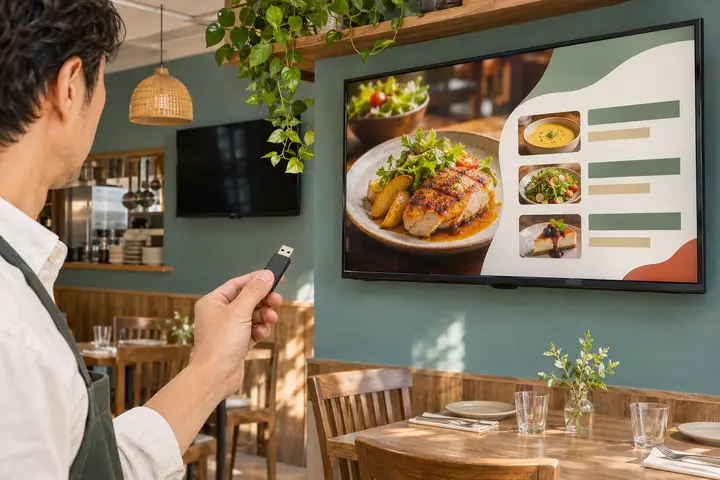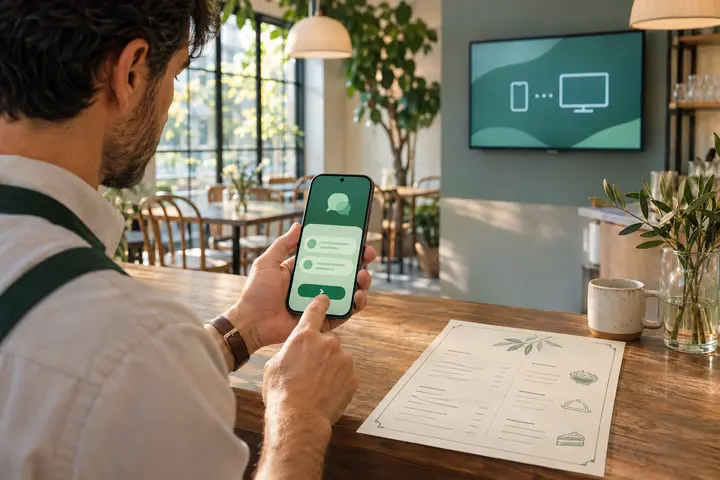
You are ready to try a digital menu, but a television shows a pairing square and you wonder whether that is the code you need before starting. It helps to separate the actions involved. Beginning a Nina GO AI trial, signing into the management panel and connecting a Live display serve different purposes. A code shown on a display belongs to device pairing. It is not a requirement for beginning the free trial. Prepare your menu material first, then follow the entry route that suits your restaurant. You can evaluate the menu without making a television code the starting point of the whole project.
Begin with a message or an account
The current official process offers a WhatsApp route. The try button opens a conversation with Nina GO AI and a prepared message. Send that message to begin the exchange. A trial entry code, credit card or payment is not required for this step. Opening the conversation and sending the message are separate actions, so check that you actually sent it before waiting for a response. This is a practical check for your team, rather than a promise about how quickly every conversation will be answered.
There is also a registration route. You can create an account and upload your menu through the panel. Choose the route you intend to use and keep the related conversation or account details together. Do not try to solve an account question by repeatedly opening the television pairing page. If a colleague is preparing the material while you handle access, agree who will continue the process. This avoids scattered versions of the menu and uncertainty about which account is being reviewed.
Send a complete menu and review the result
For the WhatsApp route, the official instructions accept photographs of all menu pages together, a PDF or a QR menu link in the same conversation. Use readable source material and include pages that contain categories or item details. A link should lead to the menu you actually want to prepare. Before sending it, open it yourself and check its destination. This preparation is your editorial responsibility; it does not imply that the system can reconstruct missing information from an incomplete photograph.
Nina GO AI reads product names, categories, stated contents and prices, then matches products with suitable library images. When the menu is ready, the trial account is opened and panel access details arrive in the same conversation. Review the imported information against your original menu. Pay attention to similar product names and descriptions that could refer to different dishes. Your restaurant must confirm food and allergen information. Treat an attractive image as a presentation choice, not proof of the ingredients or preparation method of your own dish.
Keep panel access separate from display pairing
Panel access lets your team inspect and manage the prepared menu. Keep those access details within the people responsible for the account. A television pairing code has a different role: it associates a compatible Live device with the selected screen and task. The official setup opens the screen address in compatible Chrome, then uses the displayed QR or the screen code in the panel to select and confirm the relevant assignment. Available tasks depend on the active modules.
Only carry out that pairing when you are configuring the relevant device. Check the physical television you are connecting and the task you choose before confirming. Seeing a pairing square does not mean the trial has failed, and completing pairing does not replace the menu review. Equally, a guest QR menu and a device pairing QR serve different audiences. Keep staff setup material away from table signage. For the current sequence, consult how it works, rather than relying on an old screenshot from a previous setup.
Finish with a clear handover
Write a short internal note stating which entry route you used, where the source menu was sent and who will check the prepared result. Keep account access information private instead of copying it into a public menu note. If display setup is planned, record its location and intended task separately. This note is a team working method; it is not a claim that Nina GO AI automatically manages every handover or connects every television without configuration.
Finally, review the current package scope before choosing the display or ordering functions your restaurant needs. Starting a trial does not make every service permanently free, and compatible devices and applicable usage conditions still matter. You do not have to begin by hunting for a television code. Begin with your menu and the appropriate entry route, verify the information you receive, and configure Live screens as a separate step when relevant. Nina GO AI: try it free.