
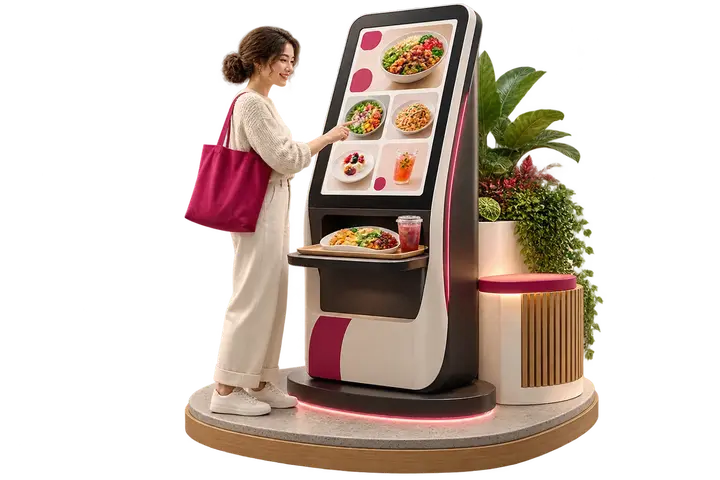
A guest reaches the counter while still deciding between dishes. Behind them, another visitor already knows exactly what to order. The team must balance explanation with the pace of service. A self-service kiosk offers another way to organise that moment: a place where people can examine an offer and make choices before handing the order onward. Its appeal is not the removal of hospitality. It is giving guests and staff a clearer route through ordering.
Let choice happen at the guest’s pace
At a kiosk, a guest can return to a category, inspect an option and read the offer without feeling obliged to answer immediately. That space is useful only when the menu itself is clear. A wall of products with confusing names simply moves the uncertainty onto another screen.
Nina GO AI places ordering terminals alongside menu, order and screen management. The kiosk belongs to the restaurant’s wider offer rather than being an unrelated catalogue. The practical benefit is a recognisable product story across the selection and the service around it, with staff still available when a question needs a person’s knowledge.
Follow a realistic takeaway visit
Imagine a hypothetical busy takeaway. One guest chooses a burger, considers an accompaniment and selects collection. Another needs to ask about a change before deciding. The first person can work through a clear selection, while the second can seek help instead of being forced into the same interaction.
The kiosk should make the chosen product and options understandable before the request continues. Nina GO AI’s kiosk channel supports dining in and collection; its current journey uses payment at the till rather than a built-in kiosk card-payment promise. This distinction helps staff describe the service honestly. A device screen is not, by itself, evidence that an entire payment and pickup experience is already configured.
Connect the choice with kitchen work
A useful ordering journey carries the meaning of the selection onward. The kitchen needs to recognise what was requested, and the guest needs a coherent next step. Nina GO AI describes ordering as a flow connecting guests, kitchen work and status information. That relationship matters more than an impressive first screen.
In the takeaway example, the team should see an understandable product and its choices rather than reconstruct a vague note. Selection, confirmation and readiness are different parts of service. A guest expressing interest has not necessarily completed every step. Human assistance remains valuable where a request needs clarification, so the kitchen receives something it can prepare rather than an attractive but ambiguous intention.
Design help into the experience
Clear wording makes self-service more welcoming. W3C guidance emphasises labels that explain a control’s purpose. For a kiosk, this supports a simple principle: people should understand what a choice or button means before using it. The product name, option and next action should make sense together rather than relying on a picture alone.
Also consider the person who cannot comfortably use the device. Reading, reaching, language familiarity and confidence vary. Staff help and a suitable alternative keep the service open to more guests. These are design considerations, not a claim that any installed kiosk automatically meets every accessibility requirement or that every language is available throughout the complete interface.
Build a service model, not just a device purchase
The chosen hardware, browser environment, connection and enabled plan need to fit the operation. A kiosk is most useful when the team understands where help is offered and what happens after the selection. Adding equipment without that service design can create a new point of confusion instead of a better guest experience.
Looking ahead, a balanced combination of self-service and human attention is an attractive scenario. It is not a guarantee that a kiosk will shorten every queue. Today’s opportunity is concrete: use the ordering channel to give guests another understandable route while keeping the staff’s expertise available.
Explore the journey with your own menu
Bring a familiar dish and a realistic guest question to a Nina GO AI demonstration. Look at a straightforward order, a choice that needs explanation and the point where a person helps. Evaluate how the offer remains understandable through the journey rather than judging only the appearance of the hardware.
A good kiosk does not make a restaurant feel less personal. When it fits the service, it gives some guests room to choose and allows staff to focus on conversations that need attention. That is the stronger promise of self-service: more purposeful choice and a clearer handoff, with hospitality still at the centre.



