
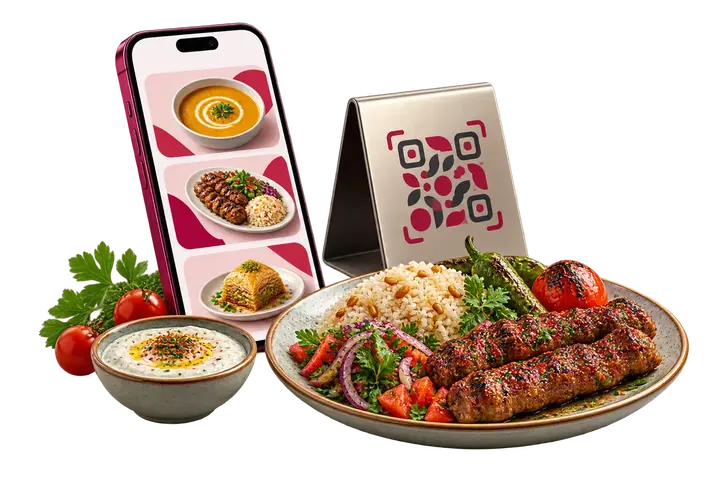
A square code on a restaurant table does not make the operation digital by itself. If scanning it opens a shrunken print file, the business has mainly changed where the document lives. A different ingredient, a new price or an unavailable dish still requires someone to revise that file. For a restaurant or café in Türkiye, the more useful question is how the information behind the code stays dependable. Nina GO AI brings menu, order and screen management into a common working environment built around product information.
A document and a product record differ
A PDF captures a particular version of a design. In a product-based menu, the name, description, price and choices are maintained as separate information. This makes it easier to check whether the same dish is presented consistently in different places. The phone layout does not need to look like the menu board above the counter. The portion on offer and the price attached to it should still agree.
There is no need to transfer every detail from every old menu on the first day. Start with dishes that are actually available, approved descriptions and current amounts. A meal that the kitchen stopped preparing should not reappear merely because it remains on an old poster. A well-organised offer is the foundation of a useful digital design.
Begin with a reconciled list
Consider a hypothetical neighbourhood restaurant. Its soup appears under different names on the lunch sheet, the window sign and the notebook used for telephone orders. Before selecting a new template, the team should reconcile those names. Which portion is sold, which accompaniment is included, and when is it available? Clear answers create information that guests and staff can both use.
A kitchen representative and a member of the service team should review that list together. The kitchen knows the ingredients, while service staff know which descriptions prompt questions. This shared review prevents the digital menu from becoming a list that makes sense only to the manager. It should explain the offer to someone encountering it for the first time.
Test the real phone experience
Checking the office computer is not enough. Scan the printed code with a phone, find a category, read a price and return to the previous view. Does the product remain understandable if its photograph fails to load? Can the text be read without repeatedly zooming? Are optional choices clearly separated? Bright daylight and a dim table corner can produce different experiences.
Nina GO AI treats templates, products, colours and arrangement as parts of the setup process. Filling every part of the display is not the objective. Clear information gives the visitor room to choose. If movement or decoration draws attention away from the dish and its price, revise the layout. Test the printed code in the size and material that will actually be used on tables.
Saving and publishing are separate checks
A saved price edit does not prove that guests can see it. After editing, check pending drafts and publication status. Then open the visitor link on another device and inspect the result. Spoken changes also require review of the previous and proposed values. An ambiguous product name should be clarified before a broad change is approved.
The business should decide who prepares an update and who checks it before service. This matters even in a small team. At a shift change, a current screen cannot prevent confusion if someone still quotes an older amount. Publication therefore includes telling the people who explain the menu what changed, rather than relying entirely on the software display.
Keep the address stable and offer an alternative
The code should point to an address the business expects to keep using. Content can then be maintained behind the link instead of replacing every table card whenever a dish changes. Periodic checks should still confirm that the printed code reaches the intended destination. Keep a readable alternative for guests without a working phone, without connectivity or with a preference for paper.
Choose the plan around the actual workflow. QR menus, screen management and ordering should not be assumed to have identical availability across every package; check the current plan details. The first objective is a dependable menu, with accurate names, descriptions and prices. Additional channels become easier to introduce once this common information is maintained and the team knows how to verify it.
Agree a shift rule for availability: when a dish sells out, check the visitor view and tell service staff. When it returns, repeat the check. Review older promotional posts and leaflets separately. Pilot the menu at a small group of tables before extending it. Without collecting personal information, staff can note where categories or prices cause hesitation. Those practical observations help the design follow the business’s own needs.



