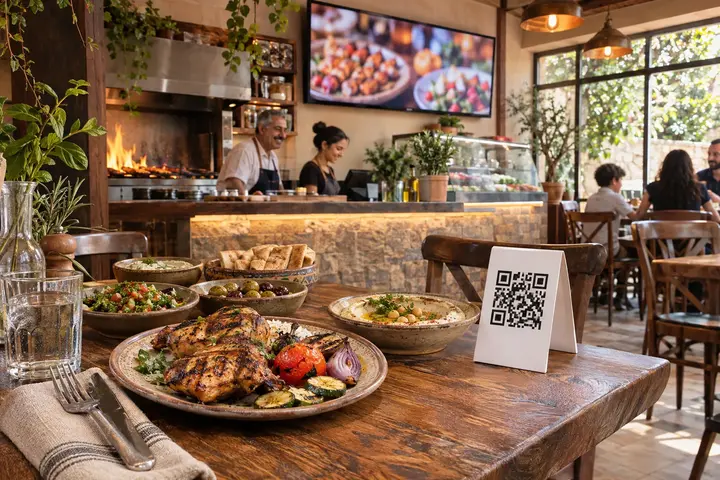
In brief. A QR menu lets guests browse the full menu at the table in a family restaurant. A digital menu board gives them a quick look at today’s special on their way in. Nina GO AI can turn a photo of your existing menu into a digital version, with live screens and ordering available in the relevant plans.
How can guests find their way through a long menu?
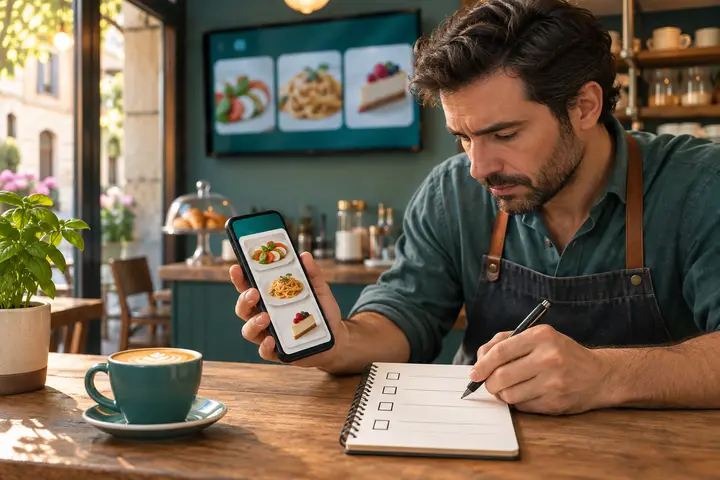
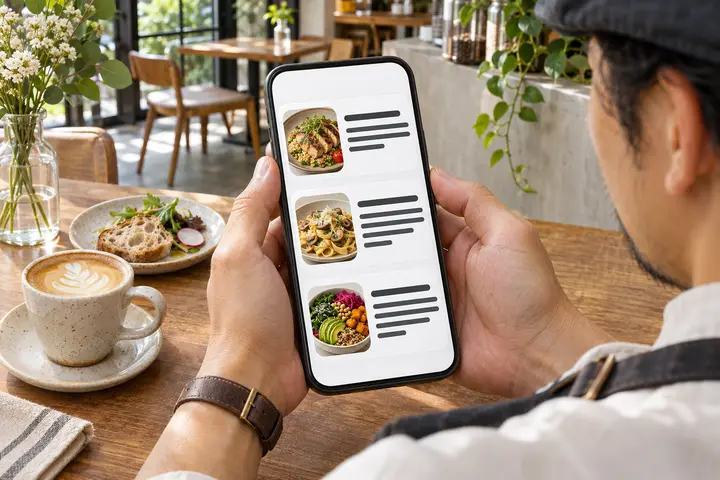
Think about a busy Sunday table. Someone is looking for a starter to share. A child wants a plain main, and a guest at the far end wants to know what comes with the grilled chicken. A menu that opens on a phone is useful when each person can find their answer without zooming in on a photograph of the printed pages. The layout matters as much as getting the menu online.
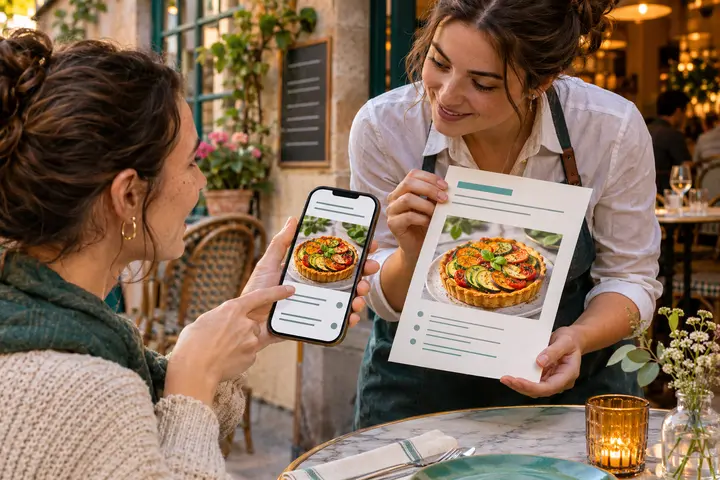
Start with sections guests already recognise. Put cold starters and dishes for the table together, with grilled dishes, other mains, sides and drinks easy to find. Explain what arrives under each dish name. Say whether the chicken comes with chips and salad, and whether the sauce is served separately. Where a dish can feed several people, say that it is for sharing. The photograph should help guests picture the portion you actually serve.
Nina GO AI can create an editable menu from a photo of the card you have now. Read the draft against the original, paying particular attention to similar dishes and prices near the edge of a folded page. Open it on a phone in your dining room. Ask a colleague to find a starter to share and a main that comes with a side. If either takes a while to find, look at the section names before changing the dish descriptions. See how the photo becomes a menu.
What belongs on the screen by the door?
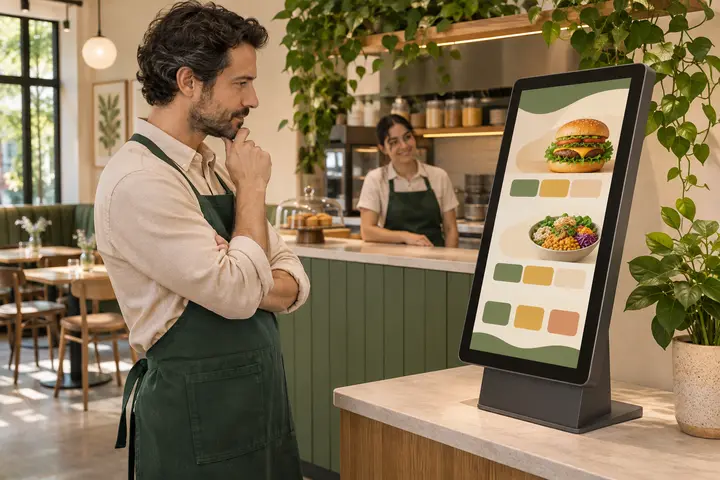
The guest coming in for lunch can take in a dish name, an image and a price while looking for a table. Try showing today’s special and a familiar grill plate. If you are serving a slow-cooked stew, include the side it comes with. Leave the full list of starters and mains on the phone. Guests who want the details can sit down first and read at their own pace.
The screen is especially useful when the kitchen has a different special each day. With Live Cloud, a published change can appear on connected screens. Decide who gets the word from the kitchen when the last portion goes out and who changes the board. The server greeting the next table needs that information as well. After updating the display, take a quick look at it from the doorway. Check that the name, photograph and price all belong to the same dish and that daylight leaves them readable.
A restaurant with a regular grill selection can use Static USB Video for a screen that shows the same dishes throughout service. The plan provides a high-quality MP4 to play from a USB drive on a compatible TV. A change to a dish shown in the film calls for a new file on that screen. A changing lunch board and a steady display near the counter can therefore call for different plans.
When should a QR code also take orders?
A table card can simply open the menu. With the QR Menu plan, guests scan and browse, then order from the server as usual. This is a useful fit if your team already walks tables through the specials and checks what should come out first. Keep the card visible next to the cutlery and offer a printed copy or help from a server when someone wants it.
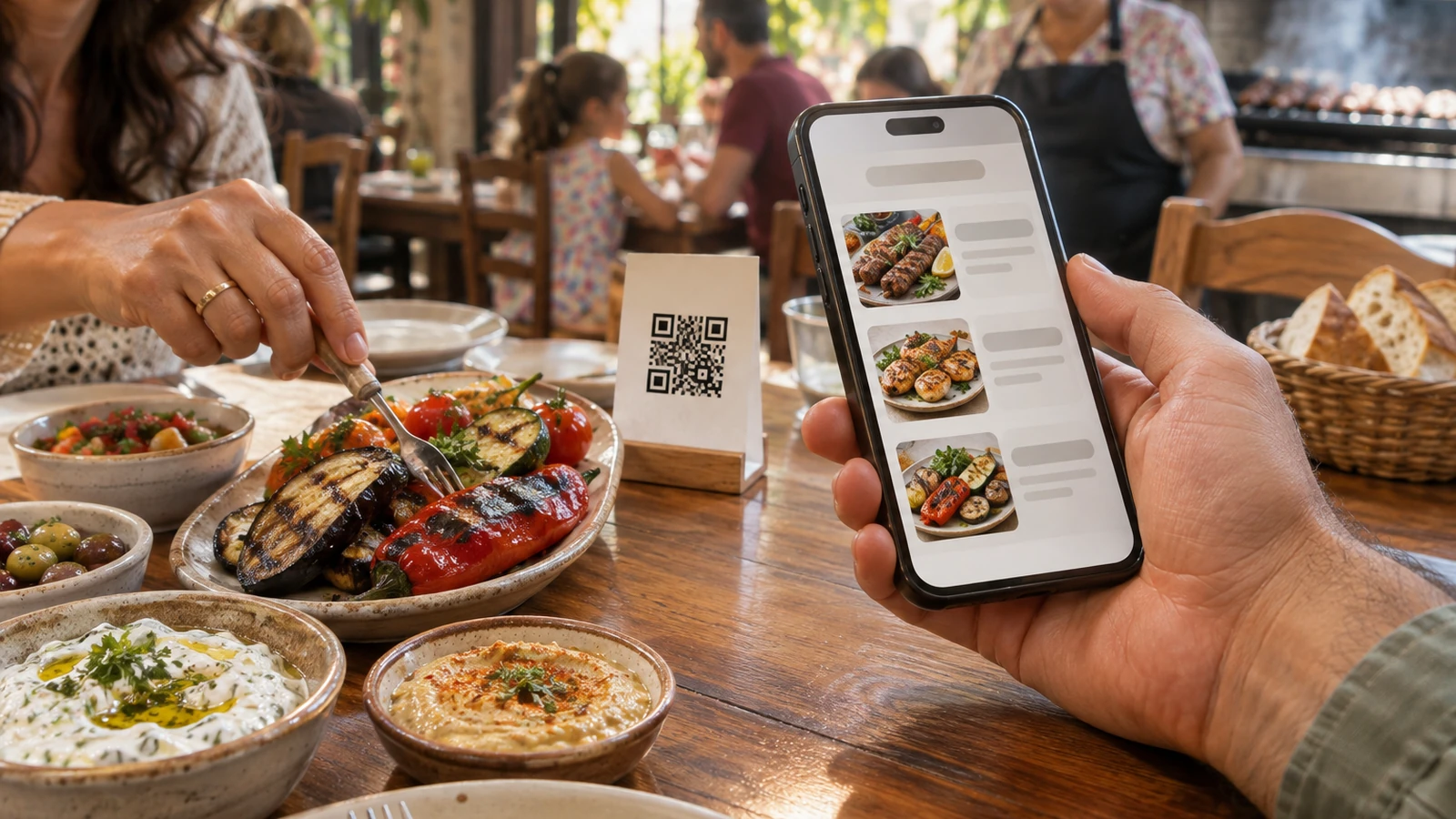
Nina GO AI also offers QR and web ordering. If you use digital ordering at the table, rehearse the handover with your team during a quiet moment.
- Open the menu from an actual table and check the table reference used in your setup.
- Send a test order with a side choice and see how it arrives at the kitchen.
- Decide which member of staff follows up when a request needs clarification.
At a large table, a guest might choose hummus for everyone while someone else is still picking a main. A quick conversation about who sends the shared starters can avoid an extra order. Let the kitchen know whether the table wants everything together or starters first, using the approach your team has agreed.
What do visitors need from a menu in their language?
A familiar explanation beside a regional dish name can make a big difference. Keep the local name and add a plain description. A mixed grill might have lamb, chicken and vegetables, with yoghurt sauce on the side. Say which items come with your actual plate. Guests can then decide what to share and which sides to order, even if they have never eaten at your restaurant.
Nina GO AI can translate the menu into 12 languages. Check the finished wording for regional names, cooking methods and the ingredients your team gets asked about. In particular, a photograph rarely shows what is in a dip or dressing. If a guest has a question about an ingredient, have staff check the actual recipe and speak to the kitchen where necessary.
Which Nina GO AI plan fits your service?
All four plans are on sale. See restaurant plans and pricing for the full details.
| Plan | How a family restaurant can use it | Price |
|---|---|---|
| QR Menu | Guests read the digital menu and order with staff. | For current prices, please see our pricing page. |
| Static USB Video | Play a high-quality MP4 menu from a USB drive on a compatible screen. | For current prices, please see our pricing page. |
| Live Cloud | Recommended for live updates and digital ordering. Includes a QR menu and 4 screens. | For current prices, please see our pricing page. |
| Live Premium | Everything in Live Cloud plus WhatsApp orders, Facebook and Instagram management, Meta ads and reports. | For current prices, please see our pricing page. |
Look at the point in service you most want to improve. If it is the moment people open the menu, start with QR Menu. If staff regularly change the special and the kitchen also wants digital orders, Live Cloud brings those jobs together. Consider Live Premium when WhatsApp orders and social channels already take up time in your day.
Frequently asked questions
Can you try this with your printed menu?
Yes. Upload a photo and check the digital draft. The Nina GO AI demo is available for 3 days, so you can review the menu on a phone before choosing a plan.
Does the USB menu update automatically?
Each update needs a new MP4 file on the USB drive at that screen. Live Cloud and Live Premium can send changes to connected screens.
Can guests place an order with the QR Menu plan?
With this plan, the QR code opens the menu for guests to read. Staff take the order. Live Cloud and Live Premium include an ordering system.