
A photographed menu can be a useful starting point for a digital version, but the photograph is evidence to inspect rather than a complete product database. A folded corner, a reflection over a decimal separator or a handwritten correction can change what software reads. For a restaurant owner, the important question is therefore practical: how can the imported result be checked before a guest orders from it? This guide follows that review, from preparing the image to testing the public QR destination.
Photograph the information, not just the page
Lay each page flat and photograph it in even light. Keep the camera facing the paper rather than taking a steep angle from across the table. A single sharp page is usually easier to inspect than a wide photograph showing several small pages. Make sure the outer edges, section headings and notes at the bottom are visible. If a price has been changed by hand, decide which version is current before uploading anything.
Give the images a logical order. A drinks page and a dessert page may both contain an item called “special”, so the category supplies essential context. Retain the original photographs until the review is finished. They provide a reference when two similar product names appear or a size label seems to have disappeared. Do not rely on memory while correcting a long list after a busy service.
Check prices as pairs with products
Read every price together with its product and size. A correctly recognised number attached to the wrong dish is still an error. Look closely at decimal commas, decimal points, crossed-out values and prices printed in a second column. For a pizza with several sizes, check each size separately. For a meal deal, establish whether the displayed amount includes the drink or whether the drink is an extra.
Work by category rather than correcting random entries across the whole restaurant. Mark each category as checked only after comparing the names, prices and choices with the source. A second person can then review the completed category without repeating an uncertain partial check. This simple division of work helps prevent a corrected value from being changed back because another employee is looking at an older printed sheet.
Review descriptions without inventing ingredients
An unclear photograph cannot establish a recipe. If an ingredient is unreadable, ask the kitchen instead of asking artificial intelligence to fill the gap with a likely answer. A description that sounds convincing can still describe the wrong sauce or preparation method. Keep the verified recipe separate from appealing marketing language, and approve the factual information before polishing the wording.
Consider a chicken wrap printed with a short note beneath it. That note might describe a sauce, a serving option or a category-wide condition. It should not automatically become a claim about every wrap. During review, ask what each note applies to and whether it belongs with the product, the category or a separate customer information area. Food suitability questions need responsible staff confirmation; image recognition is no substitute for that.
Test the result as a customer
Open the menu link on a phone that is not signed into the management panel. Scan the actual QR code from the table position, then open a category and inspect a product with options. Check that long names remain readable, that prices have the intended currency and that any available language selection leads to the expected content. Repeat the test in normal dining-room lighting rather than only at a bright office desk.
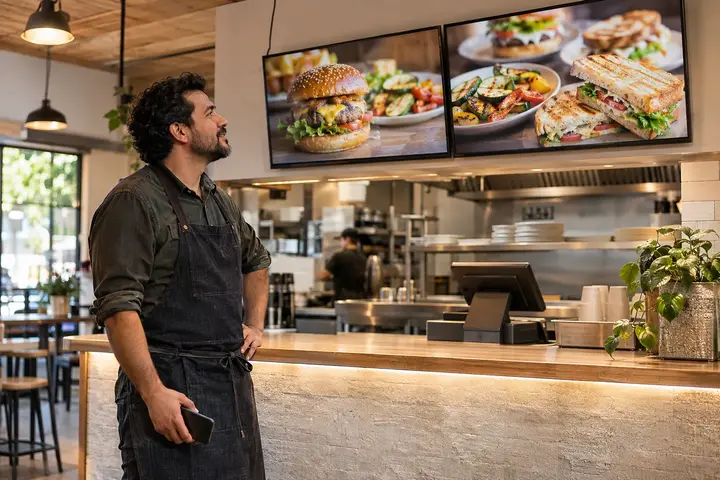
If the restaurant also uses a television board, inspect that output independently. A successful phone view does not establish that a distant display is readable or that an exported video contains the latest changes. Record which public surfaces have been checked: mobile menu, website and, where relevant, screen. Publication is complete when the guest-facing result has been verified, not merely when the upload has finished.
Use the demo for a small, representative test
The published Nina GO AI offering includes automatic creation from a menu-card photograph and a demo period for review and editing. Use that opportunity with a representative selection: an ordinary dish, a product with variants, a drink and an item whose description spans several lines. This reveals more about the workflow than importing only three simple products and assuming the rest will behave identically.
The QR menu and website route is a different requirement from downloading an MP4 or managing live screens. Choose the delivery route after identifying where customers need the information. Consult the current package overview for availability and terms, and use the workflow guide when assessing the setup. Avoid treating every AI capability as part of every package.
A handover the next shift can understand
Before distributing the QR code, record the source version, the categories checked, the person approving the prices and the final public link. Add any unresolved items to a separate list and keep them out of the released menu until they are clarified. Store the approved source where the next responsible employee can find it. A folder full of photographs without a clear current version simply moves the confusion into a new medium.
For a useful acceptance test, ask a colleague to locate one starter, choose a size and explain the total shown for a meal deal. Let them work from the customer view without help from the person who imported the menu. Their questions reveal missing context that the editor may overlook. The benefit of AI-assisted importing is a faster first draft; the benefit of a structured review is a menu the restaurant can confidently stand behind.



