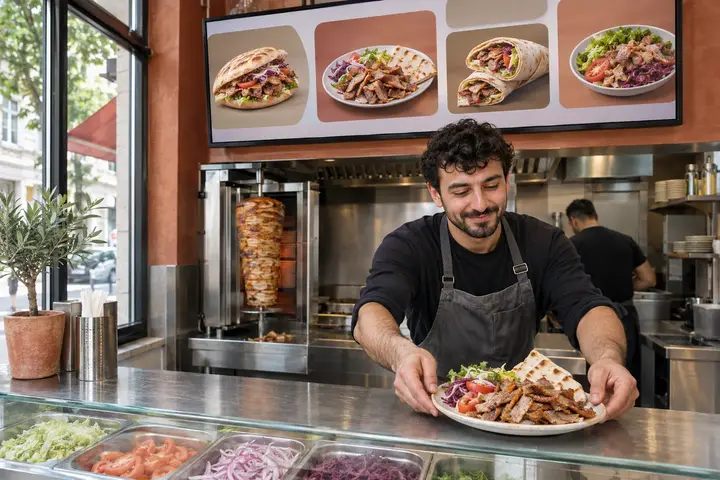
In brief. A digital menu from Nina GO AI can start with a photo of the menu you already have. All four plans are available. Follow a day in which a döner shop uses QR Menu, a pizzeria plays Static USB Video, a café takes orders with Live Cloud and a restaurant group adds social tools with Live Premium.
Morning at the döner shop. How does the paper menu reach a phone?
The shutter comes up and the owner starts setting out the counter. The printed menu has wraps, plates and drinks. It does its job when somebody is right in front of it, but people waiting near the door have to wait to see it. The owner wants them to start choosing while the team is finishing the previous order. They can then step up to the till and say what they want.
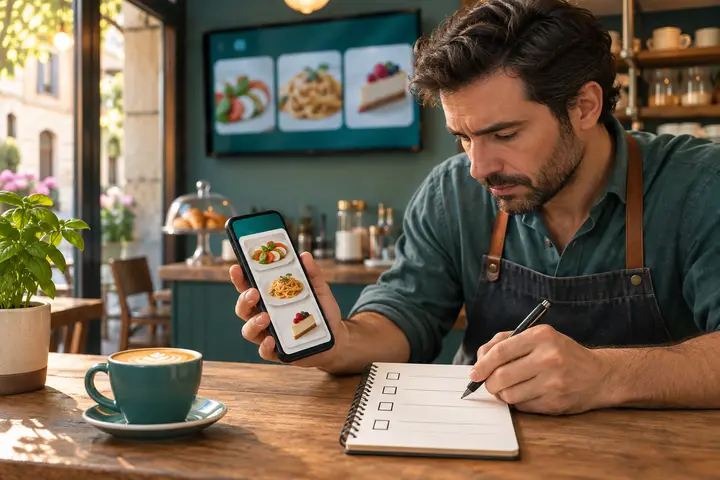
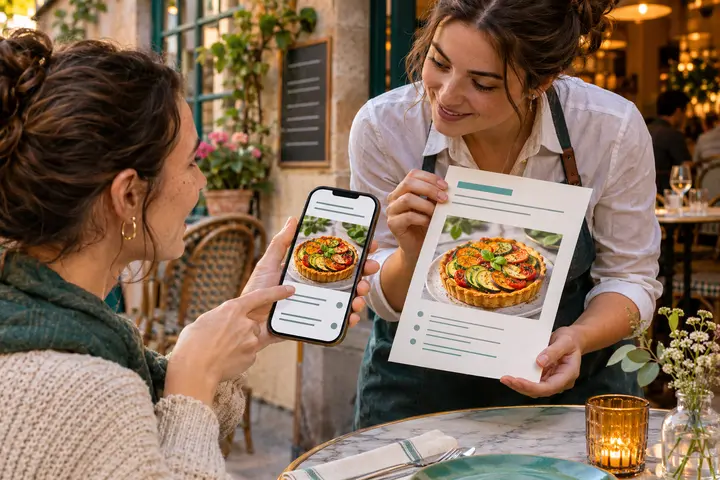
With the QR Menu plan, the owner photographs the printed card. Nina GO AI reads it and puts the dishes and prices into an editable digital menu. The owner checks where the wrap ends and the meal deal begins, especially if the old menu used tiny type. The price next to the plate needs to belong to the plate. Where a picture would make the choice clearer, the owner can pick one from the food image library.
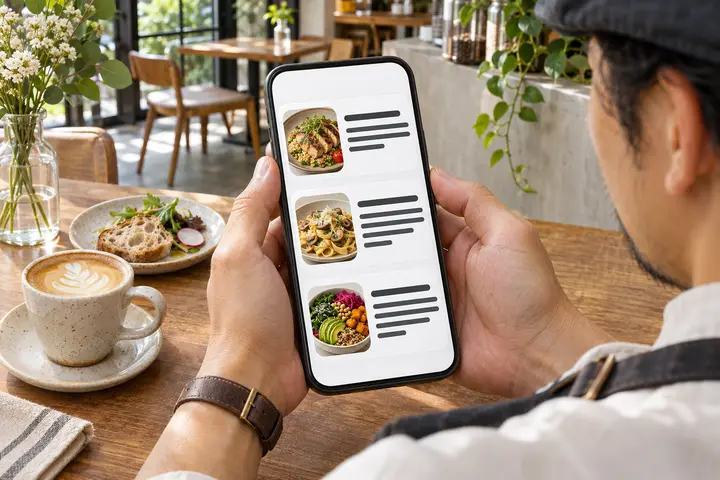
The shop can try the result on a phone during the three-day demo. Once the menu is ready to share, it has its own link. A guest can open it from a message before setting out or scan the code while waiting. The decision still happens in conversation at the till, where the team can explain what comes with the plate. QR Menu gives that conversation a head start. You can update prices and dishes for free in the admin panel. See how the photo becomes a menu.
Lunch at the pizzeria. What goes on the TV?
By lunchtime the oven is busy. A customer walks in, looks up from the queue and wants to see what pizzas the shop makes. The owner chooses Static USB Video. The core menu is steady, and it makes sense to put that selection where people can see it from the doorway.
In this plan, the menu is prepared as a high-quality MP4 file. The owner can download it, copy it to a USB stick and play it on a compatible TV. Imagine the pizza names appearing with their prices, then a clear view of the drinks. The customer can look at the options while the cook slides the next pizza into the oven. A good test is to stand where that customer stands and see whether there is enough time to read a price before the display moves on.
A video shows the version that was saved to the stick. If a regular topping or price changes, a new file needs to reach the relevant screen. The owner can plan for that as part of opening or closing duties. A short-lived special might still be easier for the team to mention in person. For a stable selection, the appeal is straightforward: the TV plays the menu that was prepared for it.
Afternoon at the café. How do prices and orders move?
At the café, the choice changes more often. There is a TV menu by the counter and a separate display where customers pause to look at the food. Live Cloud includes four screens. When the café publishes a price change, it appears on its connected displays without the team having to swap video files.
Suppose the döner shop later moves to Live Cloud. The owner could say “Set döner to 8,50.”
- Open the preview and check which item Nina selected.
- Check the proposed price and make sure it belongs to the wrap or plate you meant.
- Approve and publish the change so the connected menu boards show the new price.
At the café, the shift lead can use that same preview for a sandwich or a drink. It gives the person responsible for the menu a clear point at which to check what customers will see.
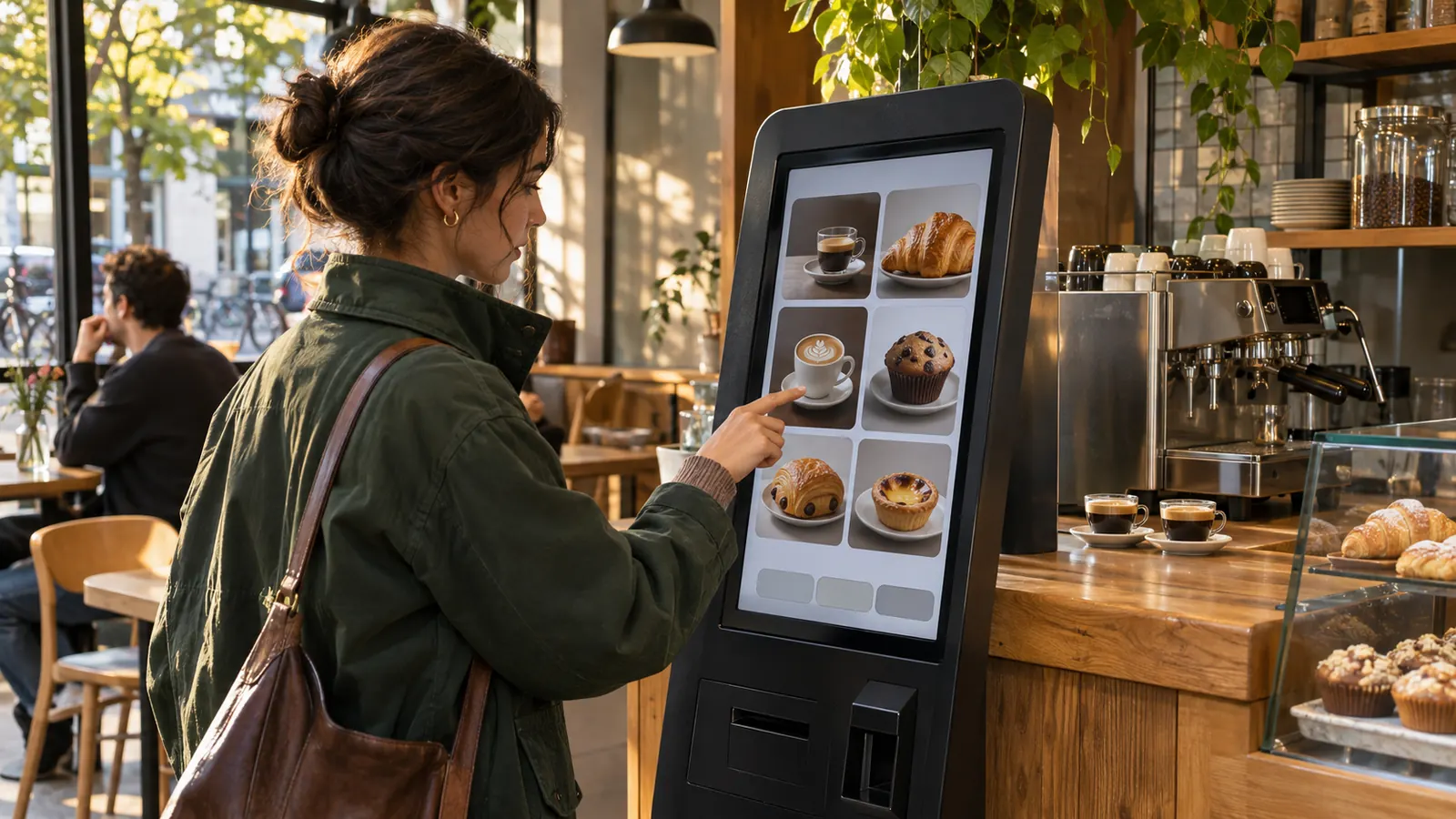
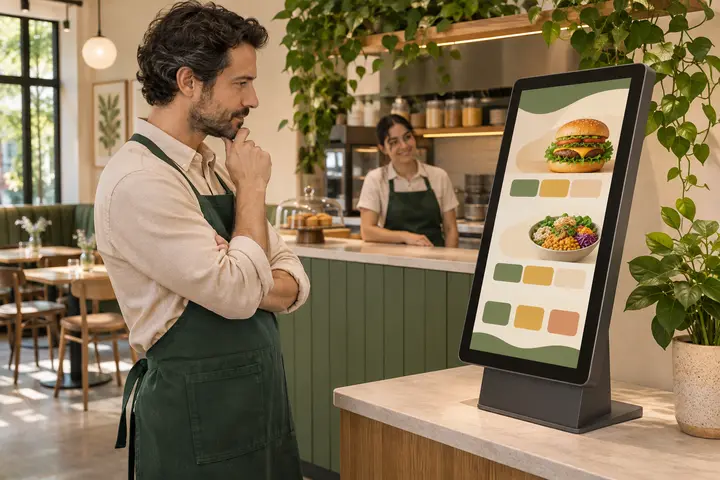
Live Cloud also changes where customers can place an order. A guest in a hurry can use the kiosk, a touchscreen by the counter, to choose and send an order. Someone who has already found a seat can scan the table code and order from the menu on their phone when ordering is enabled. The café can use its restaurant website as an online route too. To see the difference between viewing a dish and adding it to an order, try the restaurant ordering demo.
Evening across several locations. What does Live Premium add?
At the end of the day, one branch is tidying up while another is still taking dinner orders. A guest sees a dish on Instagram and asks how to order it. The person who posts on social media and the person handling the kitchen queue may be in different places. The manager needs a clear handover between them.
Live Premium adds WhatsApp ordering, Facebook and Instagram management, Meta ads and reports to the Live Cloud features. The group could plan a campaign and give staff a clear way to handle the orders that follow. For example, it can decide who prepares the announcement, who checks which branch is serving the featured dish and who follows up when an order comes in. The group can check the reports after the campaign and use them when planning its next promotion.
By closing time, each team has a different job for its menu. The takeaway shares it, the pizzeria plays it, the café keeps it current and takes orders, and the group wants to connect ordering with its social channels. The plans page shows current availability and what each plan includes.
What does the menu do at each stop?
| Business | Job for the menu | Plan | Price |
|---|---|---|---|
| Döner shop | Share a menu to read on a phone | QR Menu · available | For current prices, please see our pricing page. |
| Pizzeria | Play a saved TV video | Static USB Video · available | For current prices, please see our pricing page. |
| Café | Update prices and take kiosk or QR orders | Live Cloud · available, recommended | For current prices, please see our pricing page. |
| Restaurant group | Add social tools and WhatsApp ordering | Live Premium · available | For current prices, please see our pricing page. |
Frequently asked questions
Can guests order through the QR Menu plan?
Guests can open and read the menu on their phones. They place their order with the restaurant team. An order-enabled QR menu is available with Live Cloud.
Does a spoken price change go straight to the TV?
Live Cloud shows a preview first. Once you approve and publish it, the new price appears on connected displays.
Which plans are available?
QR Menu, Static USB Video, Live Cloud and Live Premium are available. Start with a menu guests can read on a phone, use a saved TV video, manage connected screens and orders live, or add WhatsApp ordering and Meta tools.