
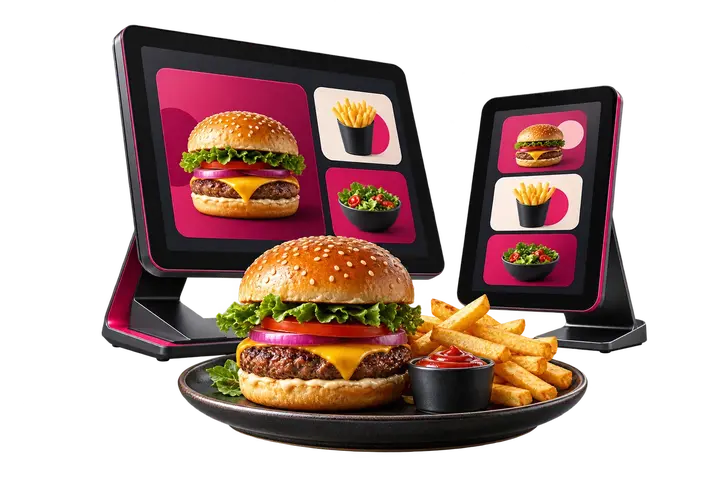
Installing a display behind the counter can seem like a straightforward decision. The real work is deciding what information appears, when it appears and how it helps someone order. For a takeaway, bistro or restaurant in Germany, a menu board should support the decision at the counter. An unreadable price, a dish that disappears too quickly or unnecessary movement can make expensive equipment unhelpful. Nina GO AI’s screen-content approach distinguishes the purposes of menu boards, terminals and waiting-area displays.
Give the screen a specific job
Not every display needs to answer the same question. A screen above the counter might explain what can be ordered, while one in a waiting area addresses another need. Trying to combine the complete menu, a promotion and a long brand story on one surface makes priorities unclear. First write down the decision a guest should be able to make at that point.
In a hypothetical döner takeaway, the main products might remain visible while another area carries supporting information. Guests should not have to wait for a presentation to repeat before discovering a price. Judge the layout from their actual position in the queue and at the appropriate viewing distance, rather than only from a designer’s comfortable desk position.
Separate the picture from the product information
Displaying a finished image file is quick, but a price change may require editing the whole image again. In a product-based workflow, name, description and amount remain separate information, with the presentation built around them. Nina GO AI includes templates, products and arrangement in its setup steps. Different surfaces can look different without implying that the same item has different contents or a different price.
A product picture should not misrepresent the portion being served. Staged or AI-generated imagery particularly needs comparison with the actual kitchen offer. Attractive presentation cannot compensate for an inaccurate description. Start by confirming what the product is, then decide whether the visual makes it understandable. The image is part of a promise to the guest, not an independent decoration.
Check reading at the real distance
Being able to read a price on the design monitor is insufficient. Stand where a customer normally orders. What is noticed first: category, product name or amount? Are long names cut off, does photography squeeze the text, or does glare hide information? Assess the surface as a first-time guest rather than as someone who already knows the menu.
A translated product name may be longer. Test the layout with realistic language variants, not only the shortest text. If a description does not fit, reconsider which information belongs on that display instead of cutting its meaning arbitrarily. Viewing distance, contrast and text density work together. A larger screen does not automatically solve those questions or replace observation in the actual room.
Plan the day and its exceptions
Breakfast and evening service may have different offers. If content is organised by serving period, the business must clearly define when each menu applies. Responsibility for exceptions matters too: holidays, a special event or a dish unavailable that day. Creating a schedule does not automatically supply the operational information needed to keep that schedule accurate.
Keep displayed availability aligned with the kitchen. Promoting a sold-out meal with a bright photograph creates avoidable disappointment when the guest reaches the counter. After changing content, inspect the actual output. A management preview and a guest-facing device should not be assumed to show the same state without verification. Connectivity and the condition of the device belong in that check as well.
Make publication part of the routine
Preparing a new price or content does not prove that it has been published everywhere. Review pending drafts and publication status, then compare the relevant product with its QR-menu view. Printed posters and older social posts should not be assumed to change at the same time; their owners need to check them separately when the offer is affected.
Confirm plan scope and enabled features through the current package information. Before buying hardware, also assess the conditions of the existing displays and connection. Starting with a limited, clear selection helps reveal which questions guests still ask. The value of a useful menu board goes beyond attracting attention: people can find the price, understand the choice and receive the same explanation from staff. That makes the display part of the ordering process rather than a moving picture on the wall.



