
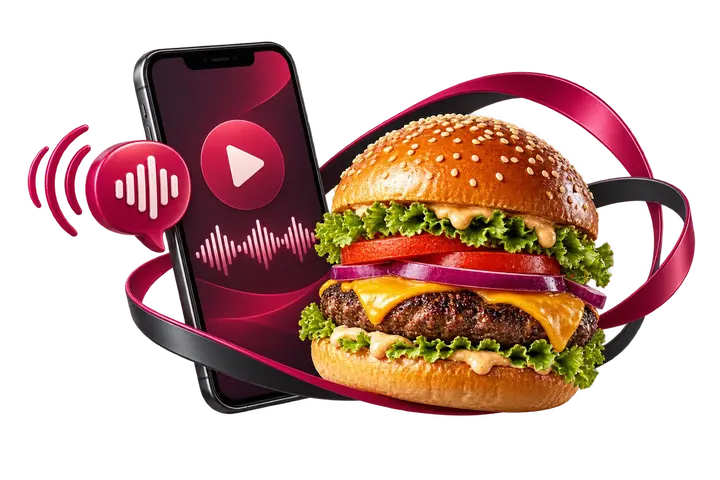
A restaurant owner does not always need to write a long technical specification to begin a product video. The idea can start in ordinary speech: which dish, what movement and where it will be used. Nina GO AI's voice and text assistants use the same capabilities to request appropriately enabled AI video generation. That possibility belongs alongside menu and display content management; the platform's overall approach connects content with its intended surfaces. Asking by voice does not mean generation is free or that a finished result appears immediately in every situation.
Decide what the video needs to communicate
A clip might introduce a daily offer, emphasise a dish's appearance or provide moving content for a menu display. These are different purposes. Choose the first destination rather than assuming one file will work equally well everywhere. A horizontal screen and a vertical phone view may need different framing. Available formats should be checked against the actual options offered in the application, not inferred from a general description.
Imagine a burger restaurant introducing a new item. Naming the product, the intended reference and the desired motion is more useful than “make a nice video”. A calm movement around the plate could be a clear request. It remains a request rather than a guarantee of the result. Ingredients the business does not use, exaggerated portions and serving styles it cannot supply should not be added simply because they might look impressive.
Turn speech into a clear short brief
A good brief reduces uncertainty; its quality is not measured by how long the conversation lasts. The selected product must be clear, and similar names should be resolved first. If a reference image is used, the business should have the right to use it and it should represent the dish appropriately. Correct a misheard name or direction before starting rather than carrying an avoidable ambiguity into a paid generation request.
Nina GO AI's general working approach gives preview and publication status an important place. For a video, also understand generation settings and where the result will be applied before it begins. Check which automatic application behaviour is enabled. Some workflows can attach the completed result to a chosen destination. It would therefore be inaccurate to promise that every account always requires a separate manual publishing action after generation; the actual behaviour depends on configuration.
Treat paid generation as a separate decision
AI video creation depends on suitable modules, provider readiness and available usage credit. The paid capability needs activation and an appropriate approval arrangement. Verify availability against both the business's settings and the current package scope. Permission to edit an ordinary menu does not automatically mean every staff member should start paid media jobs or create an unlimited series of variants without an agreed business purpose.
Decide when production is worthwhile. Clarify the product, objective and reference before repeatedly adjusting prompts in search of a result. Once started, the work is a process rather than an instant file, and its status needs attention. An unfinished or failed job should not be treated as a ready video or reported to colleagues as a completed item that can already be relied on in a promotion.
Compare the output with the real dish
A generated video is not evidence that the restaurant's actual food was filmed. Compare ingredients, portion, plate and distinctive appearance against the kitchen's service. Watch for objects changing shape, inconsistent textures and details that make no sense during motion. A convincing first frame does not establish that the whole clip is accurate. If the burger turns into a product the business does not sell, the output needs reconsideration rather than immediate use.
Text, prices and offer conditions need separate verification. An attractive result does not show that a price is current. For an item whose price changes frequently, presenting variable information separately in an appropriate screen layout may be easier to maintain than embedding it in the footage. This is a design choice to assess, not a rule that every restaurant must follow, and it can help reduce unnecessary production when only a small detail changes.
Watch it where it will actually appear
Review the clip on the intended display. Detail that is clear on a phone can disappear at menu-board distance, and a moving background can make a product name harder to read. Visual impact should work alongside an understandable menu. Check what content is genuinely published too. A completed file in a studio does not mean it is already showing on every destination or in every context selected by the team.
After the first use, ask what staff and guests understood. The objective is clearer product presentation rather than movement for its own sake. A new video cannot replace a well-explained menu. Speech can be an accessible bridge from an owner's idea to a production request; reliable use comes from choosing the right product, setting suitable permissions, making a conscious cost decision and checking the complete output carefully.



