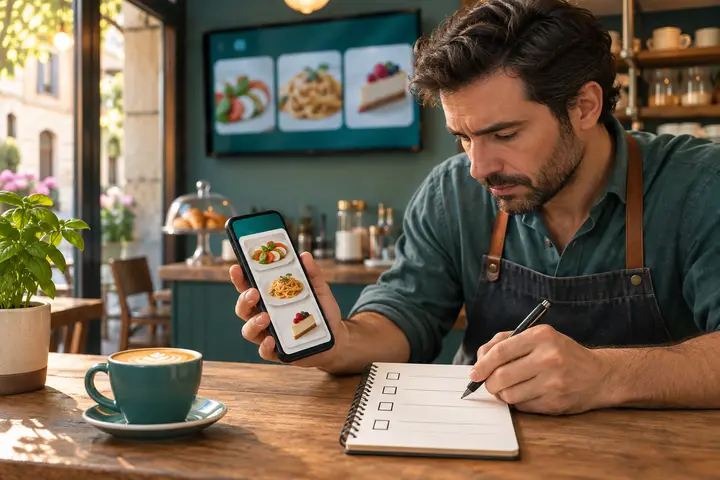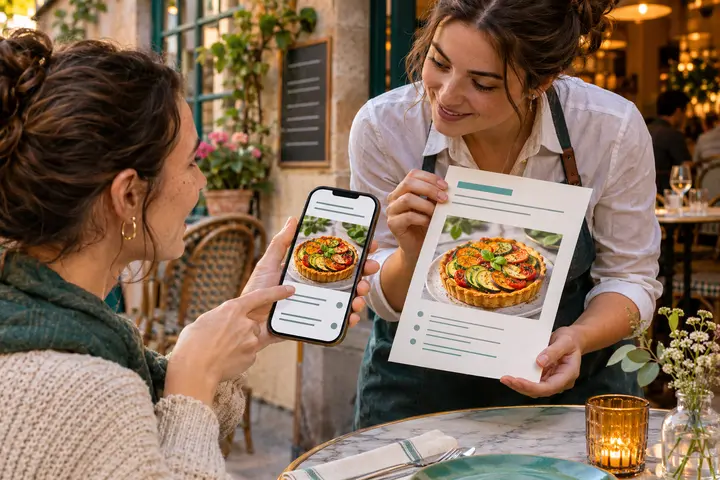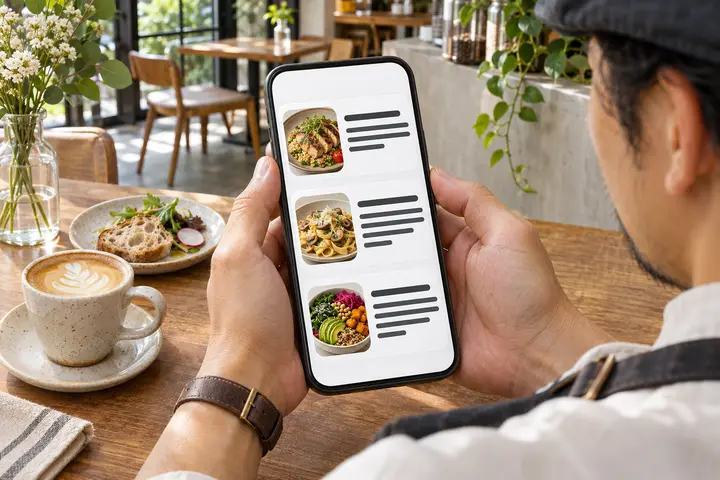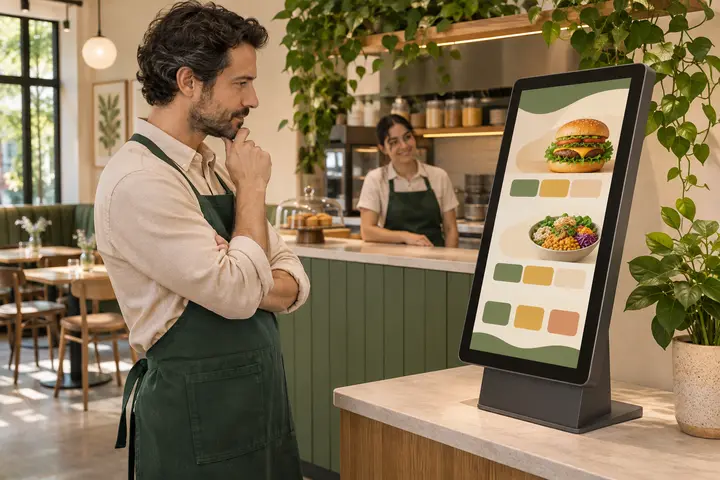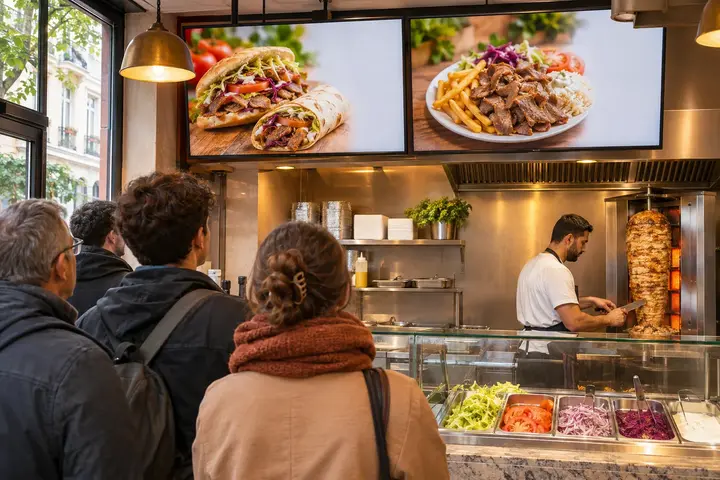
In brief. A digital menu board helps people choose a kebab and see the meal price while they wait in the queue. A QR menu lets them check what's included and read the details in another language. With Nina GO AI, the shop can review a price change before it goes live on connected screens.
What should people know before they reach the till?
At lunch, a customer sees a kebab wrap with chips on the screen. They reach the till and order «the wrap up there». The person taking the order needs to check whether they mean the wrap on its own or the full meal. The kitchen has already heard «wrap» and started packing it. The customer is still choosing a drink. A small bit of missing information now travels back and forth between the queue, till and kitchen.
Give the meal a short name customers can say aloud, such as «Wrap Meal». The board can put it next to «Kebab Wrap», with a photograph and a total price that clearly belong to each. Use those names at the till and on the mobile menu as well. When an order moves to the kitchen, the name tells the person packing it whether to add the chips. When the order is called out, the customer hears the name they chose.
Read the board from the place where people actually wait. Can a customer by the door see which price goes with which picture? Can they still read the name when another guest stands in front of them? Keep the main choices visible long enough for someone walking in to compare them. A board that feels easy to read at the end of the queue can save explanations at the front.
How can a meal deal explain itself?
Put the essentials next to the photograph. «Kebab wrap, chips and a drink» gives people a clear idea of what they will get. The price beside it is the price of the whole meal. If only certain drinks are included, make the choice easy to find on the phone. Keep optional extras, such as extra meat or an additional dip, clearly separate from the items in the bundle.
- TV board: Display the short name, the items in the meal and the total price.
- QR menu: Add the description, choices and allergen details your team has checked.
- Till and handover: Use the same name and confirm anything the customer still needs to choose.
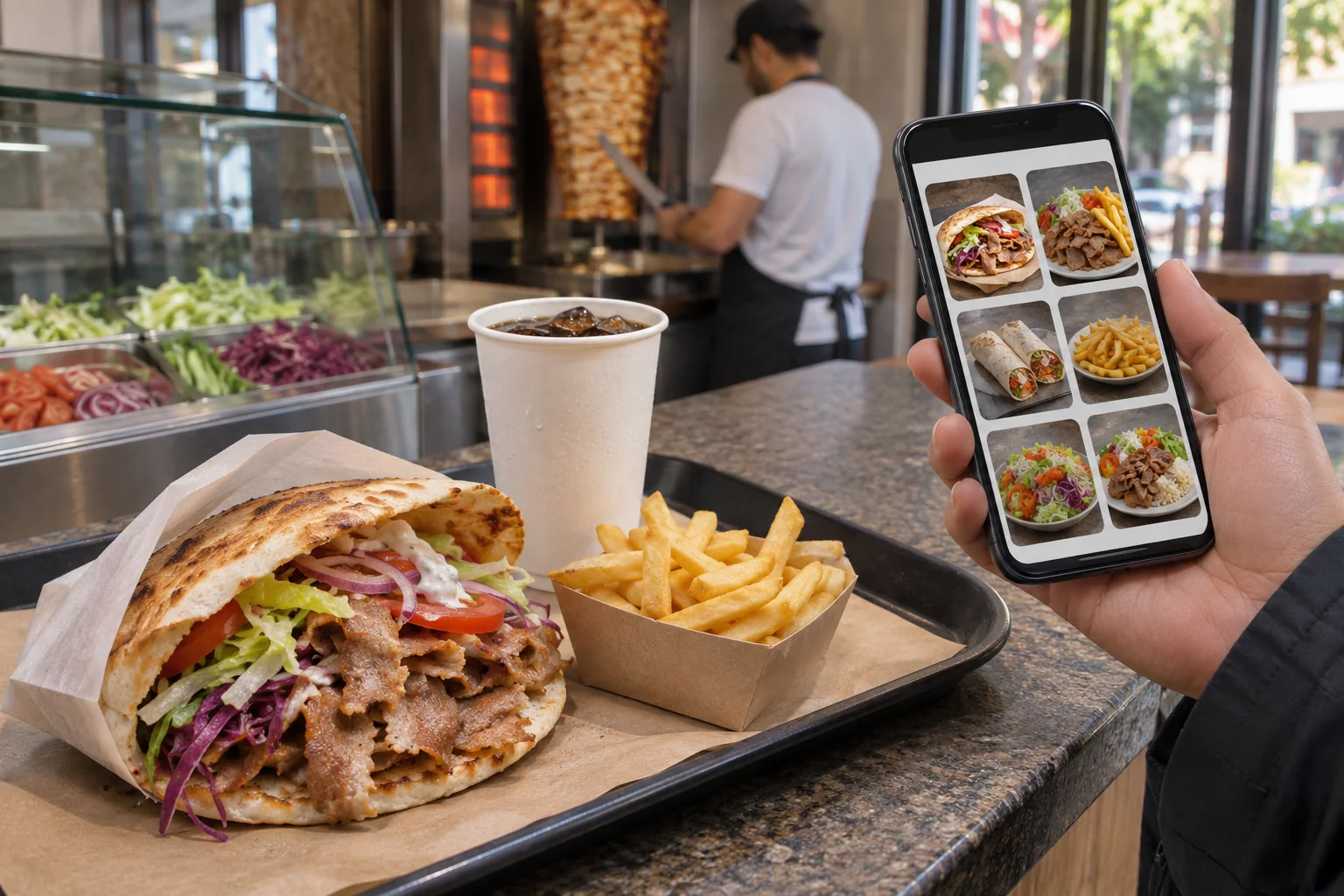
Think about where each item comes from. The person slicing the döner might never handle the drinks. If the drink comes from the fridge beside the till, tell the customer where to pick it up. The person at the collection point can check that the wrap and chips are together. Try saying both product names across the counter during a rehearsal. If «wrap» and «wrap meal» still sound too similar in a noisy room, choose a name the team can hear and remember.
What happens when a price changes during the week?
Treat the single dish and the bundle as separate offers. If the price of a kebab wrap goes up, decide whether the meal deal changes too. Share the decision with the person opening the next shift, particularly if the board also shows a lunchtime offer. That person should be able to tell which total applies before the first customer orders.
In Live Cloud, Nina GO AI lets you ask for a price change by voice. Name the dish and check the entry and amount in the preview before you confirm. Connected screens then show the approved value. If you use a separate till, check the price there as well. Reading the screen, opening the QR menu and checking the till before service gives you a quick way to spot an old price.
How can a visitor order in another language?
Put the QR code where it can be scanned while waiting. The visitor can use the time to check whether the döner comes in flatbread or as a plated meal, and whether the sauce is spicy. Nina GO AI can translate the menu into 12 languages. Keep a recognisable product name alongside the explanation so the visitor and the person taking the order can find the same dish.
Check the details that can change a decision. If the menu lists garlic sauce and a hot sauce, each language should make the distinction clear. If the meal includes chips, that should still be apparent on the translated page. Use your own recipes to check ingredient and allergen information before publishing. When somebody has a specific question, the team can refer back to the same description.
Which Nina GO AI package fits the counter?
All four packages are available. Find the full details on the pricing page.
| Package | Price | Use in a kebab shop |
|---|---|---|
| QR Menu | For current prices, please see our pricing page. | Turn a photo of the existing menu into a shareable mobile menu. Free updates via the admin panel |
| Static USB Video | For current prices, please see our pricing page. | Play a high-quality MP4 on the TV from a USB drive. Free updates via the admin panel |
| Live Cloud | For current prices, please see our pricing page. | Recommended for regular changes. Includes 4 screens, live updates, QR menu, website and kiosk ordering. No fixed term. |
| Live Premium | For current prices, please see our pricing page. | Adds WhatsApp orders, Facebook and Instagram management, Meta ads and reports to Live Cloud. |
If the same prices and combinations stay up for long stretches, the USB video gives the counter a dependable visual display. If the board changes with the lunch special, Live Cloud lets you review updates and send them to the connected TVs. Choose Live Premium when WhatsApp orders and social channels are also part of the daily work.
See how the demo works with a photo of your own menu. Preparation usually takes 15–30 minutes and the demo stays open for 3 days. Rehearse an order from the end of the queue to the collection point. Check whether the person packing it can tell which side and drink go with it.
Frequently asked questions
Does the QR Menu package put the menu on a TV?
QR Menu is for viewing the menu on a phone. Static USB Video plays an MP4 on the TV, and the Live packages support connected screens.
Should the meal deal price change when the wrap price changes?
Review the wrap and the meal as separate offers. Check both totals on the board before the new price goes live.
Can guests read the menu in their own language?
Guests can choose from the languages you make available. Check the wording against the recipes and the items actually included in each meal.