
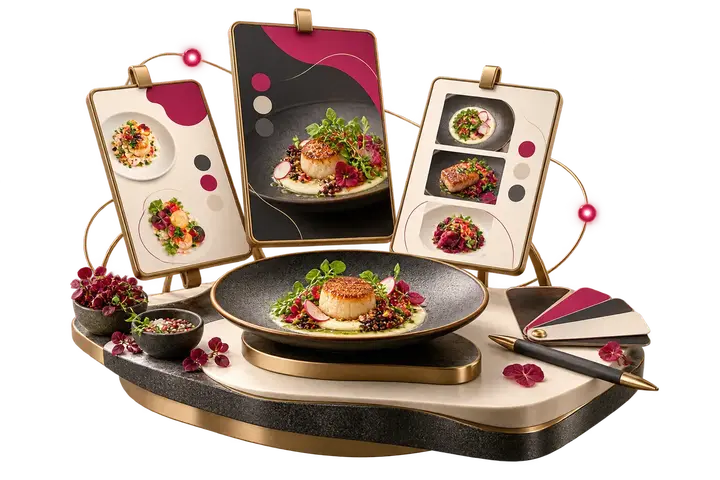
A restaurant can serve distinctive food and still look generic on its menu. The problem is often not a missing logo but an arrangement that gives every item the same emphasis and hides the business's character. A menu design studio offers a useful bridge between a blank page and a finished presentation. Nina GO AI combines templates, product selection and design controls within its menu environment. The opportunity is to make the restaurant recognisable while helping guests choose, rather than decorating a layout without considering what it needs to communicate.
Choose a template for the situation
A template is a starting structure, not the brand itself. Think first about the situation in which someone will see it. A busy counter may need quick comparison and clear product names. A relaxed neighbourhood bistro may want more space around its signature dish. Neither style is automatically better. The useful choice is the one that matches the restaurant's service and the decision being made at that moment.
Imagine those two businesses both offering a house pasta. At the counter, the guest may first need to recognise the dish and its place in the offer. In the bistro, a short explanation of the house version may help tell the story. Starting with that difference gives the template a job. The layout no longer depends solely on whichever preview looks most dramatic in a gallery.
Give the signature product a clear role
Choose what deserves attention before changing colours. A product picture, name, explanation and price should have a relationship the guest understands. If the dish is the hero, surrounding elements can support it rather than competing for equal space. This does not require removing useful alternatives. It means letting a reader recognise what matters and compare options without having to decode a wall of equally loud content.
For the pasta example, the team might give the house dish a clear image and a concise explanation, while keeping supporting choices quieter. The picture must still reflect the intended food promise. A beautiful plate with ingredients the business does not serve weakens the brand instead of strengthening it. The visual language and the actual product should tell the same story, because recognition is built from repeated agreement between what guests see and receive.
Build identity through available design choices
Nina GO AI's workflow connects choosing a template, assembling products and adapting the design. Within the controls available for the selected layout, colours, text treatment and arrangement can make the presentation feel closer to the restaurant. A restrained colour choice may suit one place, while a more energetic accent fits another. What matters is a deliberate relationship with the business's own identity, rather than adding every possible effect because the editor happens to offer it.
The team does not have to invent a complete design system to begin. Bring a familiar colour, a representative product and the tone used in service. Use those as reference points when comparing variations. Staff can ask a simple question: does this look like the place our guests recognise?
Keep the idea consistent across screen shapes
A horizontal menu board and a vertical display do not need to be identical crops. They can share colours, product identity and a clear hierarchy while using space differently. Review how the chosen template handles the intended shape, and judge it where it will be used. A detail that reads well close to a laptop can disappear at the distance from a counter.
Invite a colleague to describe what they notice first. If they miss the product or cannot explain the offer, improve the hierarchy before adding another graphic. Consistency does not mean freezing every surface into the same rectangle. It means guests recognise the same restaurant and the same product promise as they move between the menu and a display.
Let future AI support deliberate choices
A future assistant could suggest visual directions from a restaurant's agreed style. That is a possible scenario, not a promise that the studio already understands a brand automatically. Today's practical foundation is choosing products, templates and supported design settings with human judgement. Available layouts and capabilities depend on the business's configuration and current package.
Bring a signature dish and a familiar brand colour to a Nina GO AI demonstration. Compare the quick-counter and quieter-bistro approaches using the same product. Look for the version that makes the offer easier to recognise and explain. The strongest result is a menu that feels like the restaurant while doing its everyday job: helping a guest see what is special and decide what to order.



