
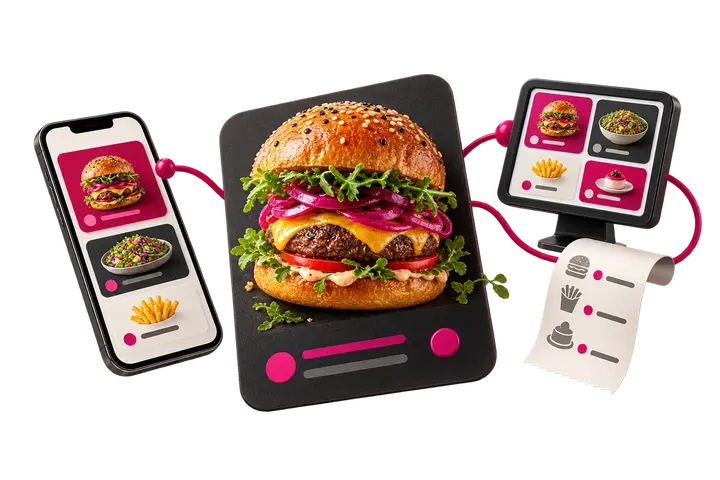
A restaurant can appear organised while showing guests several versions of its menu. A price changes on the phone, yesterday's offer remains on the wall display, and the kitchen receives an old product name. The problem is not the number of screens. It is the absence of an agreed source for what the restaurant currently sells. Nina GO AI brings menu, order and screen management into a shared platform; the operating routine still needs deliberate ownership.
Choose the source before the layout
Start with the product record: name, portion, price, available options and the description approved by the business. These details should have a named owner. A designer can choose a layout, but should not silently decide that a large portion includes an additional side dish. Otherwise the visual becomes an unofficial recipe and a promise the kitchen never approved.
Separate shared information from presentation. A counter display needs short names and readable prices. A phone menu can explain ingredients and options in more detail. An order view must identify what the kitchen should prepare. The screens do not need identical text lengths; they need compatible product meaning. This distinction keeps useful design flexibility without allowing contradictory offers.
Treat changes as a small publishing job
Consider a bistro replacing its lunch soup. The owner first confirms the new recipe, portion and price. The menu editor updates the correct product, checks translations and reviews the affected screens. Only then should staff be told that the new offer is available. A casual message saying that the soup has changed is not a publication check.
Nina GO AI's illustrated workflow explicitly separates reviewing a change from approving it. Pending drafts or publishing blockers can keep an edit from becoming public. Staff therefore need to check the actual guest view after the intended publication step, rather than assuming that a successful edit already reached every surface.
Check the journey a guest actually follows
Scan a table code using an ordinary guest phone. Open the menu board from the position where somebody queues. Build a sample order using the changed item and its relevant options. Compare the final wording with the kitchen's understanding. A central record is useful only if the published journey presents it correctly.
Pay attention to smaller mismatches. A photograph can still show a garnish that has been removed. A translated name may imply a different cooking method. A combo label can hide whether a drink is included. Record the discrepancy precisely, identifying the surface and the product, so that the team fixes its origin rather than adding another handwritten explanation.
Include the copies outside the platform
Printed flyers, saved social images and third-party listings need their own review. A central menu does not automatically rewrite an image already shared elsewhere. Keep a short distribution list showing where current offers appear and who can change them. When an offer ends, that list becomes as useful as the menu editor itself.
This also changes how staff share information. Link to the current menu where practical instead of repeatedly exporting static price cards. If a campaign genuinely needs a fixed image, give it an owner and an end condition. Staff should know which channel is authoritative when an old screenshot returns in a customer's message.
If a change happens during a busy period, agree the responsible person beforehand. The employee who notices a new price on the till and an old offer on the wall should know whom to contact. That person checks the difference and explains the valid offer. A complicated report is unnecessary; clear ownership and an accessible product record are a practical beginning. New colleagues should train from the same record so reliable information does not depend on one experienced employee being present.
Match the routine to the chosen plan
The available update workflow and included functions depend on the selected Nina GO AI plan. Check the current plan details and the intended operating arrangement before promising continuous live management to a team. A small café with occasional changes has different needs from a busy venue adjusting offers during service.
A useful handover can be brief: what changed, who approved it, where it was checked and what remains to update elsewhere. Keep that record understandable to the next shift. When questions recur, improve the product information at its source. The real benefit of a central menu is not that every channel looks identical; it is that guests and staff can rely on the same offer.



