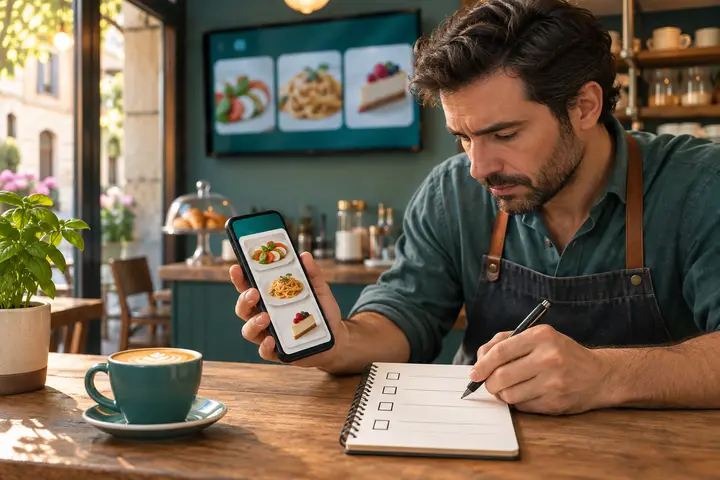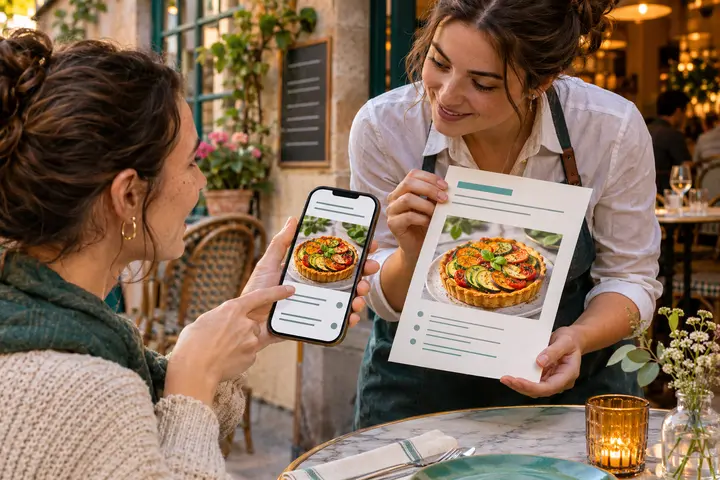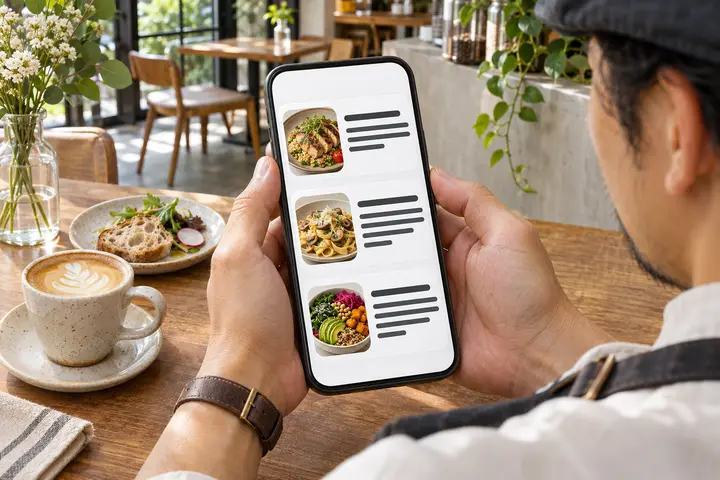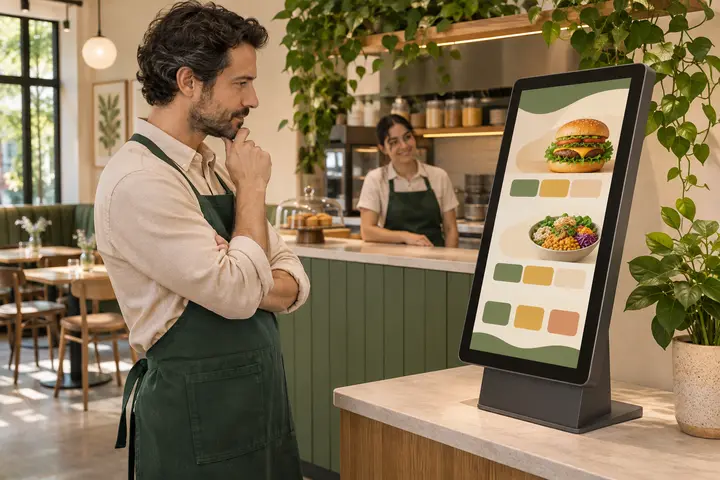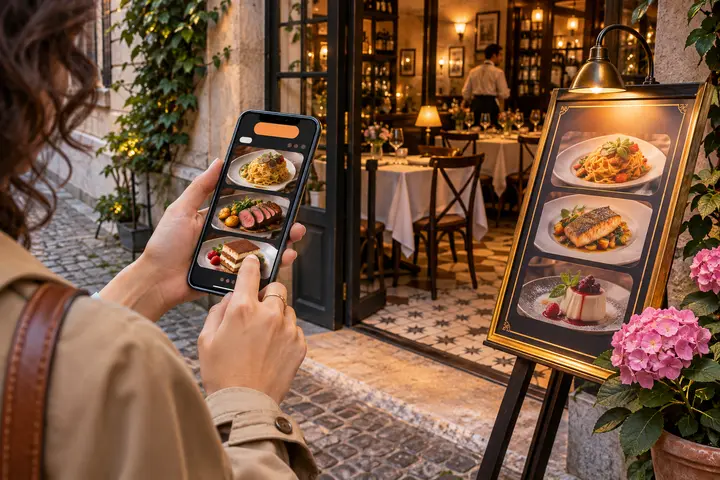
QR menu restaurant entrance planning starts with a simple guest question: can I see what you serve before I walk inside? A restaurant owner can answer that question with a clearly placed menu link and a calm invitation to browse. The purpose is to make the current food offer easy to inspect while a visitor decides whether the restaurant suits the occasion. It does not promise that every visitor will enter or that an entrance sign will improve search rankings. Treat the entrance as a real service point with its own viewing conditions.
Where should the entrance menu stand?
Walk toward the restaurant as a new guest would. Notice where someone can pause without blocking the door, the pavement or the route used by staff. Place the invitation where that pause feels natural. A sign hidden behind an open door may be visible from inside while remaining useless to someone arriving from the street. This is a practical placement recommendation, rather than a claim that Nina GO AI can measure foot traffic or decide the position automatically.
Check the sign from the direction people actually approach. Reflections, shadows and the angle of the phone can make an attractive layout difficult to scan. Keep enough clear space around the code and avoid placing it on a curved surface. Ask a colleague who did not design the sign to try it without instructions. Watch whether they notice the menu invitation and whether they can stand safely while opening it. Fix the placement before adding more promotional language.
Tell guests what the link opens
Use a short invitation that names the menu and explains the next action. Avoid implying that scanning reserves a table or places an order. Nina GO AI offers a QR menu that opens on a phone and a business website link. Those are useful ways to show your offer, but a menu invitation should describe the destination guests will actually reach. The product workflow explains the verified route from menu material to a reviewed digital menu.
Choose wording that fits your guests and your restaurant. A café might invite passersby to browse drinks and food; a takeaway business might point to the dishes currently offered. Do not put claims about stock, opening hours or dietary suitability on the sign unless the business can keep them accurate. The menu does not replace a member of staff when someone needs clarification about ingredients. Offer a simple way to ask rather than presenting generated descriptions as authoritative answers.
Review the first menu view
Open the public destination on a phone before you print the sign. Check that the business identity is clear, the categories make sense and a visitor can find representative dishes without knowing your internal naming system. A guest deciding whether to enter may have a different question from someone already seated. They need to understand the type of food and read the relevant descriptions, not navigate through a long explanation of your tools.
Nina GO AI can read menu photos, a PDF or an existing QR menu link, and the business checks the extracted information. Compare names, ingredients and categories with the approved source. Never fill missing allergen information with a guess. If the destination does not open, use the guest access check to distinguish the failed step from a content problem. Confirm the actual address before using a troubleshooting link in a staff note.
Make the entrance part of handover
Assign responsibility for checking the sign after a menu change and before service. Record which public address it opens, where the printed original is kept and who can replace a damaged copy. The QR destination guide explains why the destination matters when deciding whether a printed code needs replacing. A physical sign can remain in place while the linked information changes, so inspect both parts rather than assuming one proves the other is current.
Ask a colleague to repeat the guest journey after your next update: approach the door, notice the invitation, open the menu and find a dish. Record observations without inventing conversion figures. Keep a readable alternative for guests who prefer to ask for the menu directly. For current terms, see the pricing page. To try the verified workflow with your own restaurant menu, test Nina GO AI for free and review the result before placing the entrance invitation into service.