
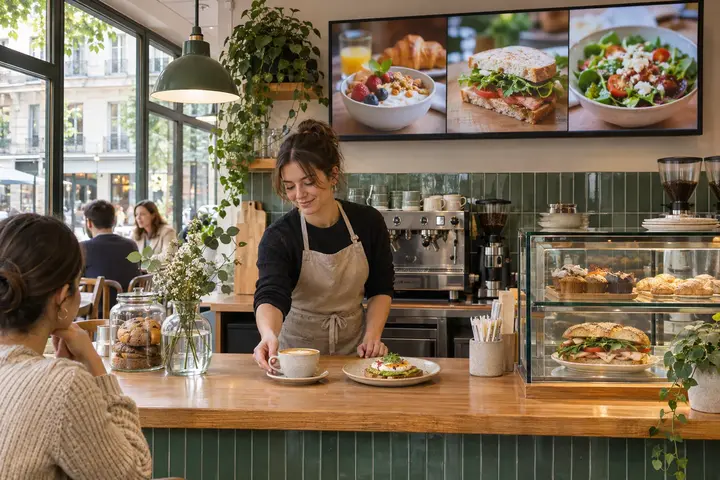
A café digital menu board shows what customers can order right now. A QR menu gives them room to look up what comes with a dish and read allergen information checked by the café. When breakfast gives way to lunch, tie the change on both displays to what your kitchen is ready to serve.
When should a café digital menu board switch to lunch?
Picture a regular coming in for eggs on toast as the kitchen sets out the soup of the day. The last portion of eggs may still be available while the soup is being finished. If the lunch board goes up early, someone will try to order a bowl before the kitchen can serve it. Give the person working the till a clear signal from the kitchen. A quick word when the soup is ready works even when service slips behind the usual time.
Decide what stays visible throughout the change. If filter coffee, cake and a toasted sandwich are available all day, give them familiar places that customers can find at any hour. Put dishes with a shorter window into their own section. At weekends, a café might keep its cooked breakfast on for longer. An explicit handover gives the weekend team a chance to reflect that difference in the offer customers actually see.
Check the view from a table as well. Someone who has already sat down may have opened the QR menu while breakfast was still on. The team needs to know what it can honour and how to explain an item that has just sold out. Before the rush, agree on who changes the display and who opens the table link to check the current selection.
What belongs on the board and in the QR menu?
The board helps someone at the back of the queue decide where to start. Give the current dishes short names, readable prices and enough space to make each option distinct. Stand where customers usually wait and see if you can recognise today's lunch without moving closer. A photograph that looks like the sandwich the kitchen actually serves can carry more meaning than an extra line of small print.
On the phone, explain whether the soup includes bread, whether there is a choice of side and where diners can find checked ingredient information. Use the same name on both displays. If the kitchen calls it a cheese toastie, keep that name where people scan, browse and order. Consistent wording helps a customer match a dish they spotted on the board to the details on their phone.
| What the customer needs | Where it fits |
|---|---|
| A quick look at today's hot food | The current section on the board |
| The bread and side that come with a dish | The QR menu entry for that dish |
| Details about an ingredient or preparation | Checked dish information and a member of staff |
How do you put a seasonal drink in the spotlight?
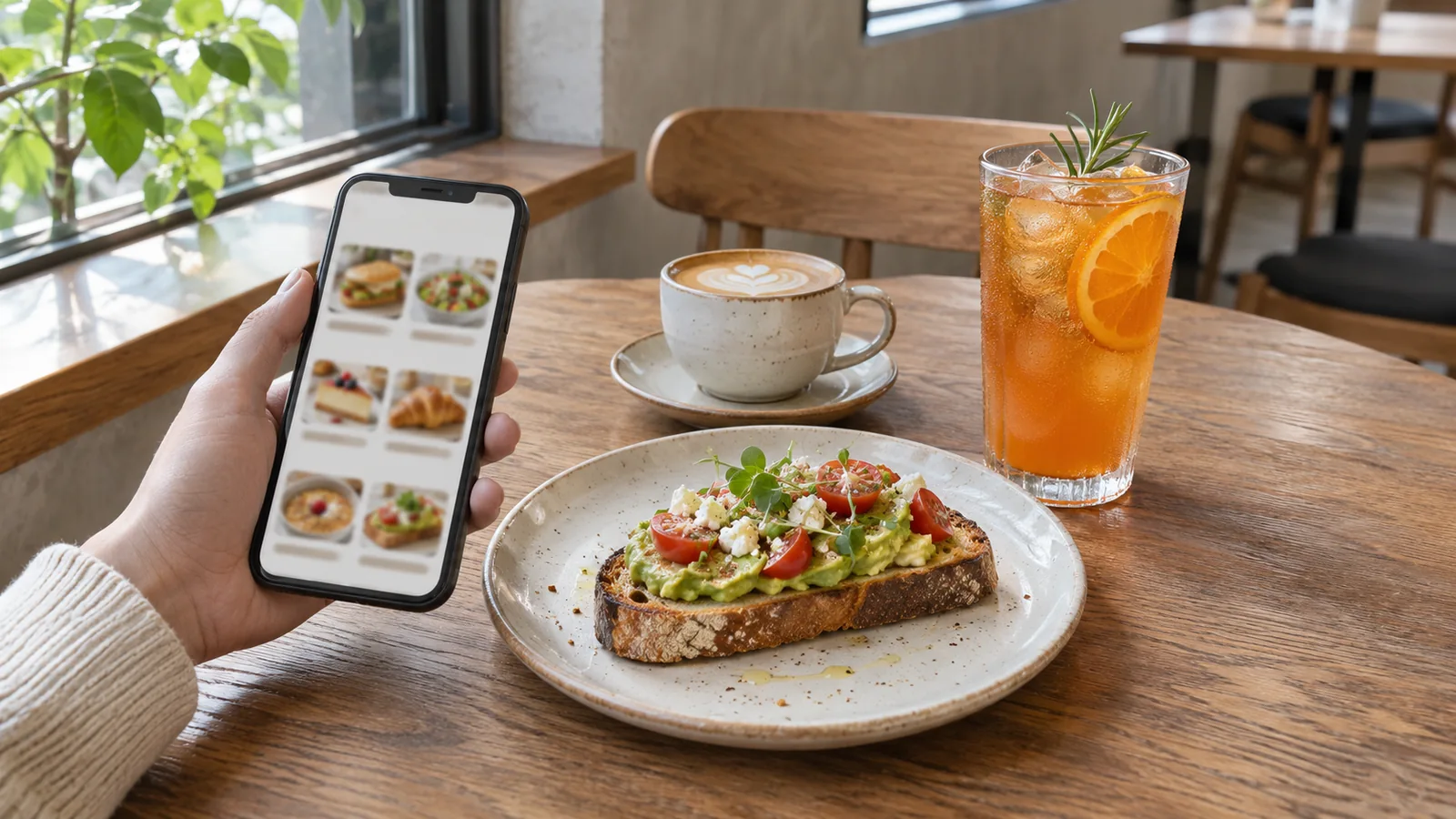
Suppose you want to introduce an iced orange tea with lunch. Give it a clear name and a photo on the board. In the QR menu, say what the drink tastes like and what it is made with. A guest deciding between a sparkling drink and a tea should be able to tell which one they will get. If they can pair it with a toastie, make it clear whether the combination is a set offer or two separate items.
Agree how the drink will come off the menu before it goes on. If the café runs out of its citrus base, check the main display, the phone view and any lunch deal that mentions it. This gives the person on the till one clear answer when someone points at a photo. The same habit helps when a new garnish changes what the guest sees in the glass.
Who keeps the allergen details up to date?
Have the kitchen confirm the actual recipe and relevant supplier information. The person looking after the menu can then update the entry and any choices that change the ingredients. For a toastie that might include a different bread or spread. For a seasonal drink it could be a premixed base with a changed ingredient list. Check the exact version served that day, even if the product name stays the same.
Guests may ask about shared equipment or how a dish is handled. Give front-of-house staff a named person in the kitchen who can answer questions about preparation. When starting from a photograph of an old menu, check the result against what the café serves today. This gives the guest something useful to read and the team a clear way to deal with individual questions.
Which Nina GO AI package fits your café?
Nina GO AI can prepare a digital version from a photo of your existing menu. Review the names, prices and descriptions before putting it in front of customers. QR Menu fits a café that wants a shareable menu customers can open on a phone. Static USB Video is available if you want to play a prepared display on a TV. Your menu is made into a high-quality MP4 that you play via USB. To change the display, use the updated file.
For frequent changes during service, Live Cloud sends updates live to connected displays and includes four screens and the QR menu. If you ask Nina to change a price by voice, you get a preview to check and approve before publishing. See the package comparison and the photo-to-menu workflow.
You have three days to try a full breakfast-to-lunch handover with your own menu in the demo.
- Set aside the dishes that end with breakfast and keep the all-day favourites visible.
- Ask the kitchen to call out when the lunch dish can be ordered.
- Read the board from the queue, then open the QR menu from a table.
- Compare the name, price and dish details. Have the team show where they would verify a question about a changed ingredient.
Frequently asked questions
Do I need a different QR code for lunch?
You can keep the same QR code if it points to the same menu link and you keep that menu current. Open it at the table after the change to make sure the lunch offer is there.
Does the USB video switch menus by itself?
Static USB Video plays the MP4 you have selected. If you prepare a separate video for lunch, select the lunch file when service changes.
Who confirms the allergen information?
Your café confirms it against the current recipe and supplier information. Questions about preparation go to the team responsible for the dish.



