Skip to content
FOR MENUS THAT CHANGE OFTEN

Live Cloud
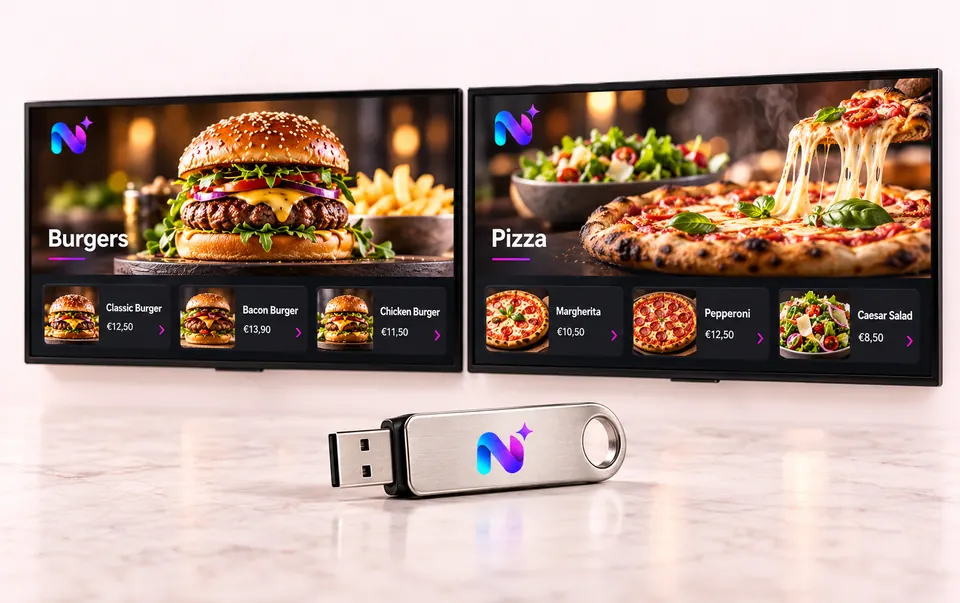
Your Design workshop screens update the moment you publish a change.

Menu board, QR menu, website and ordering in one system. Change things by speaking and use AI to create menus, images and videos.

59 €Per month
Net · 4 screens included + device 499 € (one-time, setup included)
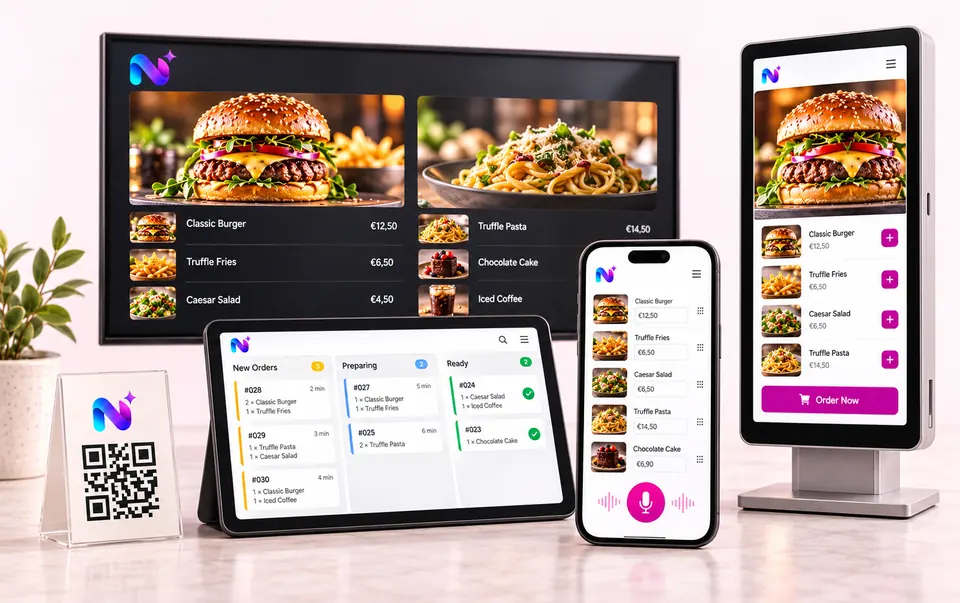
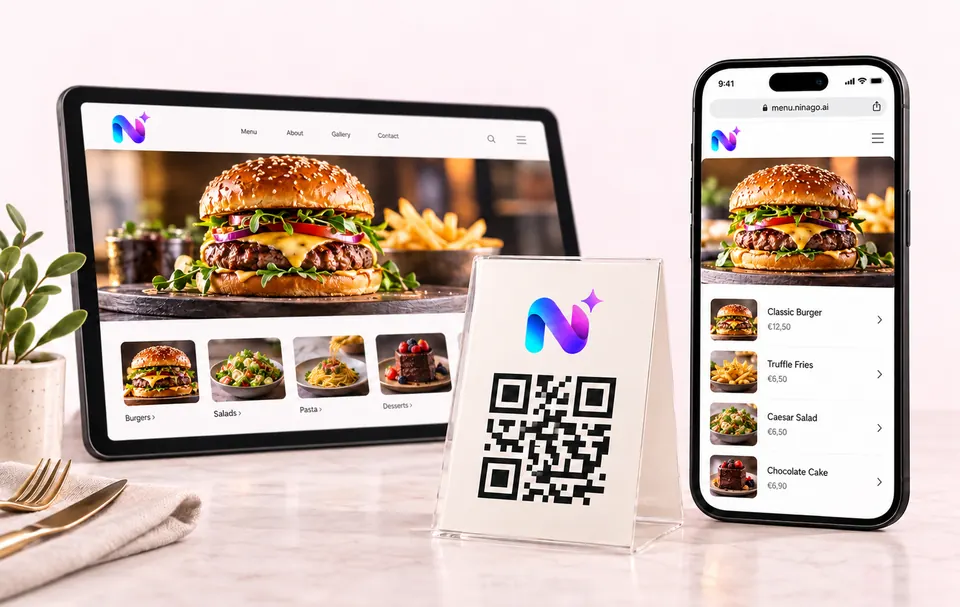
Live menu on a menu board, kiosk, tablet, phone and QR card

Who is this package for?

If you recognise yourself in one of these descriptions, you’re in the right place.

Those whose menu changes often

The menu of the day, promotions and price changes reach your Design workshop screens once you publish them.

Those who want to take ordering digital

Orders from the table and the kiosk are gathered on one kitchen screen.

Owners short on time

You make changes by speaking, without sitting down at a computer.

IN ACTION

Watch how it works.

With an example restaurant, step by step.

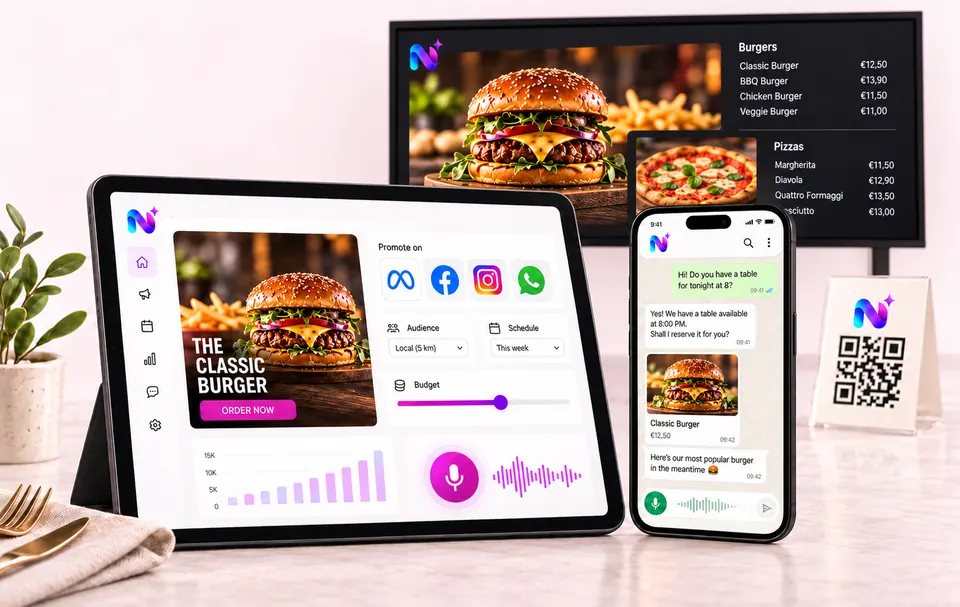
  1. Change it by speakingSay it, confirm and publish, and the price appears on your Design workshop screens.
  2. Ordering from the tableThe guest orders by QR code and it lands in the kitchen.
  3. Ordering at the kioskThe kiosk screen connects to the same system.
  4. Menu wizardAI helps you build your menu.
  5. Create images and videosPrepare images and videos for your products.
Example restaurants · illustrative screens
WHAT DOES IT DO?

What does each feature change in your restaurant?

A short explanation and an example of use.

Changes by voice

You say it and your menu changes.

ExampleYou say “Set Classic Burger to 14.90”, confirm the change and publish it; the price updates on your Design workshop screens.

Updates when you publish

The screens you design in the Design workshop draw on your menu; published changes appear on them. A ready menu board plays the menu it was created with; for the current menu you create a new board.

ExampleYou remove a sold-out item and publish the menu; it disappears from your Design workshop screens too.

Ordering from the table

The guest opens the menu by QR code and orders, and the order lands in the kitchen.

ExampleTable 4 orders two burgers and they show up on the kitchen screen at once.

Ordering at the kiosk

The kiosk screen is connected to the same ordering system.

ExampleThe guest chooses at the kiosk and the order goes to the same kitchen screen.

Menu wizard

AI helps you build your menu.

ExampleYou complete categories, products and images step by step.

Image and video creation

You prepare images and videos for your products.

ExampleYou create a product image and a promo video for your new burger.
EXAMPLE SCENARIO

A day at Köz Burger

  1. Morning

    A price changes

    You say it on your way to the kitchen, confirm and publish, and your Design workshop screens update.

  2. Lunch

    Busy with orders

    Orders from the table and the kiosk are gathered on the same kitchen screen.

  3. Evening

    A new product

    An image and a video are created for the new product and it is added to the menu.

PRICE AND DETAILS

What’s in the package, and what does it cost?

RecommendedLive menu on a menu board, kiosk, tablet, phone and QR card

Live Cloud

Live Control

  • Screen link
  • Updates
  • Orders
  • AI

Your menu opens through a screen link. Your Design workshop screens update the moment you publish a change.

59 €Per monthNet · 4 screens included + device 499 € (one-time, setup included)

No commitment. You can cancel any time, effective at the end of the billing period.

4 screensIncluded
Ordering system (kiosk)Included
WebsiteIncluded
QR menuIncluded
Monthly total59 € / month
Device (setup included)499 € One-time
  • Created automatically from a photo of your menu
  • 7-day free trial: review and edit
  • Screen link: opens on a TV with a compatible browser or on a connected device
  • Access to the food image library
  • Published changes appear on your Design workshop screens

AI tools

Voice controlMenu wizardMenu creationStatisticsCompetitors
Try it first, carry on if you like it.