Skip to content
FOR RESTAURANTS WITHOUT SCREENS

QR Menu
Your menu at the table and online.

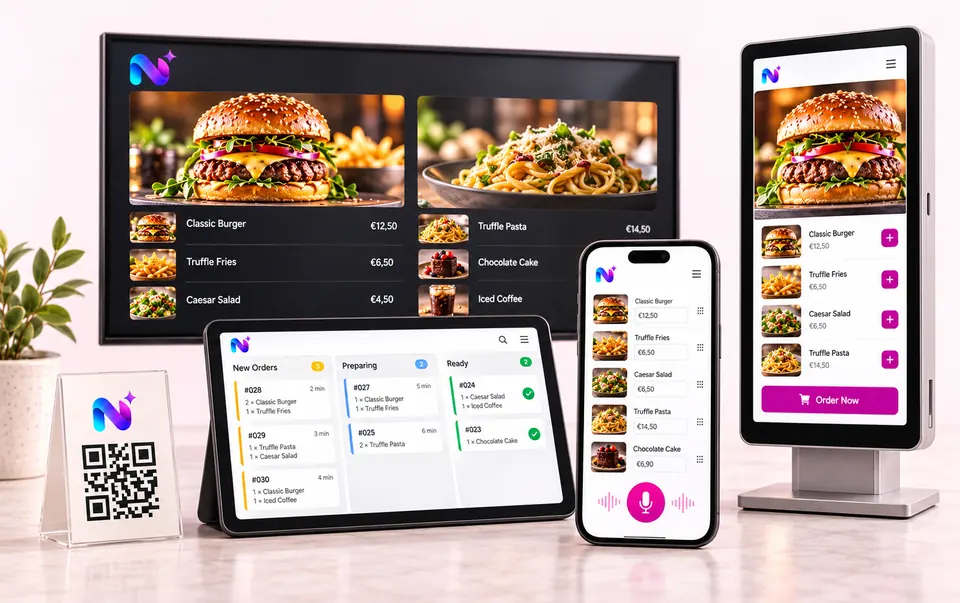
Your menu is created from a photo of your menu card, published at your own address and opened on the guest’s phone. No screen needed.

29 €Per year
Net
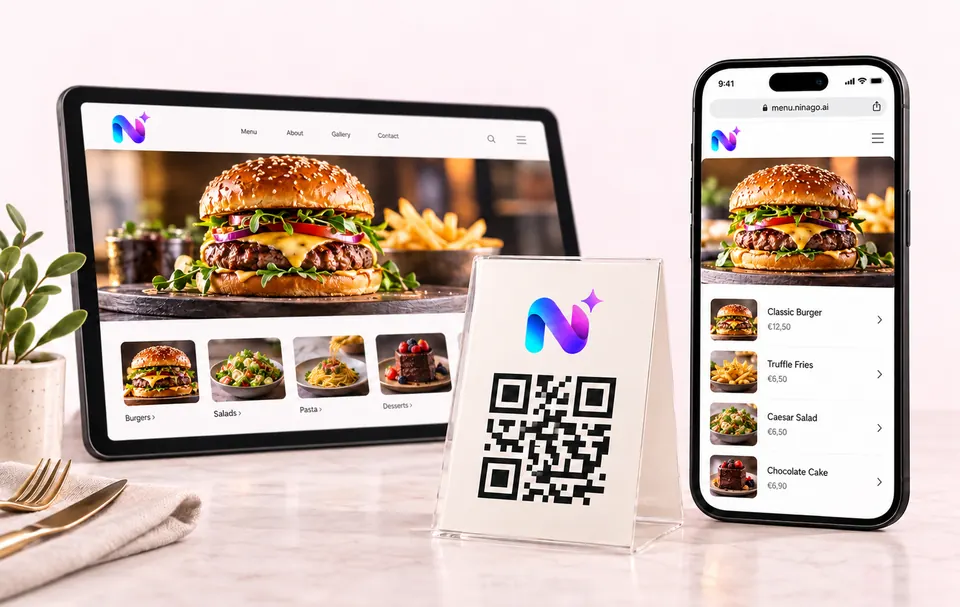
Digital menu on a tablet and phone, table card with QR code

Who is this package for?

If you recognise yourself in one of these descriptions, you’re in the right place.

Restaurants without screens

Cafés, eateries and bistros go digital without setting up a menu board.

Those who want to stop printing

Instead of reprinting every time the menu changes, you update your menu.

Those who want to be found online

You get a dedicated address (e.g. akdenizrestoran.ninago.ai) and share the link wherever you like.

IN ACTION

Watch how it works.

With an example restaurant, step by step.

  1. Upload the photoYour menu photo is read and the products and prices are extracted.
  2. Your address is createdYour own address, like akdenizrestoran.ninago.ai.
  3. Your menu is liveProducts and prices are listed online.
  4. QR at the tableThe guest scans it with their own phone and the menu opens.
  5. Price changed?Update prices and menu items for free at any time from your admin panel.
Example restaurants · illustrative screens
WHAT DOES IT DO?

What does each feature change in your restaurant?

A short explanation and an example of use.

QR menu at the table

Guests scan the code with their own phone and your menu opens.

ExampleThe guest at Table 4 scans the code and sees the soups and prices.

Your dedicated address

Your menu is published at an address that belongs to you and can be shared.

ExampleYou put the akdenizrestoran.ninago.ai link on your Instagram profile.

Menu from a photo

Products and prices are created automatically from a photo of your menu.

ExampleA photo of your paper menu is enough; you don’t type in each product.

Food image library

You pick images for your products from the library.

ExampleYou choose a suitable image for the grilled sea bass and add it to the menu.

7-day free trial

Before buying, you review and edit everything for 7 days and see your QR menu and website live on your phone. When the trial ends, your account is locked and your content is not deleted.

ExampleYou correct a price and publish it with “Publish menu”; it then shows in your QR menu and on your website.

Free price updates

1 year included. Update prices and menu items for free at any time from your admin panel.

ExampleEnter the new soup price in the admin panel and publish your menu.

* Updates made through the admin panel are free. AI tools require credits.

EXAMPLE SCENARIO

Akdeniz Restoran’s first week

  1. Day 1

    Photo uploaded

    Products and prices are extracted from the menu photo and the trial account is ready.

  2. During the trial

    Final checks

    Prices are checked, images chosen and the QR menu and website viewed live on a phone.

  3. After buying

    At the table and online

    QR codes go on the tables and the address goes on Instagram. There is no monthly payment all year.

PRICE AND DETAILS

What’s in the package, and what does it cost?

Digital menu on a tablet and phone, table card with QR code

QR Menu

Menu and Website

  • QR code
  • Website
  • Phone
  • Images

Your menu by QR code at the table and online on your own website.

29 €Per yearNet
QR menuIncluded
WebsiteIncluded
  • Created automatically from a photo of your menu
  • 7-day free trial: review and edit
  • QR menu and website live on your phone during the trial
  • Access to the food image library
  • Your own website link to share
  • Valid for 1 year

How your menu is created

  1. Upload a photo of your menu.
  2. Your menu is created automatically with products and prices.
  3. Review and change it free for 7 days. When the trial ends, your account is locked and your content is not deleted.
  4. Buy it, put your QR code on the table and share your website link.

Menu update

Free price updates*
Try it first, carry on if you like it.